![How to Fix the BitLocker Recovery Screen [8 Working Solutions]](https://images.minitool.com/partitionwizard.com/images/uploads/2022/04/bitlocker-recovery-key-bypass-thumbnail.jpg)
How to Fix the BitLocker Recovery Screen [8 Working Solutions]
Looking for a BitLocker recovery key bypass? Learn whether it’s possible to unlock BitLocker without a password or recovery key, and the best ways to fix the issue safely.
Almost everyone have been troubled by data loss due to a variety of reasons. What should you do when data loss occurs? No matter you are a gamer, a Windows user or USB holder, you are able to find an effective method to recover your lost data under this Disk Recovery category.
For game fans, MiniTool Partition Wizard is an essential emergency tool for disaster recovery. With the help of this data recovery software, gamers can recover the lost game data once PS4 external hard drive stopped working, PS4 database error, PS4 corrupted data, etc.
For Windows users, MiniTool spares no efforts to recover lost data and partitions caused by various tricky problems. It is well known that Windows PC often runs into many error codes like Kernel Mode Heap corruption, Windows fails to start, Windows boot error 0xc0000098, bad system configuration, WHEA_UNCORRECTALE_ERROR, etc.
For storage devices, the MiniTool software is an ideal choice as well. It can be used to repair SD card, corrupt USB, external hard drive, and TF card. Up till now, it has helped fix some common issues like “the last USB device malfunctioned” and “the selected disk is not a fixed MBR disk”.
Of course, this is not all. See more details in the following posts.
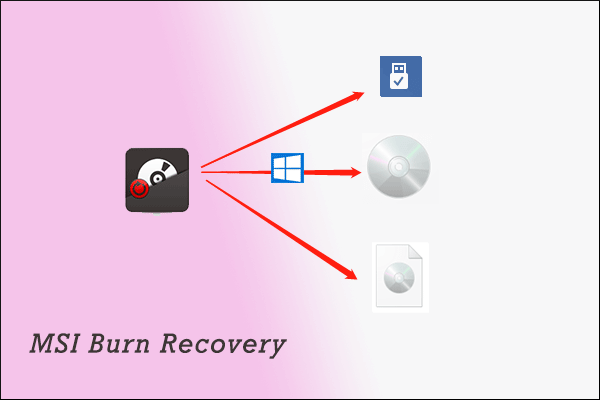
Are you using an MSI desktop or laptop? Have you ever created a Windows recovery disk with MSI Burn Recovery on your MSI computer? Here is how to use this tool.
Have you come across the OneNote crashing issue? If you are still trying to fix it, you come to the right place. This post explores several effective fixes.
An SD card can be used on many devices, and lots of people wonder how long it works. Well, the topic of SD card lifespan is discussed in this post.
![The System Cannot Find the Drive Specified [3 Cases]](https://images.minitool.com/partitionwizard.com/images/uploads/2021/09/the-system-cannot-find-the-drive-specified-thumbnail.png)
This post offers up to 9 methods to solve "the system cannot find the drive specified" error. You can choose one according to your condition.
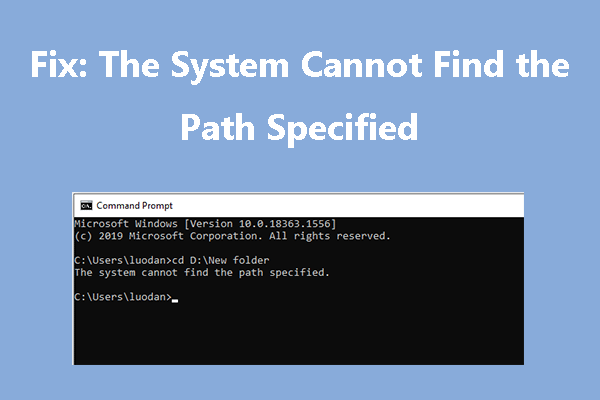
Learn why the “The system cannot find the path specified” error occurs and discover 5 proven solutions to fix it on Windows, including PATH, registry, etc.
![Recover Permanently Deleted Facebook Messenger Messages [5 Methods]](https://images.minitool.com/partitionwizard.com/images/uploads/2021/08/recover-permanently-deleted-messages-on-facebook-messenger-thumbnail.jpg)
Learn how to recover permanently deleted Facebook Messenger messages. This post explains 5 methods, including backups and the Download Your Information feature.
Experiencing a Windows 11 black screen? Learn why it happens and how to fix Windows 11 black screen after startup, login, or update with proven solutions.
Is it possible to recover the deleted emails from Gmail? This post that focuses on Gmail recovery answers the question.
![What Does It Mean to Format an SD Card [Full Guide]](https://images.minitool.com/partitionwizard.com/images/uploads/2025/09/what-does-format-sd-card-mean-thumbnail.png)
A full format of an SD card erases all existing data and rebuilds the file system. This article introduces four methods for formatting an SD card.
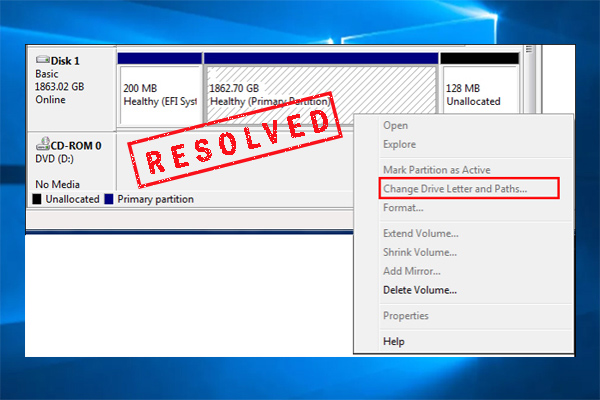
Fix the “Change Drive Letter and Paths” greyed-out issue in Windows. Learn why it happens and how to assign a drive letter using simple solutions.