
The Best Free Partition Magic Tool for Windows 11/10
Norton Partition Magic is not available any more. This post introduces an alternative to this software—MiniTool Partition Wizard Free.
Norton Partition Magic is not available any more. This post introduces an alternative to this software—MiniTool Partition Wizard Free.
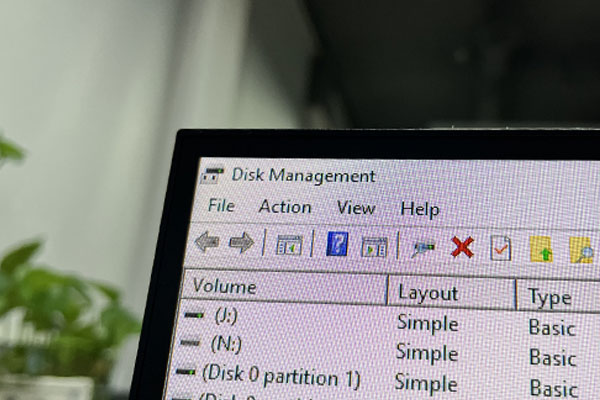
This category covers multiple issues you might run into when using Windows computer:
Disk management: How to manage your partitions and disks better on Windows computers? Give MiniTool Partition Wizard a try. The Partition Magic category contains multiple guides on how to how to delete recovery partition, recover lost partitions on SSDs, test USB drive speed, analyze full hard drive space, etc. using MiniTool Partition Wizard.
System issue troubleshooting: How to solve system issues? Under the Partition Magic category, you can find detailed tutorials on solving hot system issues like Critical Process Died, DPC Watchdog Violation, and more using the software.
Game issue troubleshooting: You can also get help from the Partition Magic category when running into game issues such as Minecraft LAN not working, Epic Games Launcher not working, etc.
Go and choose a guide works best for your case to manage disks, solve system issues, or troubleshoot game issues.
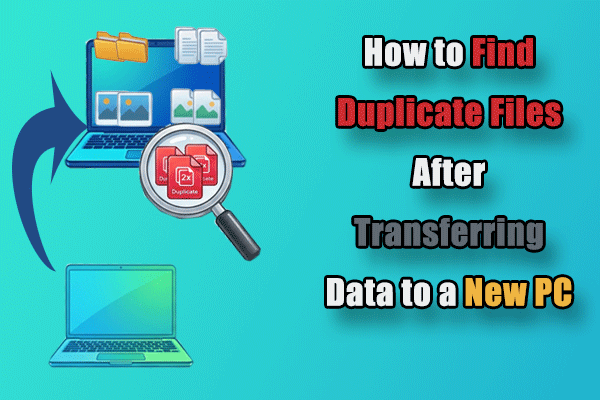
Learn how to find duplicate files after transferring data to a new PC using Windows tools and MiniTool Partition Wizard’s Duplicate Cleaner.
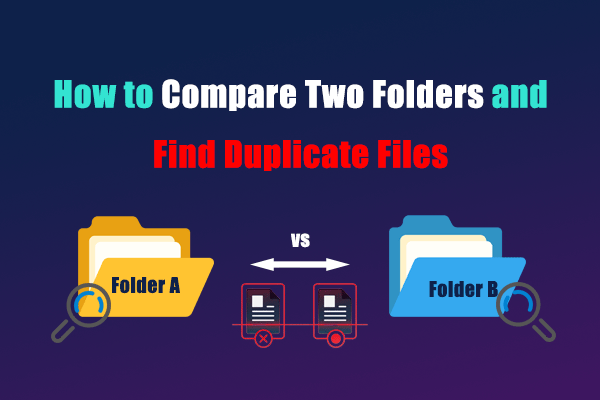
Learn how to compare two folders and find duplicate files on Windows, using manual checks or a duplicate cleaner to review copies safely.
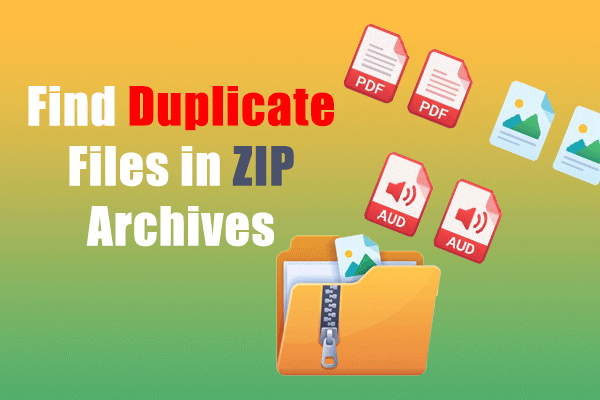
How to find duplicate files in ZIP archives on Windows. Extract, scan, and remove them with MiniTool Partition Wizard’s Duplicate Cleaner.
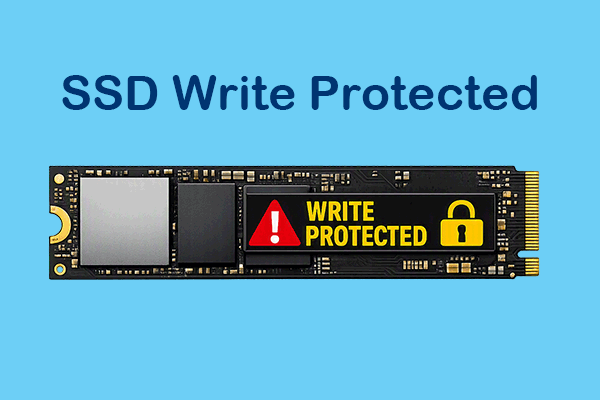
SSD write-protected? Learn why it occurs and how to remove write protection using DiskPart, Registry, Group Policy, and other practical fixes.

Learn what full disk encryption is, how it works, and how BitLocker and Device Encryption protect Windows 10/11 PCs.

Learn how to remove BitLocker from USB without losing data. Follow simple methods using File Explorer, Control Panel, or MiniTool Partition Wizard.

This article tells you how “used space only” and “full drive encryption” work, which option to choose, and how to enable BitLocker encryption.
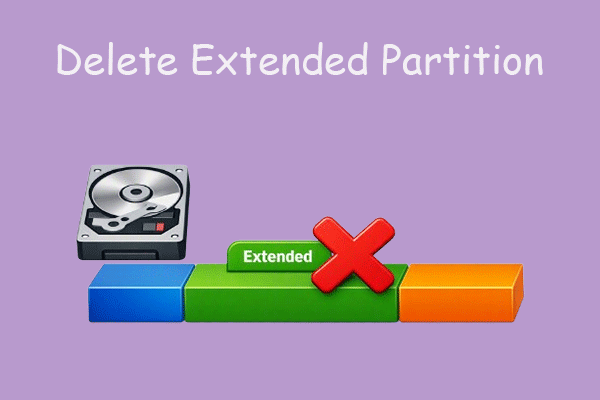
Learn how to delete an extended partition in Windows 11/10 with Disk Management, DiskPart, or MiniTool Partition Wizard safely and easily.
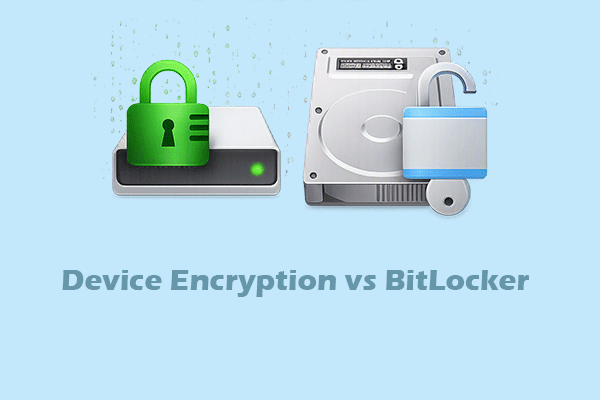
Learn the differences between device encryption and BitLocker, and see how MiniTool Partition Wizard helps manage BitLocker encryption easily.
Learn how to check if BitLocker is enabled using File Explorer, Control Panel, Command Prompt, PowerShell, and MiniTool Partition Wizard.