
Fix: The Directory or File Cannot Be Created Error 0x80070052
When you are trying to copy files to removable media, you may encounter the error 0x80070052. It is annoying, but you can fix it with methods in the post.
When you are trying to copy files to removable media, you may encounter the error 0x80070052. It is annoying, but you can fix it with methods in the post.
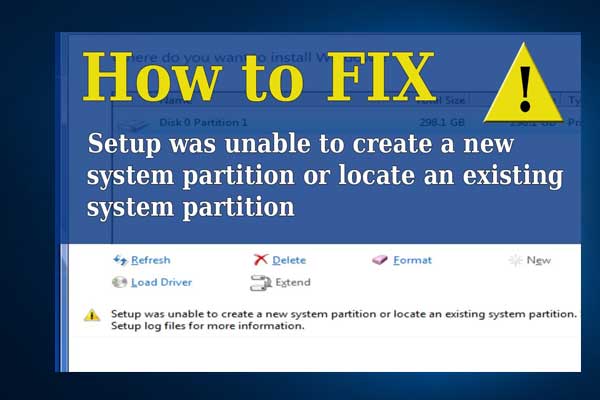
Articles in this category provide effective solutions to various system issues you might encounter on Windows PC, such as BSOD issues, Windows update problems, etc. Also, If you see “Windows cannot be installed to this disk” error, learn the quick skill to install Windows 10 on a new hard drive.
Besides, to get the best performance of your hard drives, you need to figure out GPT VS MBR advantages, how to convert MBR to GPT without data loss, what is FAT32 limitation, NTFS VSFAT32 VS exFAT, which file system is better, and much more.
If you are having trouble in Discord Overlay not working, Print Screen not working, Windows update stuck at 0, etc., you will also get some useful suggestions from this category.
Don’t hesitate to find all you want to know.

This post helps you let Win 10 save data to the selected partition. If you are unsatisfied with the default save location, you can change it after reading.
Do you know how to update your PS4 console? This post shows you how to update PS4 console automatically and manually.

This post explains what spatial sound is and shows you how to enable it on Windows 10.

Do you encounter the error code 0x800f0954 on your Windows 10 PC? Don’t feel confused. This post will give you some effective solutions to fix it.

The error 0x8007045d may occur when transferring files from one storage medium to another. This post will show you other causes and give solutions to you.
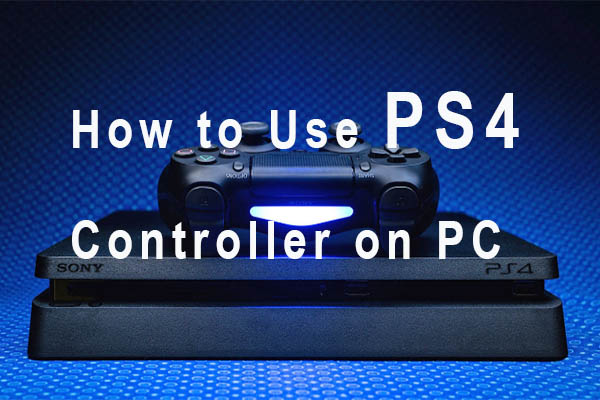
How to use PS4 controller on PC? This is a common question asked by a great number of users. This post will provide you with a full guide.
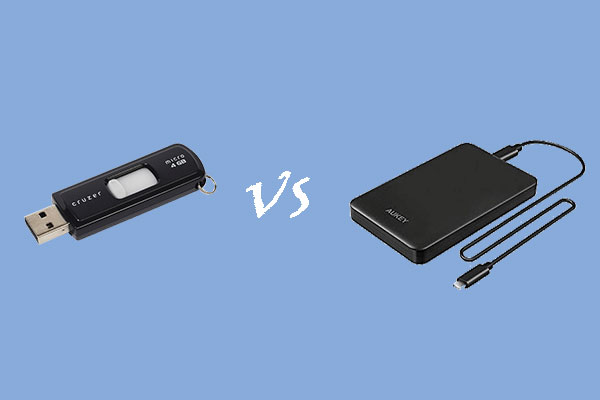
This post explains external hard drive vs. flash drive from 7 factors: capacity, performance, lifespan, durability, portability, price, and use.

This post shows you how to add back the missing battery icon to Windows 10 taskbar with 3 methods.
This post provides you with 6 solutions on solving the problem where PS4 won't turn on.

This article shows you how to take notes with OneNote on Windows 10 and how to manage these notes with ease.