
Fix: The Directory or File Cannot Be Created Error 0x80070052
When you are trying to copy files to removable media, you may encounter the error 0x80070052. It is annoying, but you can fix it with methods in the post.
When you are trying to copy files to removable media, you may encounter the error 0x80070052. It is annoying, but you can fix it with methods in the post.
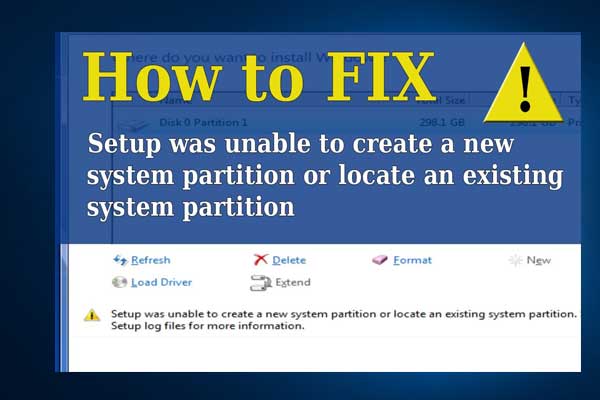
Articles in this category provide effective solutions to various system issues you might encounter on Windows PC, such as BSOD issues, Windows update problems, etc. Also, If you see “Windows cannot be installed to this disk” error, learn the quick skill to install Windows 10 on a new hard drive.
Besides, to get the best performance of your hard drives, you need to figure out GPT VS MBR advantages, how to convert MBR to GPT without data loss, what is FAT32 limitation, NTFS VSFAT32 VS exFAT, which file system is better, and much more.
If you are having trouble in Discord Overlay not working, Print Screen not working, Windows update stuck at 0, etc., you will also get some useful suggestions from this category.
Don’t hesitate to find all you want to know.
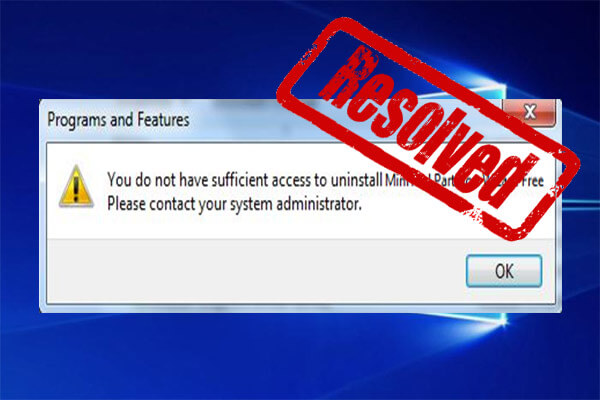
This post provides solutions to the problem that you don’t have sufficient access to uninstall a program. The detailed steps with screenshot are also offered.
This post compares Windows 10X with Windows 10 from two aspects: interface and compatibility.
Learn why your second hard drive is not showing up on Windows and how to quickly fix it with 9 easy solutions.
CLASSPNP.SYS is a BSOD error that many users encounter. Don’t be alarmed, this post will provide you with several methods to fix CLASSPNP.SYS BSOD error.
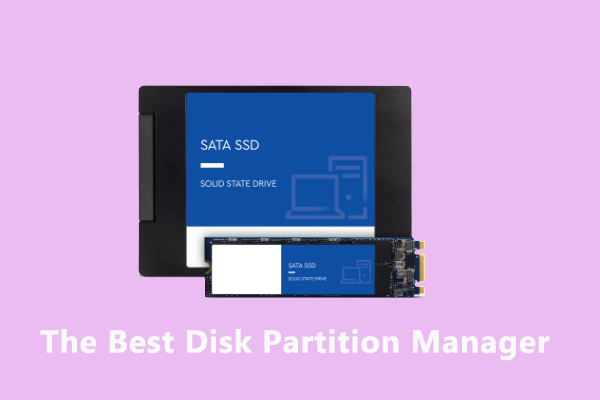
Why do we need to partition SSD, what is the best disk partition manager for SSD and how to get best partitions on SSD? You can find answers from this post.
![[Solved] Windows Update Error 0x8024401c](https://images.minitool.com/partitionwizard.com/images/uploads/2019/11/error-0x8024401c-thumbnail.jpg)
Are you stopped from update Windows by the error 0x8024401c? You can try the fixes introduced by this post to solve the problem.
It is convenient to use the Volume icon on the taskbar to change the sound volume. But this icon is missing from Win 10 taskbar. There’re 5 ways to get it back.
This post shows you how to turn on or off BitLocker without TPM on Windows 10.
![Reactivating Windows 10 after a Hardware Change [with Pictures]](https://images.minitool.com/partitionwizard.com/images/uploads/2019/11/reactivate-windows-10-thumbnail.jpg)
This post shows you how to reactivate Windows 10 after a hardware change, including through a digital license and a product key.
This post shows you how to customize Windows Sandbox environment by creating configuration files.