
The Best Free Partition Magic Tool for Windows 11/10
Norton Partition Magic is not available any more. This post introduces an alternative to this software—MiniTool Partition Wizard Free.
Norton Partition Magic is not available any more. This post introduces an alternative to this software—MiniTool Partition Wizard Free.
![Fix: Critical Process Died Stop Code Error [Top Methods]](https://images.minitool.com/partitionwizard.com/images/uploads/2026/01/critical-process-died-thumbnail.png)
This category covers multiple issues you might run into when using Windows computer:
Disk management: How to manage your partitions and disks better on Windows computers? Give MiniTool Partition Wizard a try. The Partition Magic category contains multiple guides on how to how to delete recovery partition, recover lost partitions on SSDs, test USB drive speed, analyze full hard drive space, etc. using MiniTool Partition Wizard.
System issue troubleshooting: How to solve system issues? Under the Partition Magic category, you can find detailed tutorials on solving hot system issues like Critical Process Died, DPC Watchdog Violation, and more using the software.
Game issue troubleshooting: You can also get help from the Partition Magic category when running into game issues such as Minecraft LAN not working, Epic Games Launcher not working, etc.
Go and choose a guide works best for your case to manage disks, solve system issues, or troubleshoot game issues.
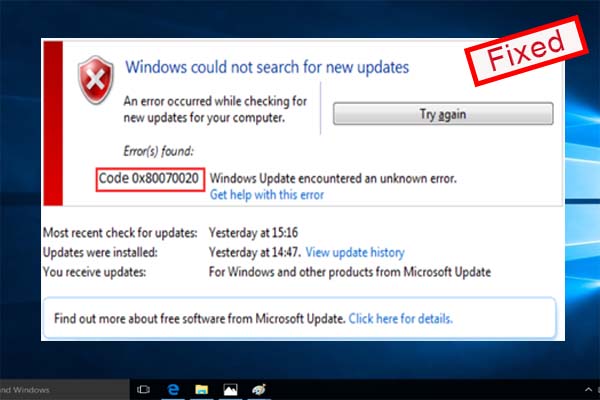
Error 0x80070020 often occurs while you try to install Windows updates. This post mainly focuses on the solutions to fix Windows update error 0x80070020.
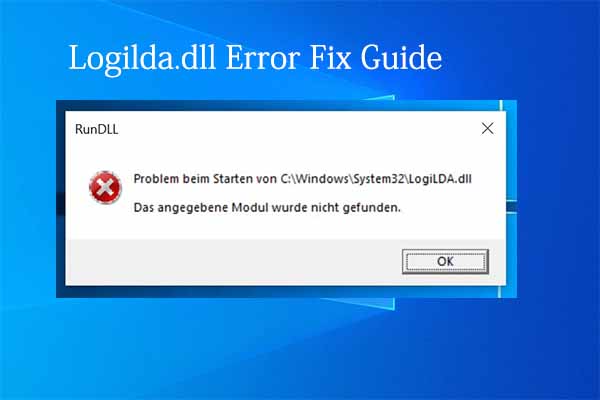
You might once come across the logilda.dll error and bothered by it. In this post, you will learn the causes for logilda.dll and its solutions.
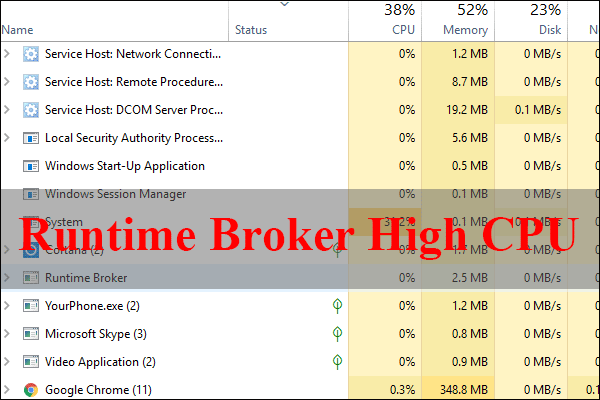
This article will tell you what Runtime Broker is on your computer and how to fix the Runtime Broker high CPU Windows 10/8/7. Check out this post now.
Do you want to convert MBR to GPT during Windows installation? This post displays 2 methods to help you do that. Let’s check what they are.
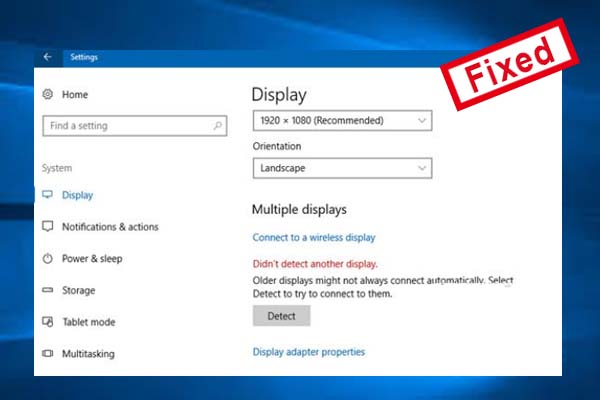
Windows 10 cannot detect your second monitor? Are you still struggling to fix this issue? Here is a guide to fix the issue “second monitor not detected”.
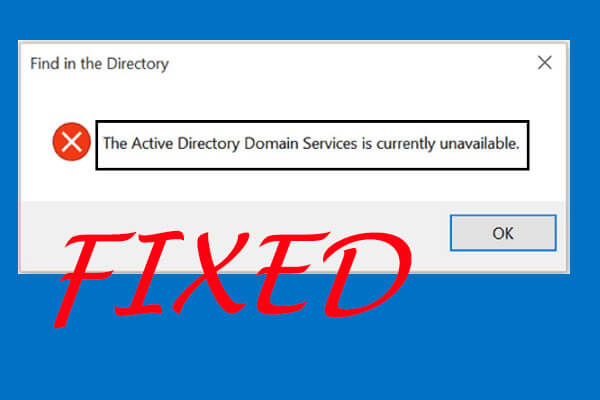
“The Active Directory Domain Services is currently unavailable” is an error related to the work of printers. In this post, 4 fixes are offered to fix the issue.
Have you ever encountered the error of “We couldn’t create the Outlook data file” when you add emails to Outlook? You will learn about 3 fixes from this post.
How to cancel Xbox Game Pass? In today’s article, you will get a full guide to cancel Xbox Game and other related information you may need.
Facing problems after updating Windows? Go back to a previous version of Windows. This post will illustrate how to roll back Windows 10 updates in detail.
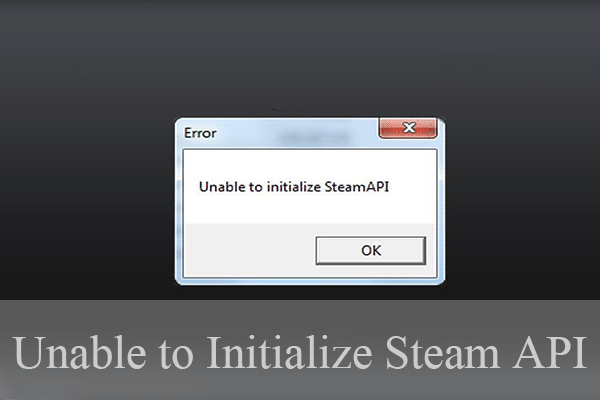
After launching a game on steam, you may receive the error message “unable to initialize Steam API”. How to fix it? This article will show you some solutions.