
Fix: The Directory or File Cannot Be Created Error 0x80070052
When you are trying to copy files to removable media, you may encounter the error 0x80070052. It is annoying, but you can fix it with methods in the post.
When you are trying to copy files to removable media, you may encounter the error 0x80070052. It is annoying, but you can fix it with methods in the post.
Articles in this category provide effective solutions to various system issues you might encounter on Windows PC, such as BSOD issues, Windows update problems, etc. Also, If you see “Windows cannot be installed to this disk” error, learn the quick skill to install Windows 10 on a new hard drive.
Besides, to get the best performance of your hard drives, you need to figure out GPT VS MBR advantages, how to convert MBR to GPT without data loss, what is FAT32 limitation, NTFS VSFAT32 VS exFAT, which file system is better, and much more.
If you are having trouble in Discord Overlay not working, Print Screen not working, Windows update stuck at 0, etc., you will also get some useful suggestions from this category.
Don’t hesitate to find all you want to know.
The professional disk partition software – MiniTool Partition Wizard is a partition manager for Windows Server 2003.
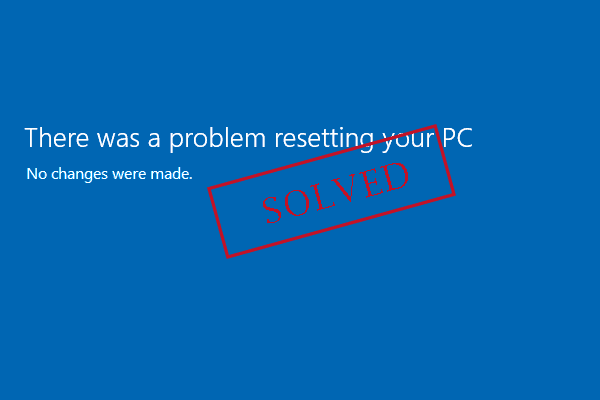
There was a problem resetting your PC? No changes were made? You will find the best solutions here to reset Windows 10.
Check the difference between primary vs extended partition vs logical drive. And how to create and convert between primary, extended, and logical partitions.
Do you know how to show hidden hard disk partitions like OEM, EFI and Recovery partition in an easy and safe way? If not, read this post to get exact ways.
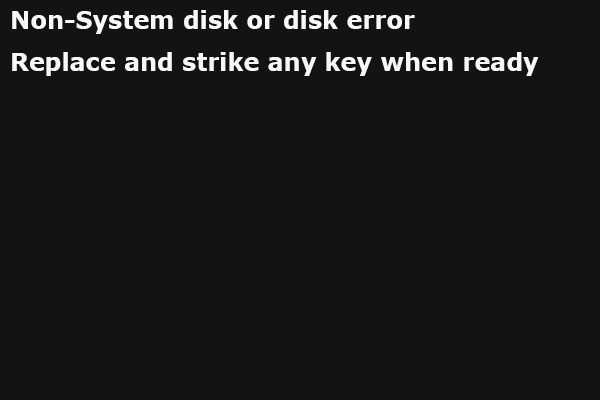
When your computer receive 'non system disk or disk error replace and strike any key when ready', try these 8 solutions here.

Should I buy Intel Optane memory? Or should I get an SSD instead? If you don't know which one to choose, this post may help you make the right decision.
External hard drive not showing up? MiniTool helps you find the best solutions here to deal with hard drive not showing up issue.
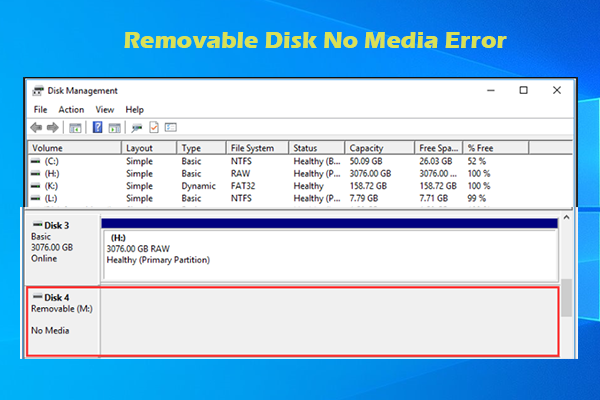
What to do if the USB drive prompts removable disk no media error? Don’t worry! This post offers several fixes for you.
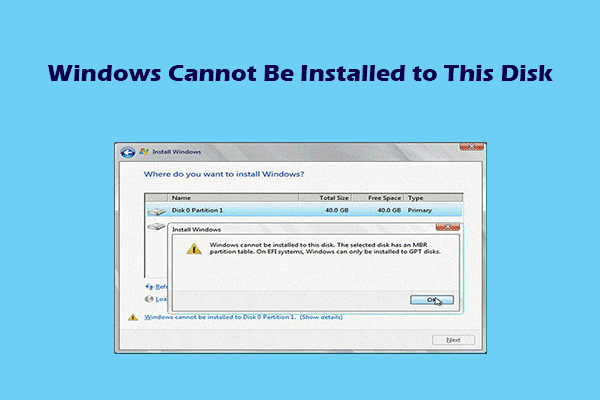
This post lists 5 common “Windows cannot be installed to this disk” errors, explains their causes, and offers corresponding solutions.
In this passage, I will introduce 2 ways to recover files from dynamic disk in Windows to help you get back important files.