
Fix: The Directory or File Cannot Be Created Error 0x80070052
When you are trying to copy files to removable media, you may encounter the error 0x80070052. It is annoying, but you can fix it with methods in the post.
When you are trying to copy files to removable media, you may encounter the error 0x80070052. It is annoying, but you can fix it with methods in the post.
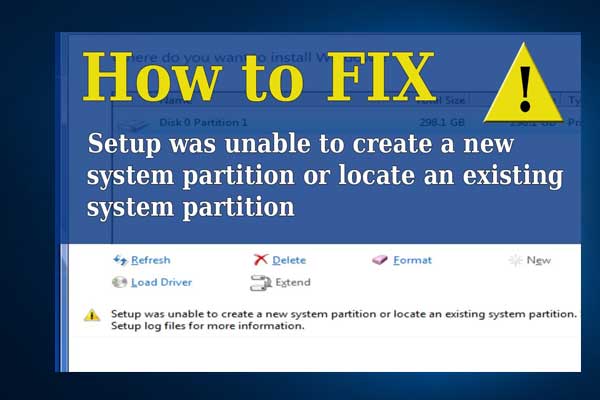
Articles in this category provide effective solutions to various system issues you might encounter on Windows PC, such as BSOD issues, Windows update problems, etc. Also, If you see “Windows cannot be installed to this disk” error, learn the quick skill to install Windows 10 on a new hard drive.
Besides, to get the best performance of your hard drives, you need to figure out GPT VS MBR advantages, how to convert MBR to GPT without data loss, what is FAT32 limitation, NTFS VSFAT32 VS exFAT, which file system is better, and much more.
If you are having trouble in Discord Overlay not working, Print Screen not working, Windows update stuck at 0, etc., you will also get some useful suggestions from this category.
Don’t hesitate to find all you want to know.
This post tells you why your phone is slow and offers 7 ways to help you speed it up again. You can try them one by one.

How to get rid of the error message: The VPN connection failed due to unsuccessful domain name resolution? Follow the solution guide.

This post tells you why an external hard drive for music production is needed and recommends 4 nice options to you.

A lot of people report that Chromebook won’t connect to WiFi. Why wont my Chromebook connect to WiFi? This post analyzes the reasons and provides several fixes.

Are you enjoying music with Spotify? Do you know how to delete playlist on Spotify? Don’t worry if you are confused. Here is a detailed tutorial for you!

How much thermal paste do you need to buy? And how to apply thermal paste to CPU? This post focuses on thermal paste to help you find these questions out.
This post tells you why folders in Outlook are missing and how to retrieve the missing folders. You can try these solutions.

Do you like playing games on PS4? Have you encountered the problem that PS4 won’t turn off? How to solve the problem? Don’t worry. Here are some fixes.

Why does Local Disk G suddenly appear? This post shows you the reasons and the methods to fix Local Disk G suddenly appearing on Windows 10.

This post shows you how to fix defaultuser0 password issue on Windows 10. The way to fix it is easy. Let’s have a look!