
Fix: The Directory or File Cannot Be Created Error 0x80070052
When you are trying to copy files to removable media, you may encounter the error 0x80070052. It is annoying, but you can fix it with methods in the post.
When you are trying to copy files to removable media, you may encounter the error 0x80070052. It is annoying, but you can fix it with methods in the post.

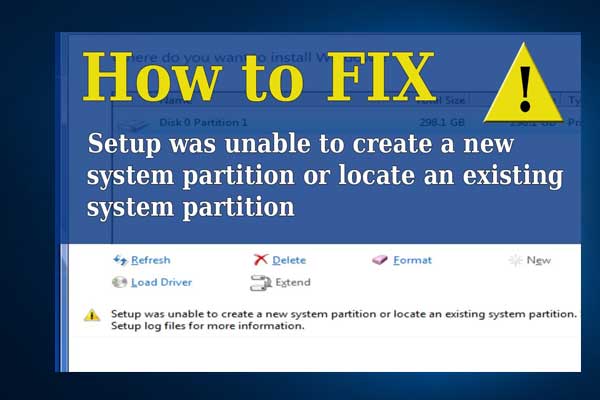
Articles in this category provide effective solutions to various system issues you might encounter on Windows PC, such as BSOD issues, Windows update problems, etc. Also, If you see “Windows cannot be installed to this disk” error, learn the quick skill to install Windows 10 on a new hard drive.
Besides, to get the best performance of your hard drives, you need to figure out GPT VS MBR advantages, how to convert MBR to GPT without data loss, what is FAT32 limitation, NTFS VSFAT32 VS exFAT, which file system is better, and much more.
If you are having trouble in Discord Overlay not working, Print Screen not working, Windows update stuck at 0, etc., you will also get some useful suggestions from this category.
Don’t hesitate to find all you want to know.

This post shows you how to fix automatic repair failure caused by srttrail.txt. You can have a try.

Actually, Wake-on-LAN is very useful for Windows users, not limited to gamers and tech support. This post will show you how to enable Wake-on-LAN in Windows 10.

You may find a partition named PortableBaseLayer in Disk Management after installing Win 10 May 2019 Update. What is it? This article will tell you.

Why Does Steam run slow? This article shows the reasons and what you can do when facing this issue.

This post shows you how to fix not enough physical memory error in VMware.
Learn how to enhance Microsoft Outlook with help from the right add-ins.
“Windows could not configure one or more system components” error can appear when you update Windows. This post shows 5 reliable ways to help you resolve it.
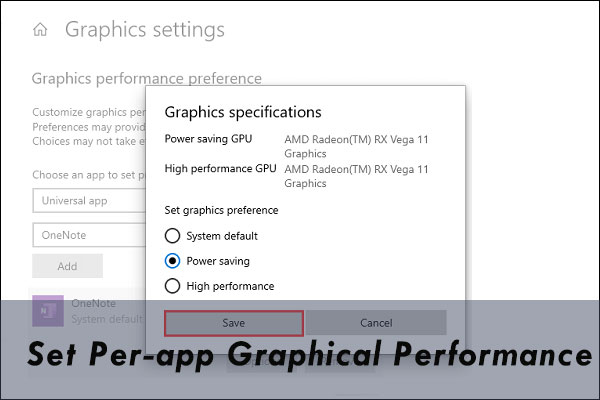
It is a good choice to set per-app graphical performance. You can specify which app can run with a graphics processor. Steps are offered in this post.
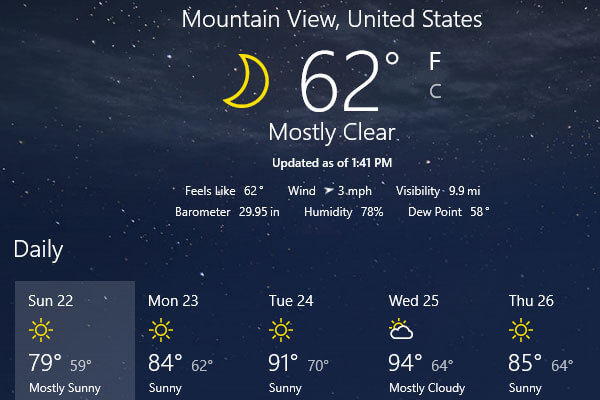
How to fix MSN weather not working error in Windows 10? You can try the 6 solutions offered by this post. It is a good way to reset the Weather app.
Many users reported that mouse left click not working issue sometimes occurs. This post will introduce several effective methods to troubleshoot this problem.