
Fix: The Directory or File Cannot Be Created Error 0x80070052
When you are trying to copy files to removable media, you may encounter the error 0x80070052. It is annoying, but you can fix it with methods in the post.
When you are trying to copy files to removable media, you may encounter the error 0x80070052. It is annoying, but you can fix it with methods in the post.
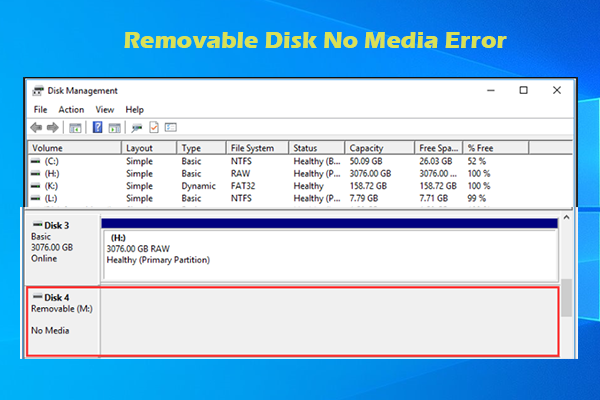
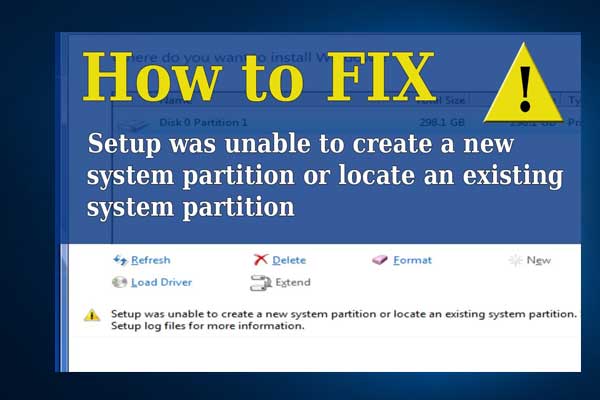
Articles in this category provide effective solutions to various system issues you might encounter on Windows PC, such as BSOD issues, Windows update problems, etc. Also, If you see “Windows cannot be installed to this disk” error, learn the quick skill to install Windows 10 on a new hard drive.
Besides, to get the best performance of your hard drives, you need to figure out GPT VS MBR advantages, how to convert MBR to GPT without data loss, what is FAT32 limitation, NTFS VSFAT32 VS exFAT, which file system is better, and much more.
If you are having trouble in Discord Overlay not working, Print Screen not working, Windows update stuck at 0, etc., you will also get some useful suggestions from this category.
Don’t hesitate to find all you want to know.
This post tells you how to download music from Spotify on PCs and phones. It also tells you how to enable Spotify Offline Mode.
This post shows you how to use Grammarly in Google Docs, so that you can improve your writing. The way to use Grammarly is simple. Let’s check it.

Another highly-concerned topic related to Microsoft Teams — how to share screen on Teams — is discussed in this post. If it interests you, join our discussion.

Are you using Facebook? Do you know who can view your friends list? How to hide friends on Facebook? Don’t worry. You can figure them out in this post.
This post tells you whether you should upgrade to Windows 11 and when to upgrade to Windows 11. It tells you why you should delay the upgrade.

More and more people tend to edit their documents using Google Docs. But, how to create Google Docs? Let’s have a look.

How to run File Explorer as admin? If you don’t know how to do like others, this post is worth reading. It shows you all the detailed steps for doing that.

Are you a video games lover? Are you playing video games on PS5? Do you know how to turn off PS5 mic, controller, and console properly? Here is a tutorial.
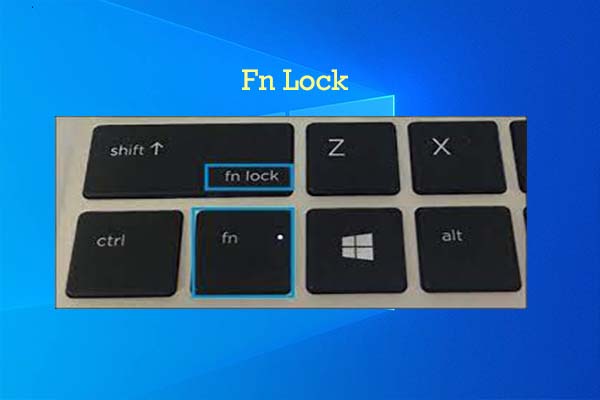
What is Fn lock? How to turn off Fn lock? If you still looking for answers to these questions, read this post now! Then you will learn the facts.
This post tells you how to download a proper OptiFine version for your Minecraft game and how to install it with/without Forge.