
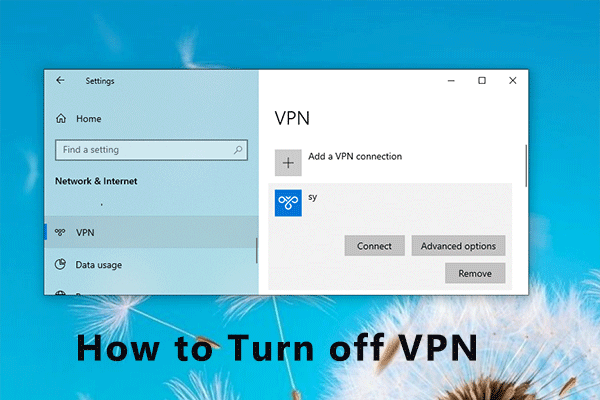
How to Turn off VPN on Windows 10? Here Is a Tutorial
Some users are using VPN to use a private network connection and access a specific website. If you don’t need it anymore, how to turn off VPN? Here is a guide.
By Sherry
Some users are using VPN to use a private network connection and access a specific website. If you don’t need it anymore, how to turn off VPN? Here is a guide.

When you are choosing a laptop, performance should be an important factor to consider. If you need high-performance, laptops with SSD are wonderful choices.

Rust is a popular video game. However, some players report that the game takes a long time to load. In this post, you can know how to make Rust load faster.

If you want to create a USB bootable drive with ISO files, Rufus is a great tool to help. Of course, here are some Rufus alternatives and you can also try.

If you are worried about physical damage while using a laptop, rugged laptops should be wonderful choices. And here are some recommended ones.
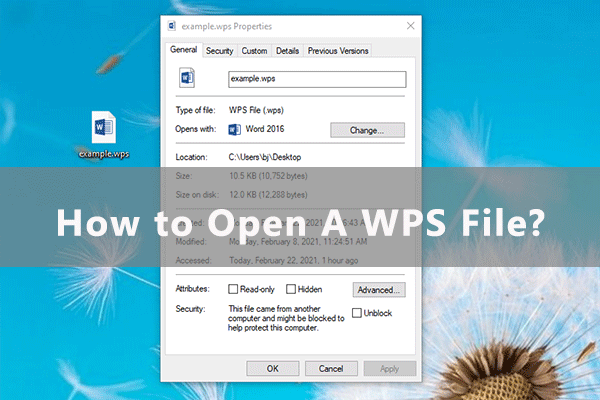
Have you ever received a WPS file from your friends or downloaded one from the Internet? What is a WPS file? How do you open it? Check this post to get answers.

The most expensive laptop usually is the most powerful computer. If you prefer higher performance, you might cost more. Here are the top 4 best laptops for you.

Are you using Firefox as your favorite browser? Do you know how to update Firefox? Don’t worry. Here is a tutorial with detailed steps and you can have a try.

It has been reported issues with control mechanic in Roblox. Many players complain that their Roblox can’t move properly. Fortunately, here are some solutions.
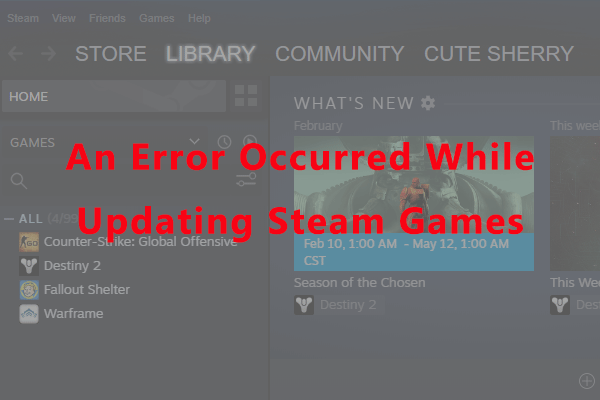
If you are a game lover, you might be quite familiar with Steam. Some users receive an error message an error occurred while updating Steam. Here are the fixes.

Are you looking through some information with Firefox? Have you encountered any problems with it? Here is how to fix the problem that Firefox won’t load pages.
How do you use your computer? Here are some things that could destroy your desktop but you might do every day. How to kill a computer? You are doing it now!