

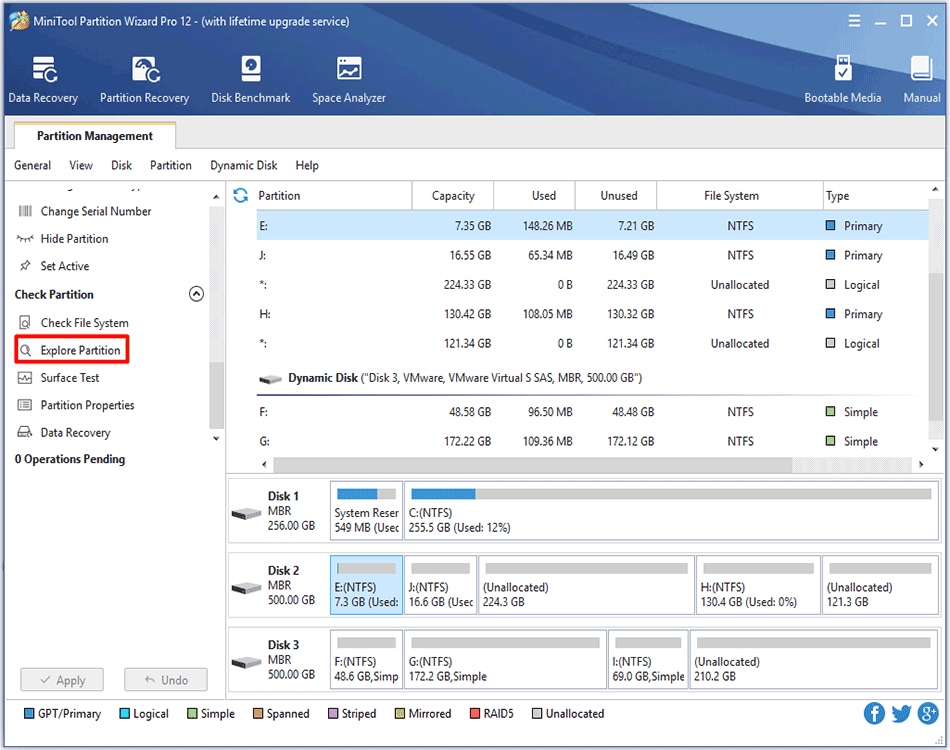
How to Explore Partition | MiniTool Partition Wizard Tutorial
Wondering how to explore partitions? MiniTool Partition Wizard Tutorial is given here to help users easily and successfully complete this task.
By Rodin
Wondering how to explore partitions? MiniTool Partition Wizard Tutorial is given here to help users easily and successfully complete this task.
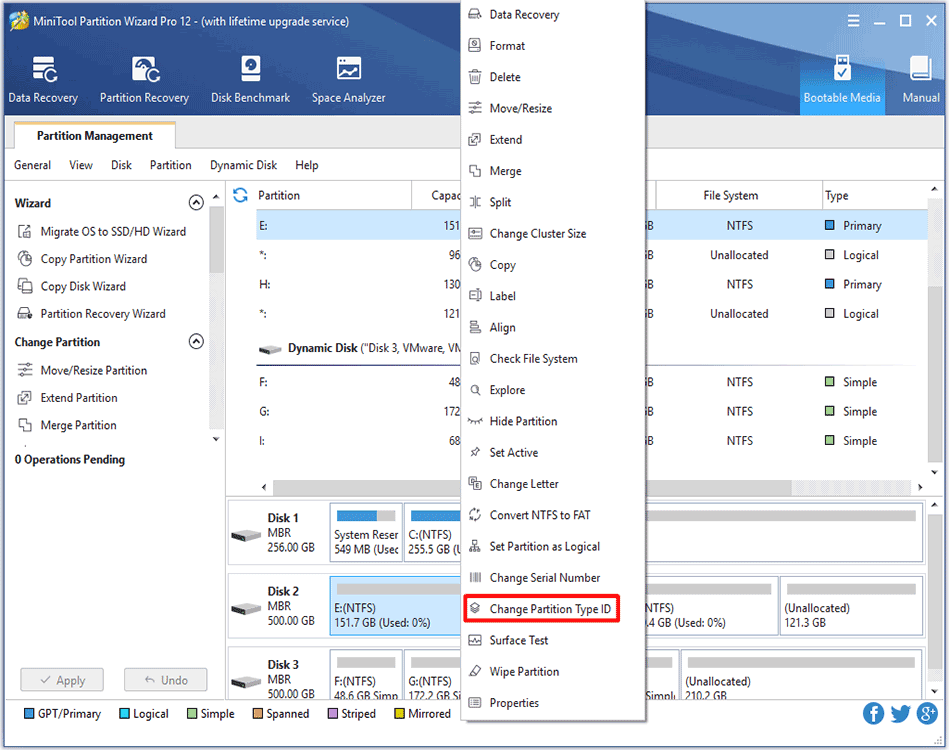
This article tells how to change partition type ID on MBR/GPT disk with the best partition manager - MiniTool Partition Wizard.
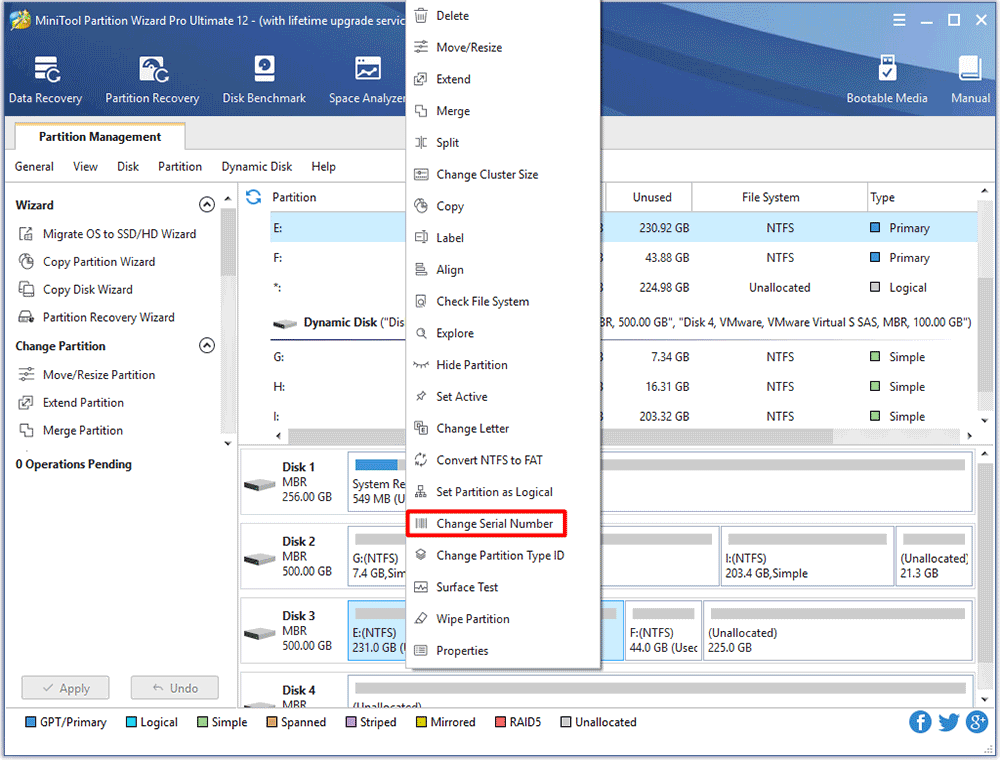
Wondering how to easily and successfully change partition serial number without damaging data? Ask MiniTool Partition Wizard Tutorial for help!
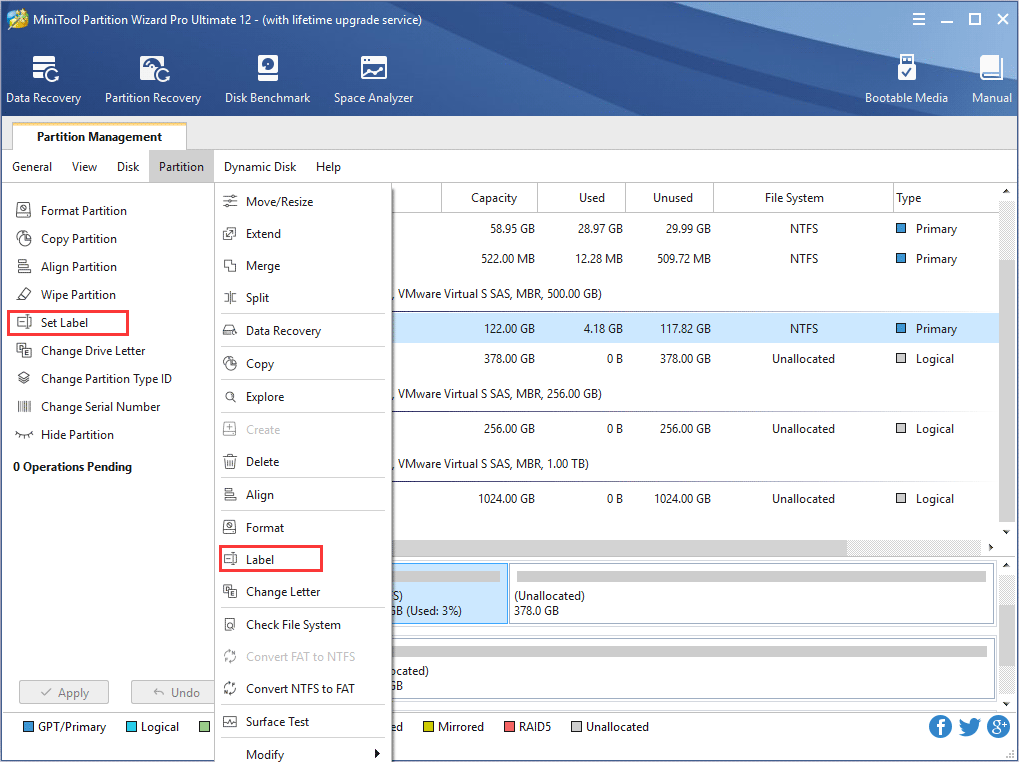
How to label partition and change partition label? Users can set partition label with best partition magic - MiniTool Partition Wizard.
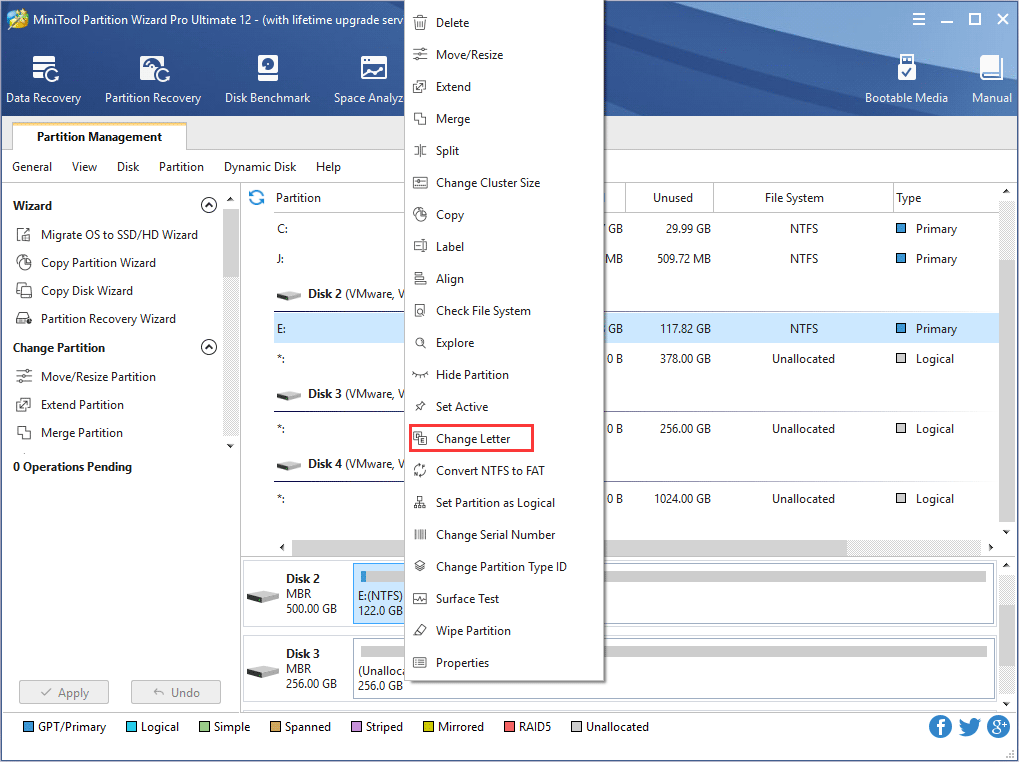
As the best partition manager, MiniTool Partition wizard helps to change drive letter without data loss.
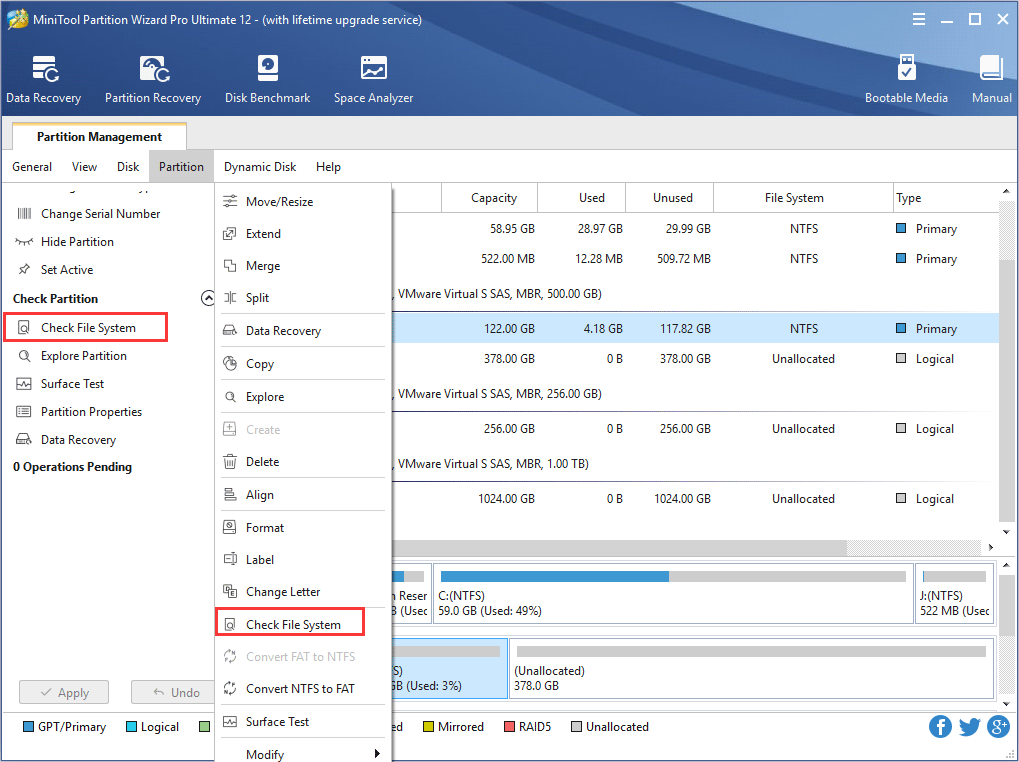
Check File System function of MiniTool Partition Wizard helps users fix some mistakes during the checking process to ensure the integrity of the file.
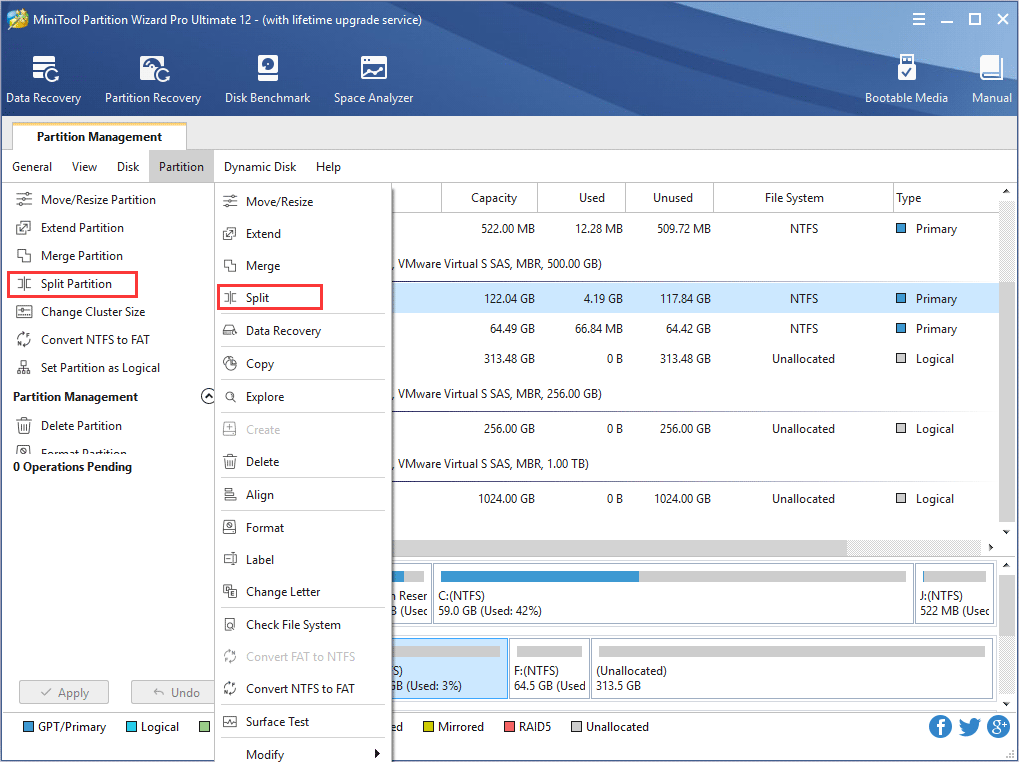
Looking for excellent ways to split partition? Try MiniTool Partition Wizard and the detailed operational guidance is explained here.
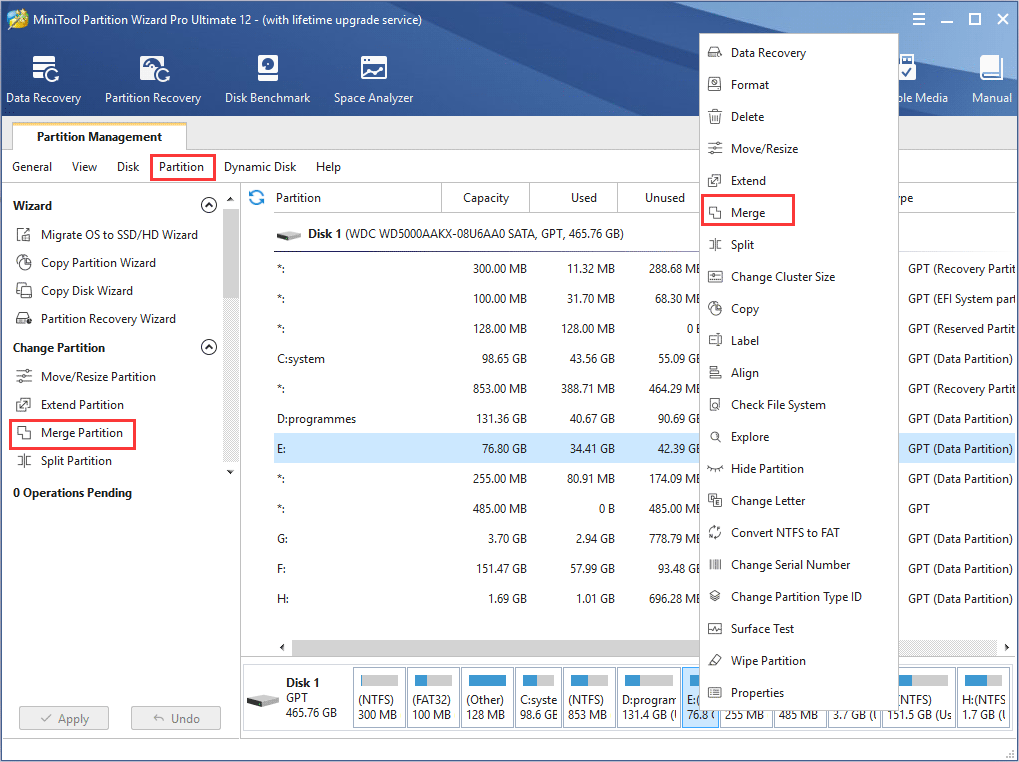
Need to merge two adjacent NTFS partitions into one? Try professional partition manager - MiniTool Partition Wizard owning full-featured features.
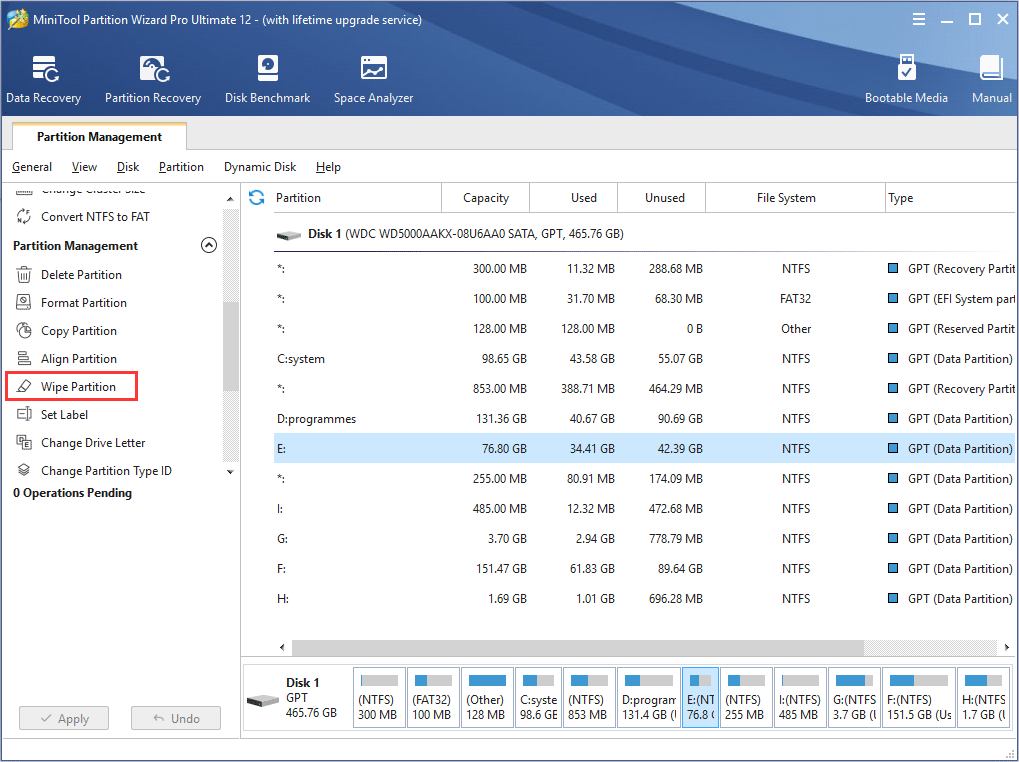
To wipe a partition can erase all private data saved on it, and MiniTool Partition Wizard tutorial here shows detailed operating steps.
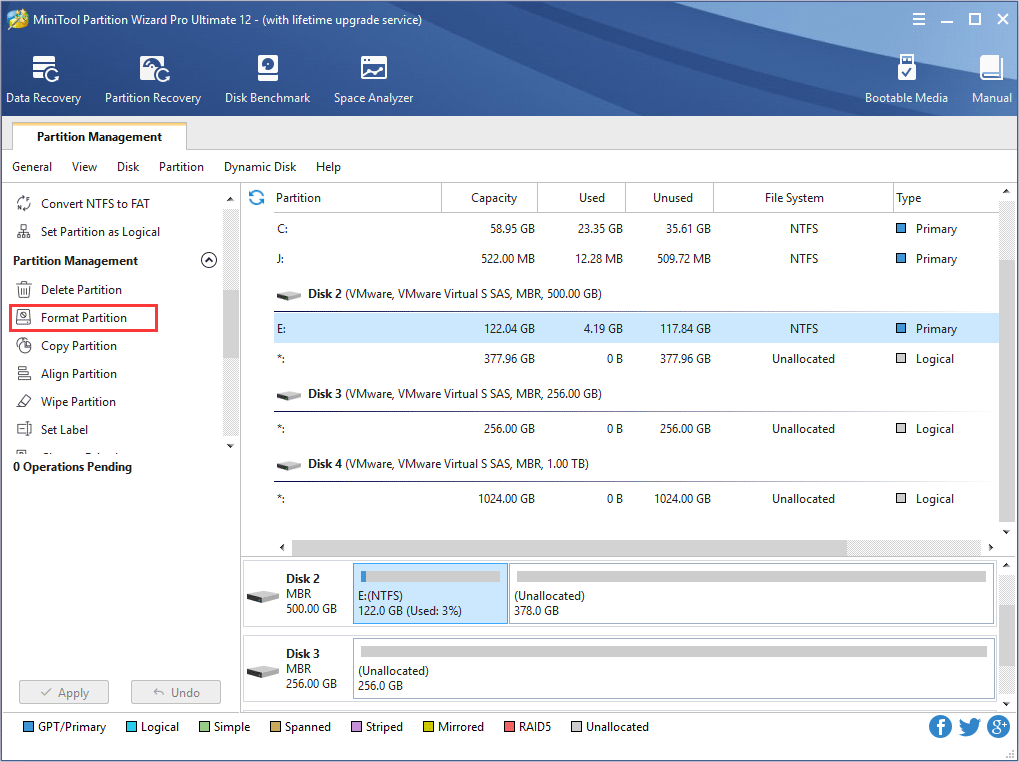
To format partition, highly competent MiniTool Partition Wizard is much useful, and there are multiple versions available for users to choose.
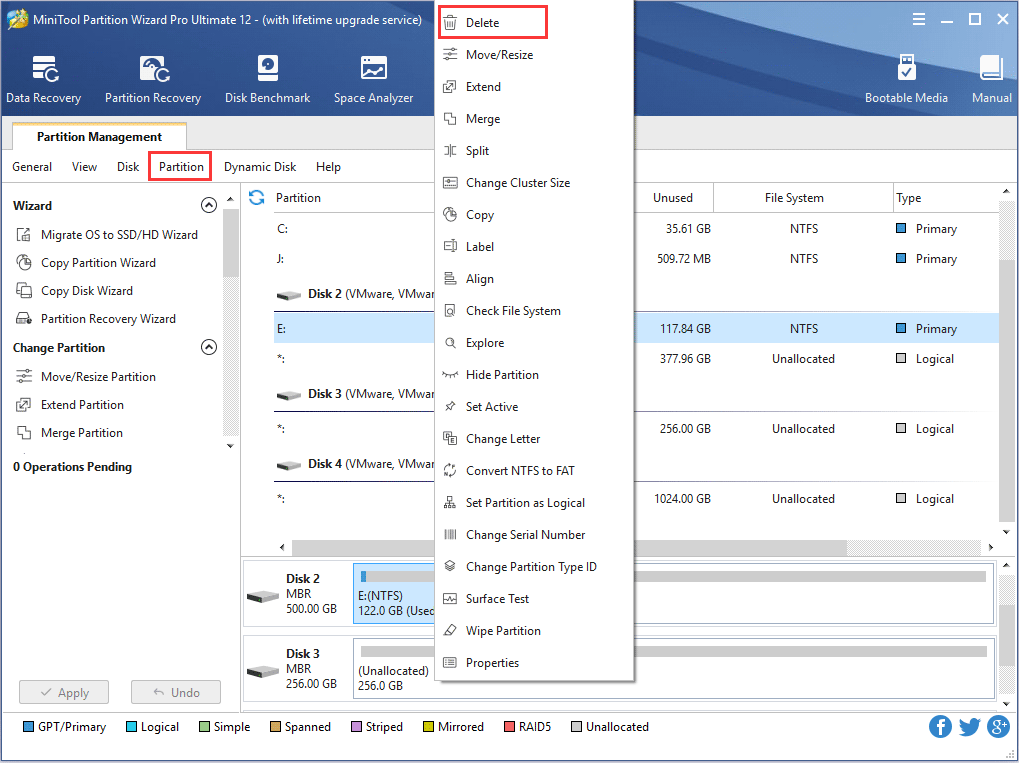
Trying to delete an unnecessary partition? Professional partition manager – MiniTool Partition Wizard will be the best assistant for certain operations.
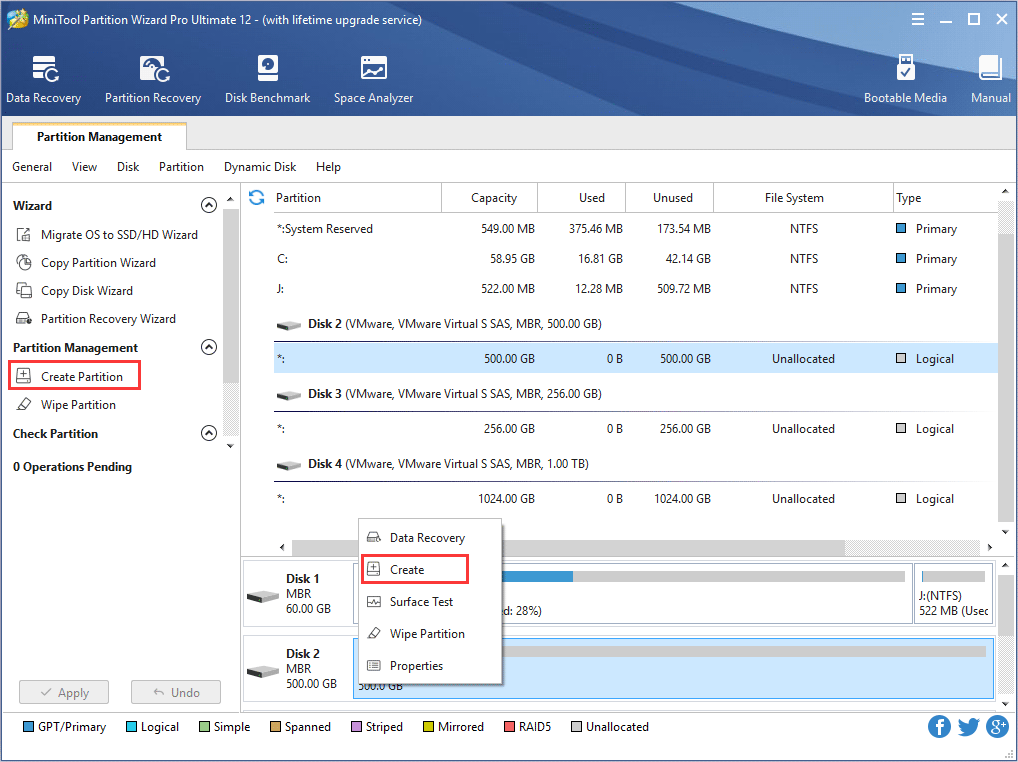
Detailed tutorial on how to create a partition on Windows 10/8/7 with MiniTool Partition Wizard is explained here.