
![How to View Saved Passwords in Windows [3 Approaches]](https://images.minitool.com/partitionwizard.com/images/uploads/2025/11/where-are-passwords-stored-in-windows-thumbnail.png)
How to View Saved Passwords in Windows [3 Approaches]
This article tells you 3 approaches to finding where passwords are stored in Windows, including Credential Manager, Command Prompt, and Registry Editor.
By Cecilia / Published
Stay informed about the newest versions of Windows, including their enhanced functionalities and performance improvements. Discover useful tips and tricks to optimize your Windows experience, boost productivity, and troubleshoot common issues.
This article tells you 3 approaches to finding where passwords are stored in Windows, including Credential Manager, Command Prompt, and Registry Editor.
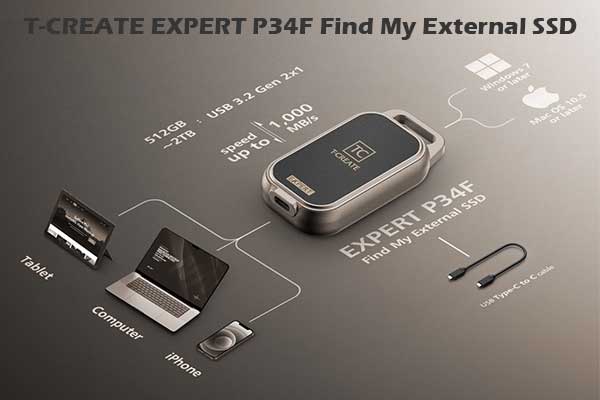
This post introduces the T-CREATE EXPERT P34F Find My External SSD in detail and shows how to use its position and search feature.
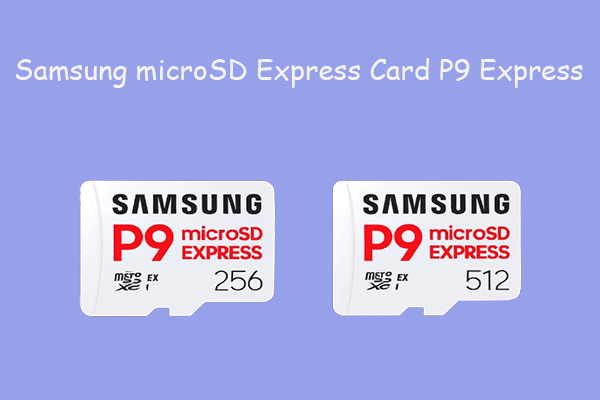
This post introduces the detailed information about the Samsung microSD Express Card P9 Express, including full specifications and core features.

This article shows 2 ways to change Outlook notification sounds, including using the Settings menu in Outlook or the Control Panel.
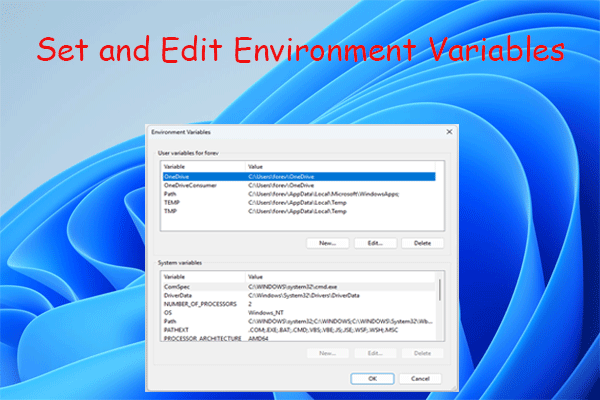
Learn how to set and edit environment variables on Windows 11. This post covers the definition, types, and methods to create, set, and edit.
Do you need to update your drivers? If so, this guide is all you need. It offers driver update guides to key devices like GPU, network, audio, etc.
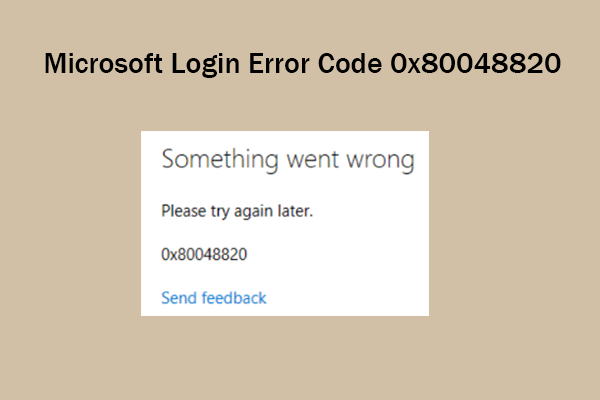
This post is a guide on how to fix the Microsoft login error code 0x80048820. If you are looking for solutions to this error, you can pay attention to this post.
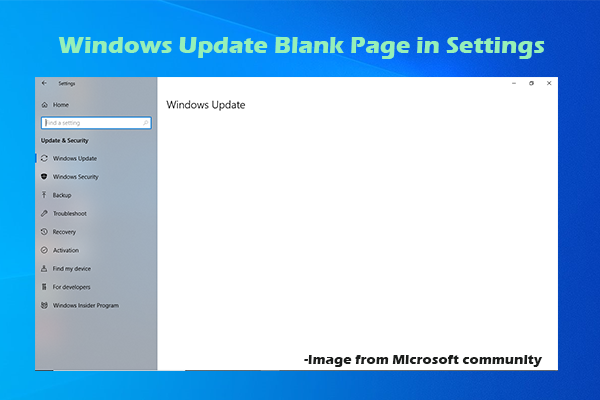
Is there a Windows Update blank page in Settings? If so, you can use the methods in this post to resolve the issue.
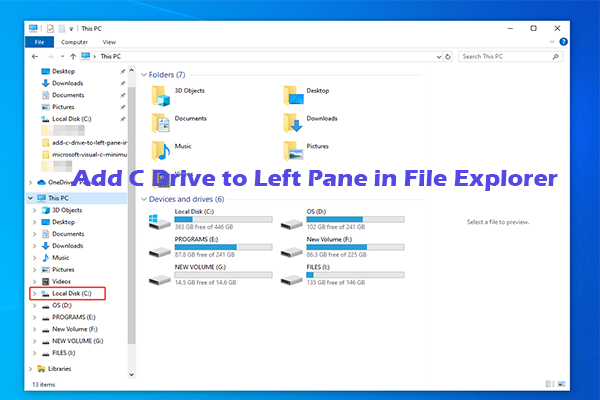
If you are experiencing C drive not showing up in the navigation pane issue, add C drive to left pane in File Explorer with the steps in this post.
Have you ever encountered a black screen when watching YouTube videos? If so, please refer to this article for solutions.