
Follow This Guide to Fix Windows Update Error C8000266
What if you meet the Windows update error C8000266 while updating your Windows? Here are some solutions listed to help you repair the error.
By Yamila
What if you meet the Windows update error C8000266 while updating your Windows? Here are some solutions listed to help you repair the error.
How to fix if Windows 10 won’t boot from CD? If you wonder about that, you can pay attention to this post where some solutions are listed.
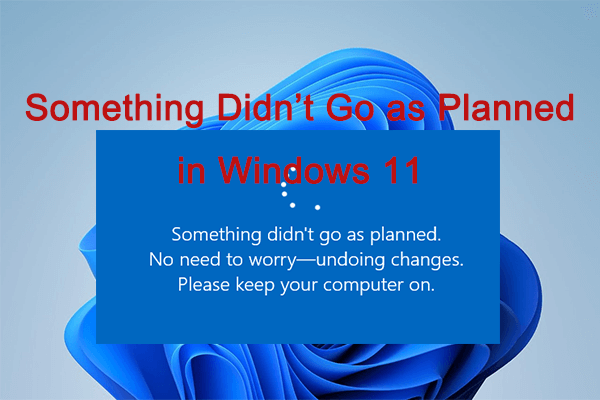
While updating your PC, you may meet the “something didn’t go as planned Windows 11” issue. To fix it, some methods are listed in this post.
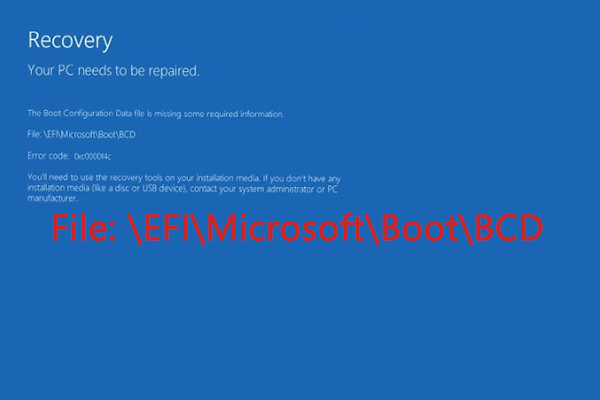
When you use your Windows 10, you may get stuck in the “\EFI\Microsoft\Boot\BCD” issue. To help you fix it, this post offers several methods.
![[Fixed] Are You Bothered by Windows 11 Update Error 0x80888002?](https://images.minitool.com/partitionwizard.com/images/uploads/2023/07/0x80888002-thumbnail.png)
When you try to update or upgrade to Windows 11, you may meet the download error - 0x80888002. To fix it, this post offers some solutions.
It’s possible for you to encounter the “selected boot device failed” issue in Windows 10. To fix it, this post lists several possible methods.
This post provides you with a review of Assassin’s Creed Valhalla PC. If you are interested in this topic, you can focus on this post.
PS4 vs Xbox One: What’s the difference between the two gaming consoles and which one you should choose? This post will explore the answers for you.

This post tells what the USB serial number is and how to find & change USB serial number in detail. If you wonder about these, you can focus on this post.
![[3 Methods] How to Delete Hidden Partition on External Drive?](https://images.minitool.com/partitionwizard.com/images/uploads/2023/06/how-to-delete-hidden-partition-on-external-drive-thumbnail.png)
Do you wonder how to delete hidden partition on external drive? If so, you can pay attention to this post. Some effective ways are listed here.
![[Fixed] CONVERT Is Not Available for RAW Drives in Windows 10/11](https://images.minitool.com/partitionwizard.com/images/uploads/2023/06/convert-is-not-available-for-raw-drives-thumbnail.png)
How to fix it when you run into the “CONVERT is not available for RAW drives” issue? If you have no clue, you can pay attention to this post.
When you are trying to reset your Windows, you may encounter the “insert media some files are missing” issue. To help fix it, this post lists several methods.