
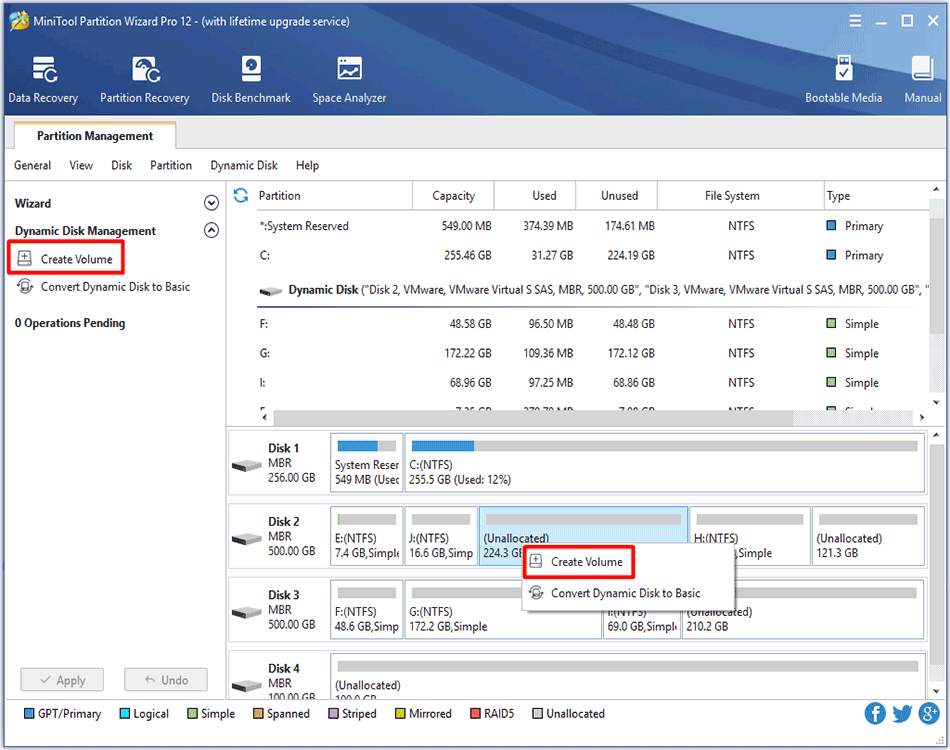
How to Create Volume | MiniTool Partition Wizard Tutorial
To create volume is easy to perform with the help of MiniTool Partition Wizard supporting multiple volume types such as Stripped Volume, Spanned Volume, etc.
By Rodin / Published
To create volume is easy to perform with the help of MiniTool Partition Wizard supporting multiple volume types such as Stripped Volume, Spanned Volume, etc.
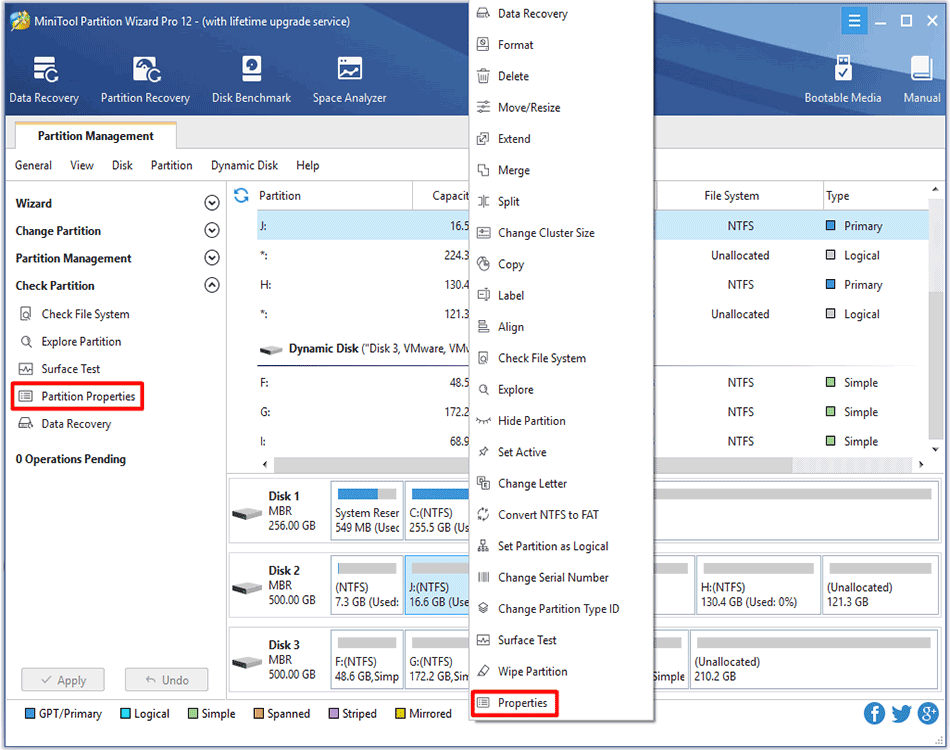
See how to view partition properties with partition magic and then users can easily and clearly view partition properties information.
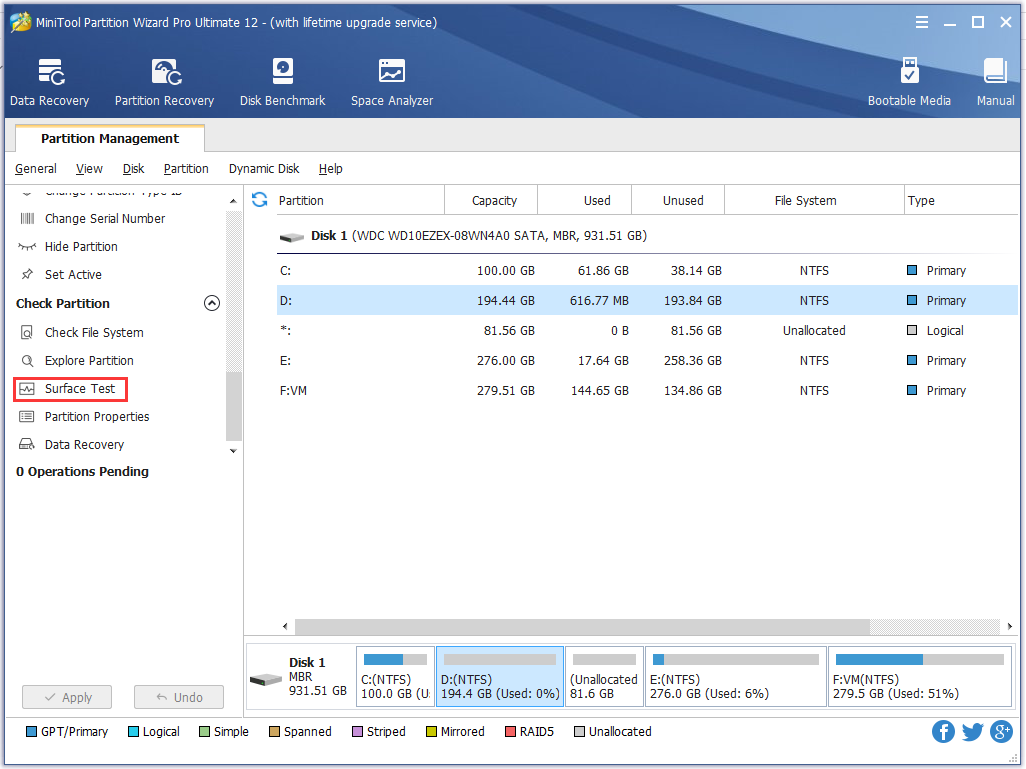
How to identify if there are bad sectors on the partition? Partition surface test tool - MiniTool Partition Wizard is suggested to scan partition sector status.
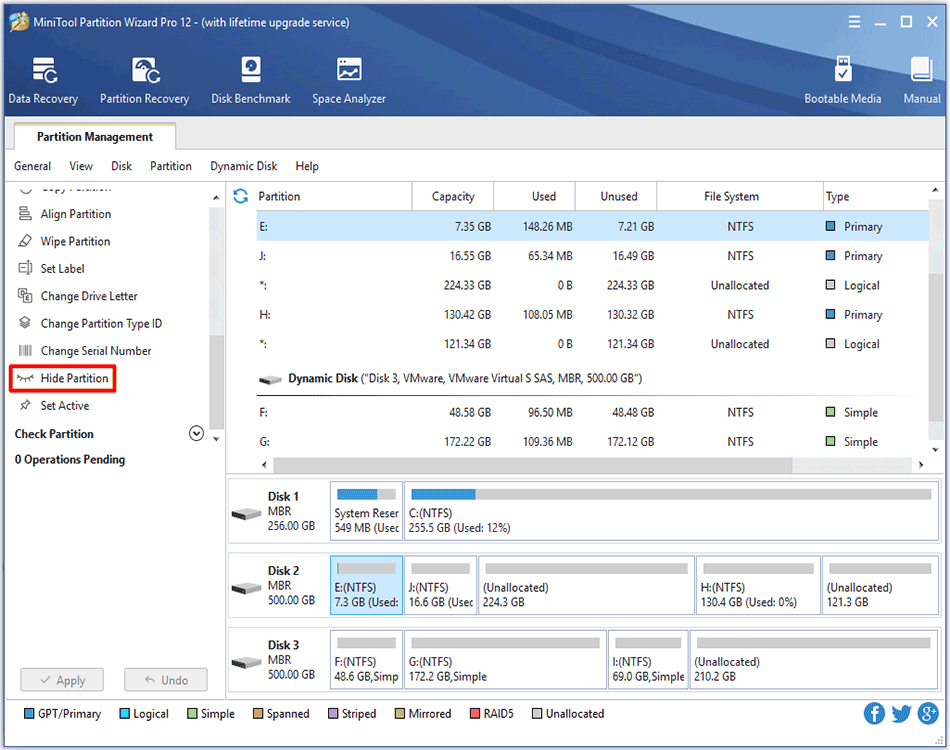
The work to hide/unhide partition will become easier than users originally expected with the help of MiniTool Partition Wizard.
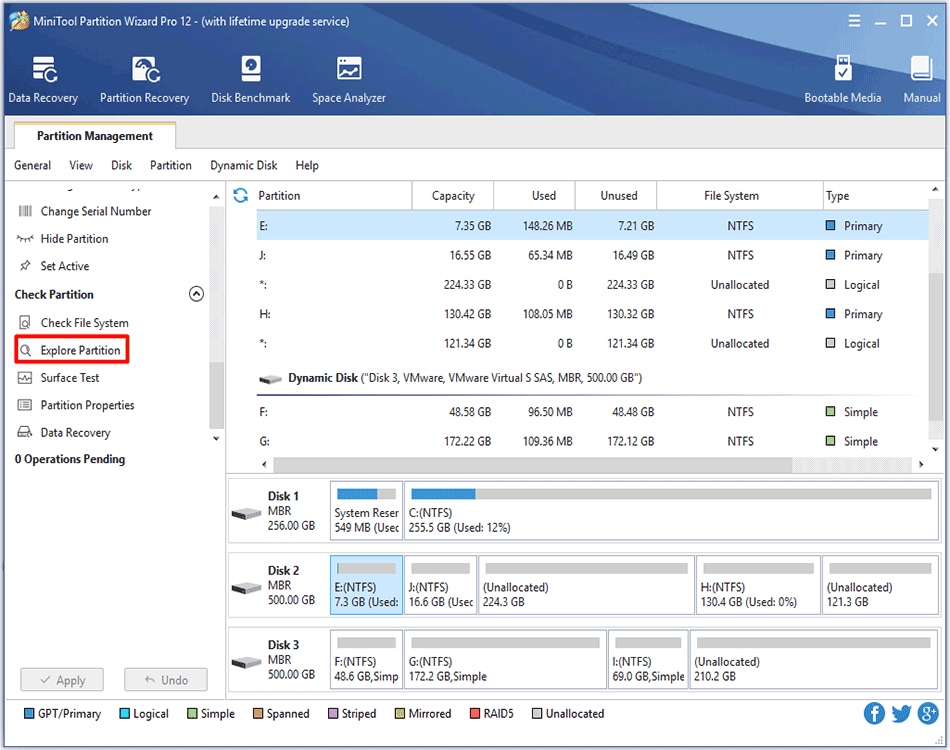
Wondering how to explore partitions? MiniTool Partition Wizard Tutorial is given here to help users easily and successfully complete this task.
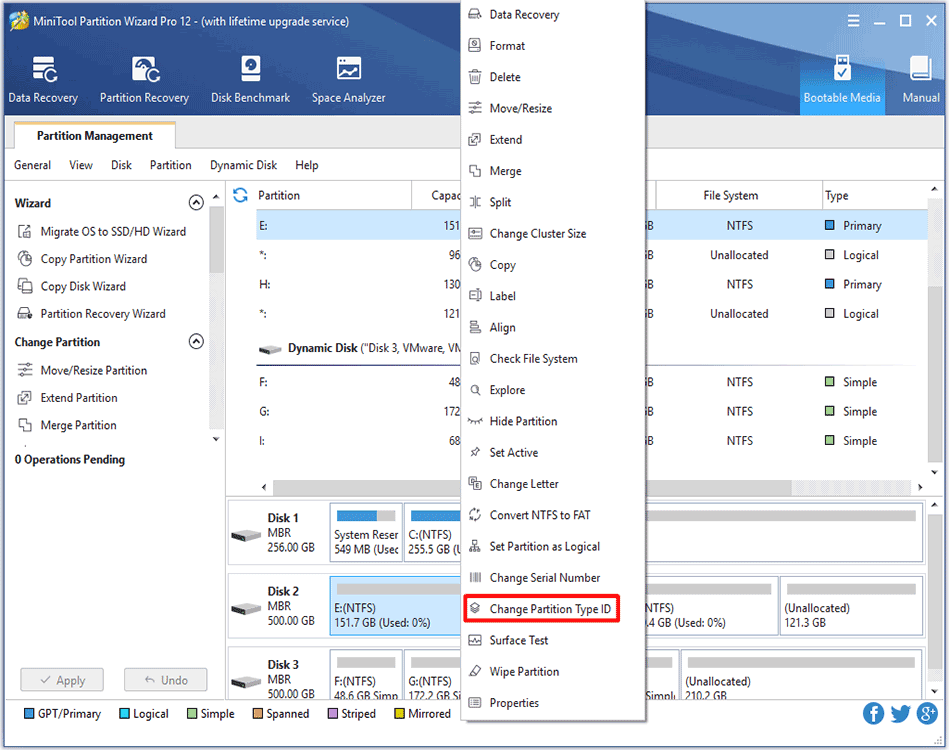
This article tells how to change partition type ID on MBR/GPT disk with the best partition manager - MiniTool Partition Wizard.
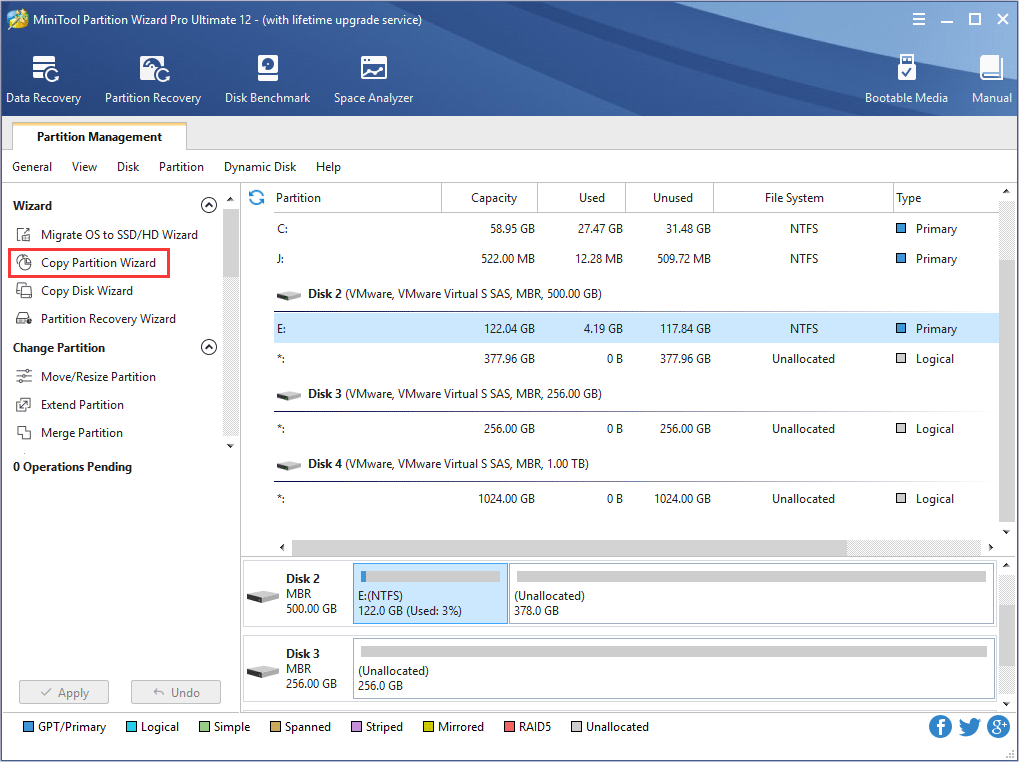
Want to copy partition to back up important data? This is the help on Copy Partition Wizard of MiniTool Partition Wizard.
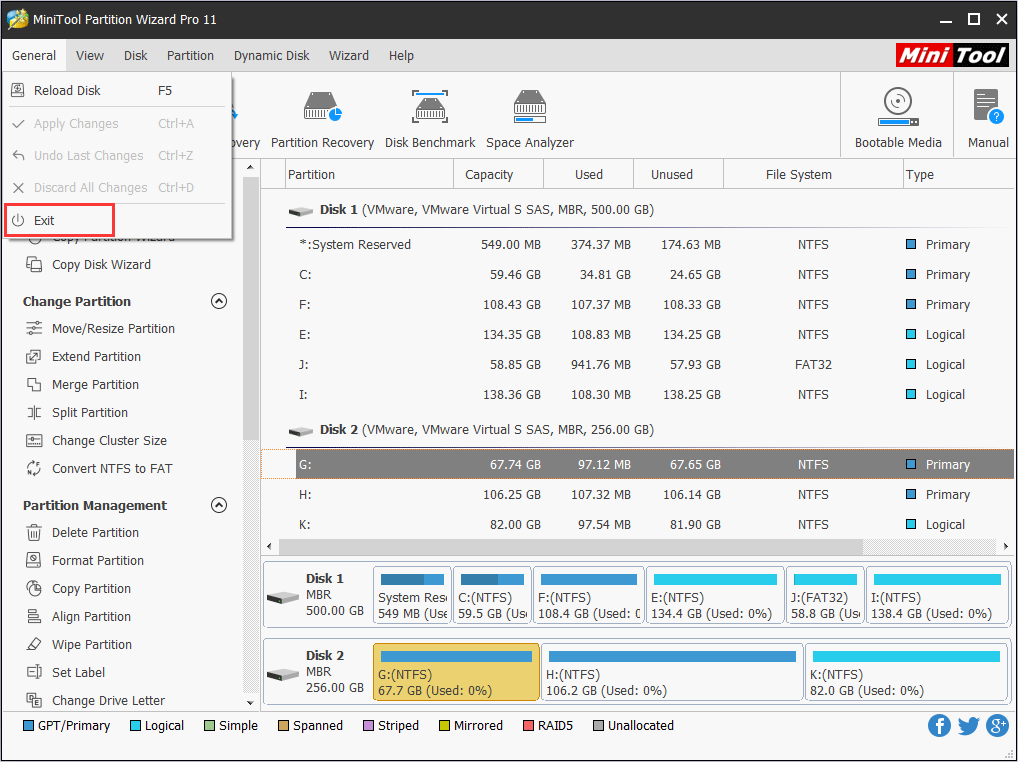
users can exit from MiniTool Partition Wizard in a quite easy and safe step. This tutorial shows users how to do this.
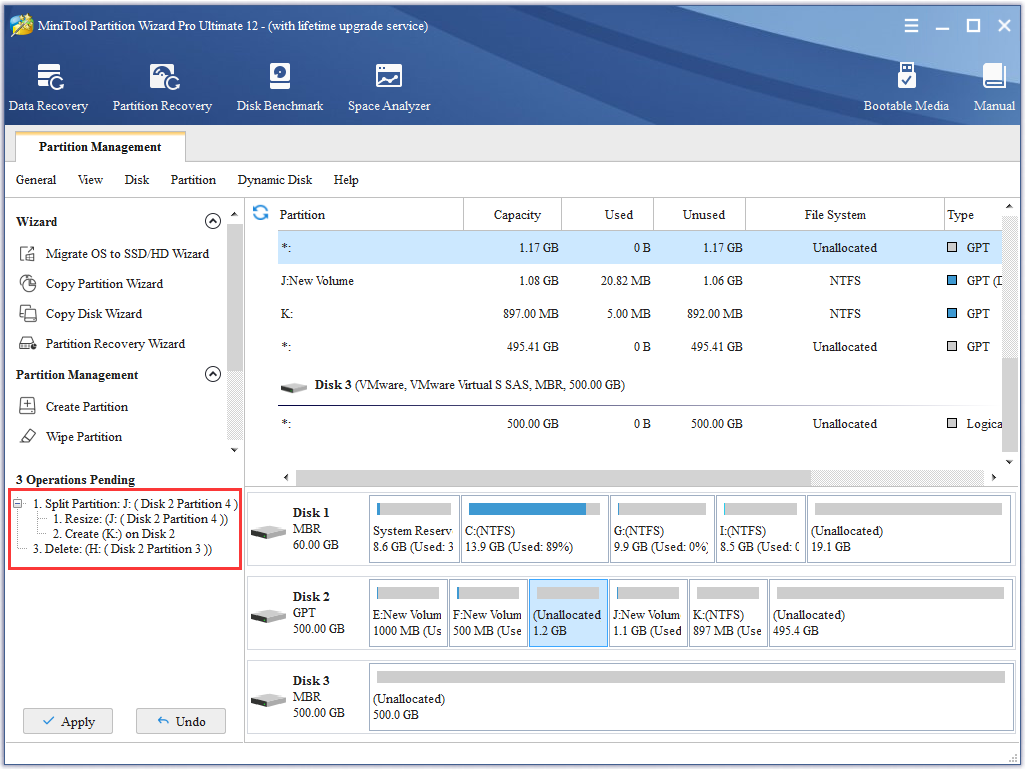
users have 3 choices to Apply Changes in MiniTool Partition Wizard, and this feature is good for preventing the mistaken operation from happening.
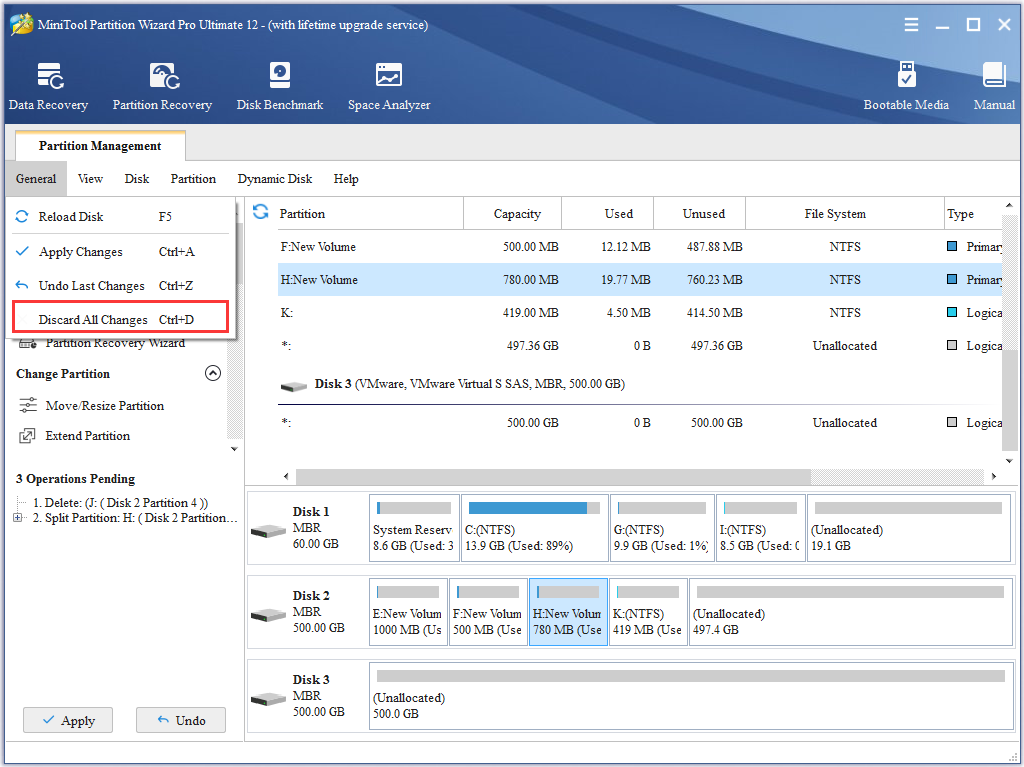
With Discard feature, users can discard all previous changes in one step if they are wrong operations, and they have 3 choices to discard.