
How to Enable Voice Access in Windows 11?
Voice access is a new accessibility tool that allows users to control their computers by using voice commands, and this post tells how to use it in Windows 11.
By Vega
Voice access is a new accessibility tool that allows users to control their computers by using voice commands, and this post tells how to use it in Windows 11.
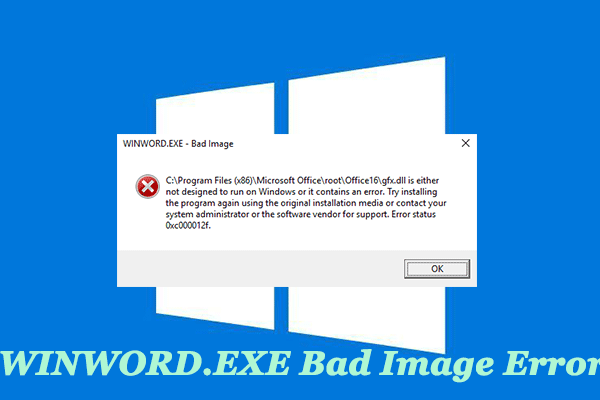
Computer reports an issue after installing Microsoft Office that is WINWORD.EXE bad image error message on startup. So, this post shows you how to fix it.
Windows users find the error message "Unable to start a DCOM Server" in the Event Viewer, and this guide helps you fix the problem.

Windows 11’s Animation effects feature brings some beautiful animations, but this feature causes power consumption. This post shows how to turn on or off it.

AutoCAD Sheet Set File, Tajima Embroidery Forma, and DeSmuME Save State types use the .dst file extension, and this post shows how to open these .dst files.
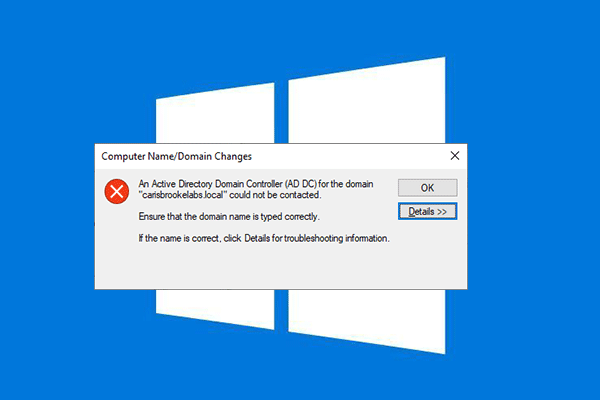
The error "An Active Directory Domain Controller (AD DC) for the domain could not be contracted" occurs on your computer. This post tells you how to fix it.
Internet printing allows you to transmit and print high quality documents on the Internet. This post shows how to turn on or off it in Windows 11/10.
The system product name is different from the system name. Here is the guide to show how to change system product name in Windows 11.
You may encounter the problem of "grub rescue unknown filesystem" when trying to boot the PC with dual operating system. This post shows how to fix the problem.
The folder view allows you to display the contents of folders in different ways, and this post shows you how to change default folder view in Windows 10/11.
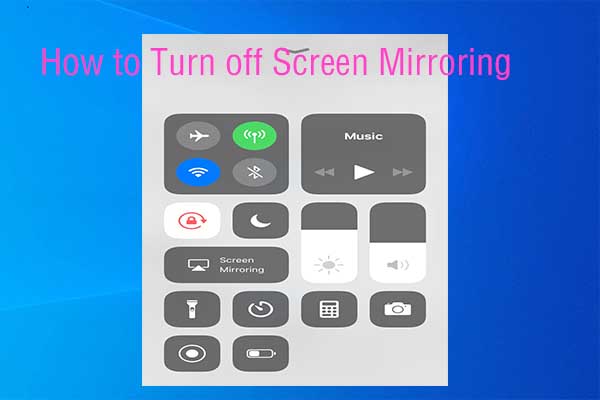
If you are wondering that how to turn screen mirroring off, this post is suitable for you. It shows you how to turn off screen mirroring on different devices.

Many people may encounter Netflix error code U7361-1253-C00D6D79 in Windows 10, and this post shows you how to fix it.