
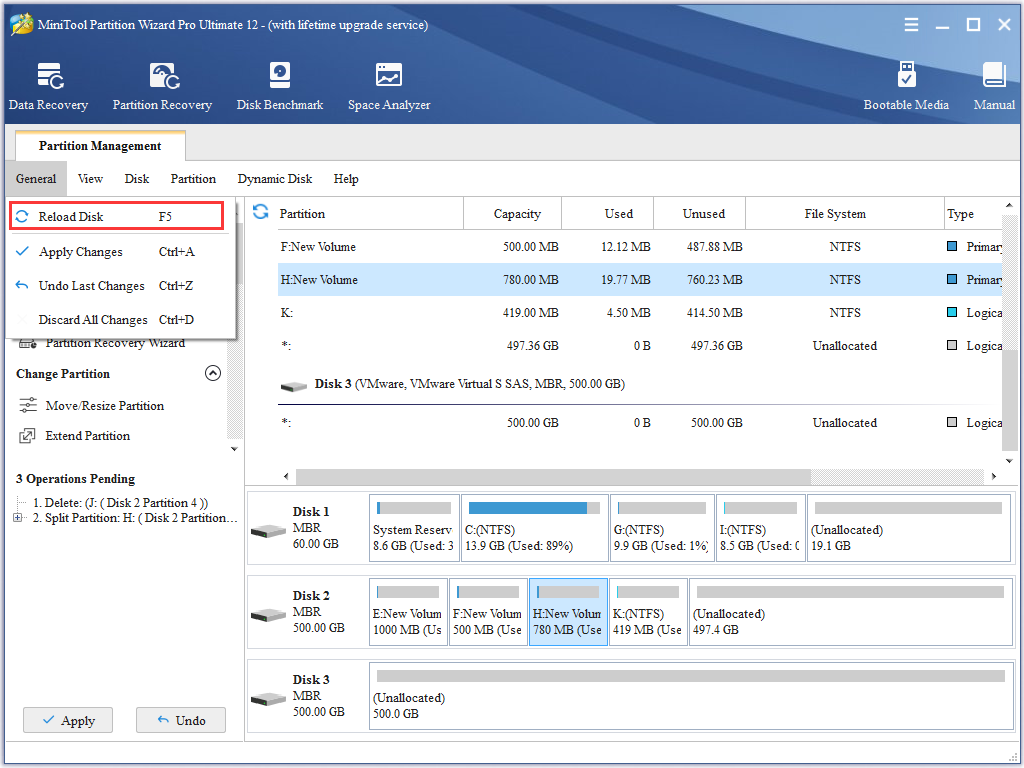
How to Reload Disk | MiniTool Partition Wizard Help Tutorial
Users can manually reload disk and partition information if MiniTool Partition Wizard doesn’t show disk and partition changes users made.
By Irene / Published
Users can manually reload disk and partition information if MiniTool Partition Wizard doesn’t show disk and partition changes users made.
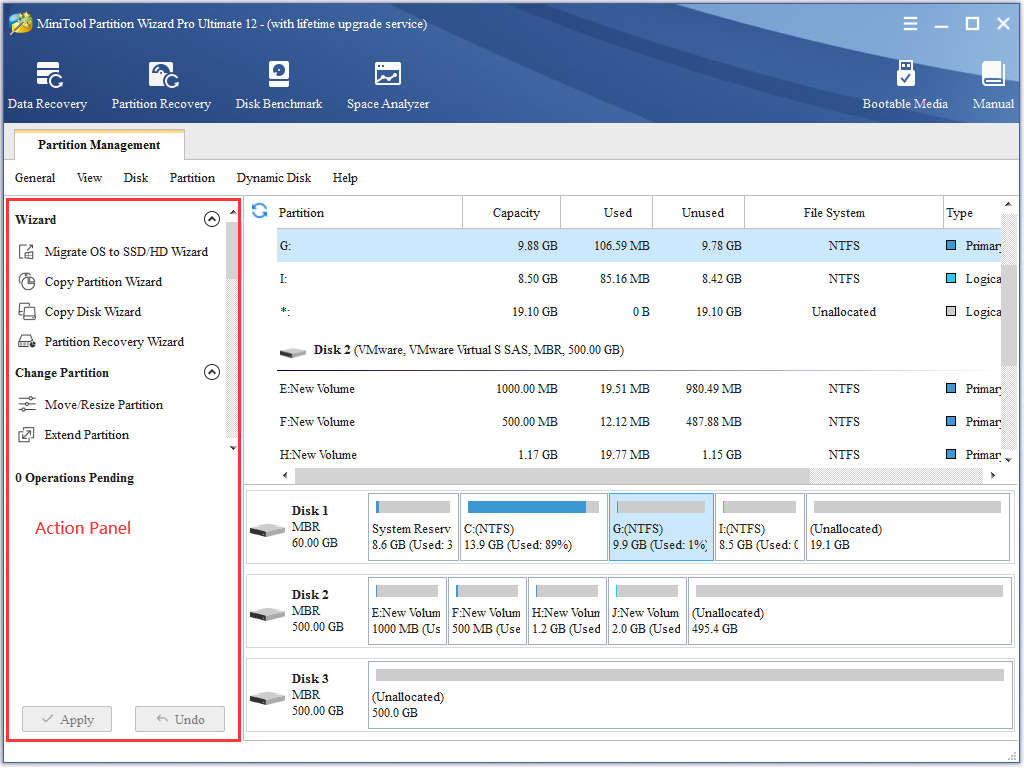
See how to select an disk partition operation with partition manager software - MiniTool Partition Wizard.
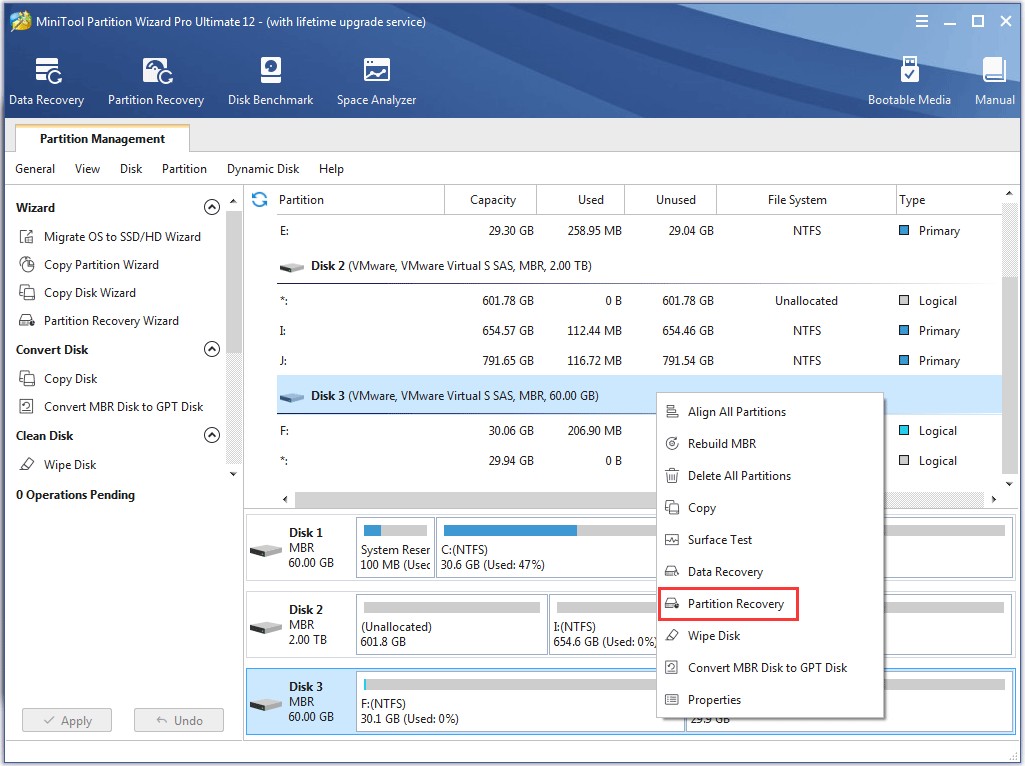
Partition recovery is quite necessary if one or more partitions gets lost, and MiniTool Partition Wizard can help recover lost partitions in simple operations.
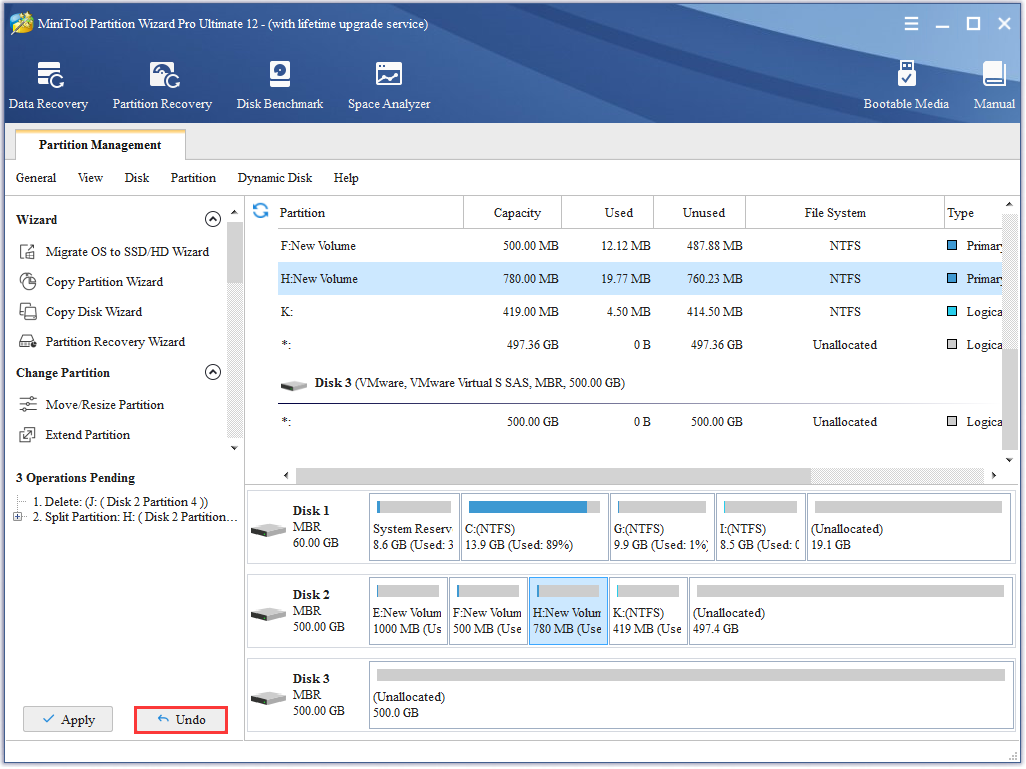
users are able to undo last changes in MiniTool Partition Wizard and do not need to discard all changes.
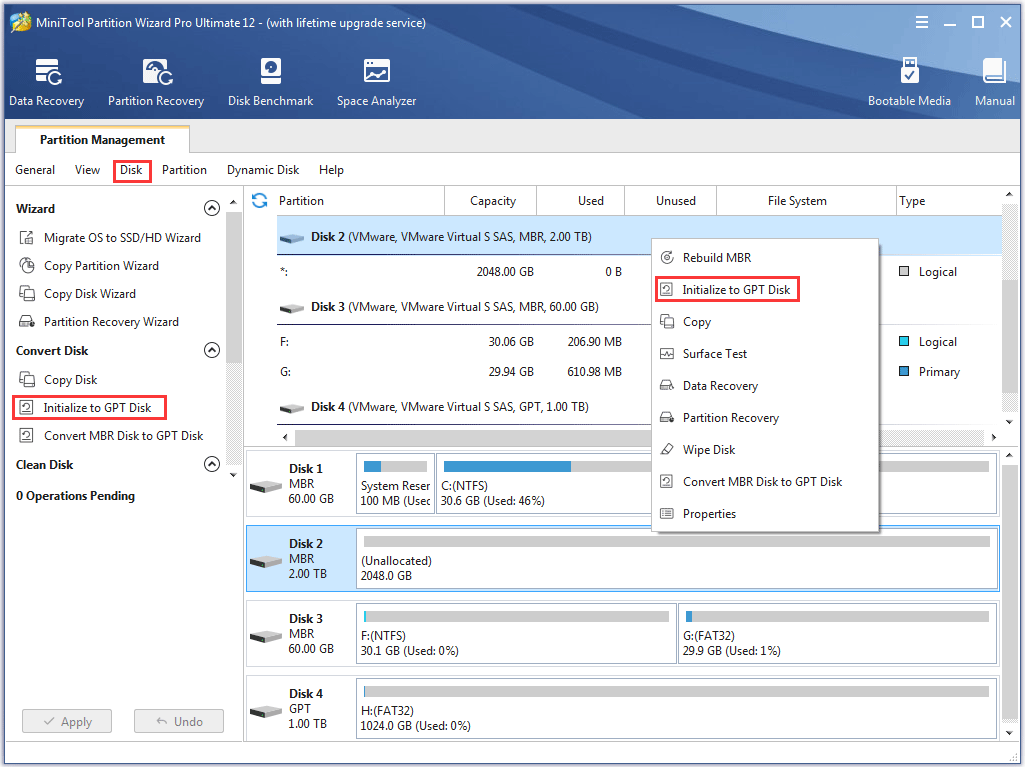
MiniTool Partition Wizard is definitely an ideal choice for users to initialize to GPT disk.
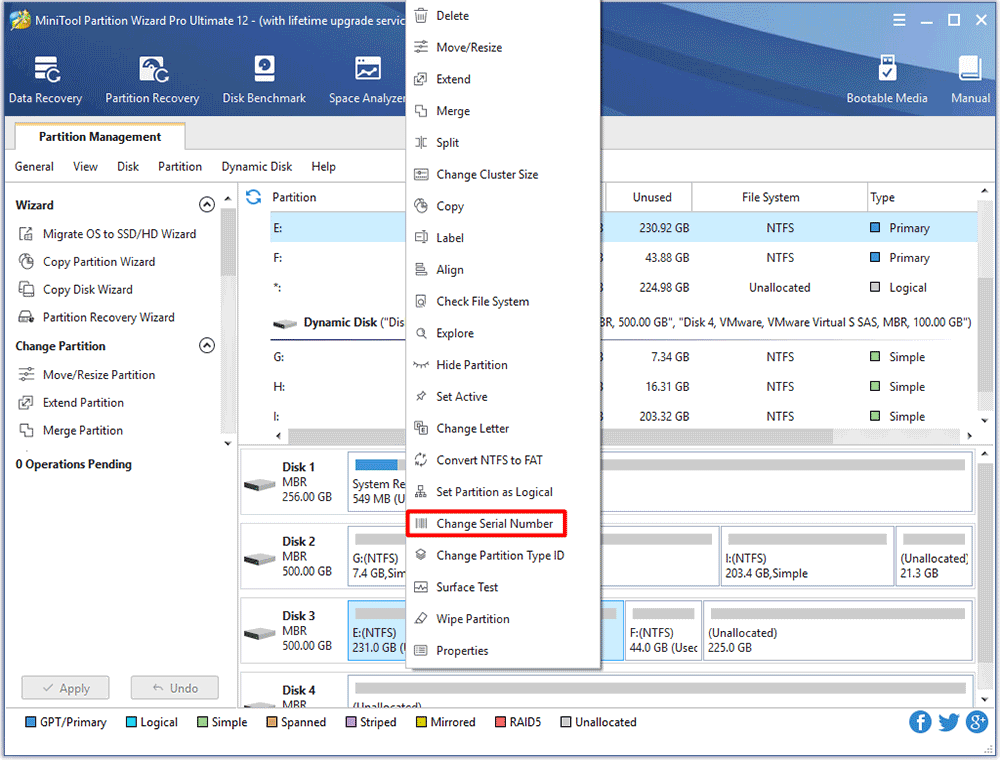
Wondering how to easily and successfully change partition serial number without damaging data? Ask MiniTool Partition Wizard Tutorial for help!
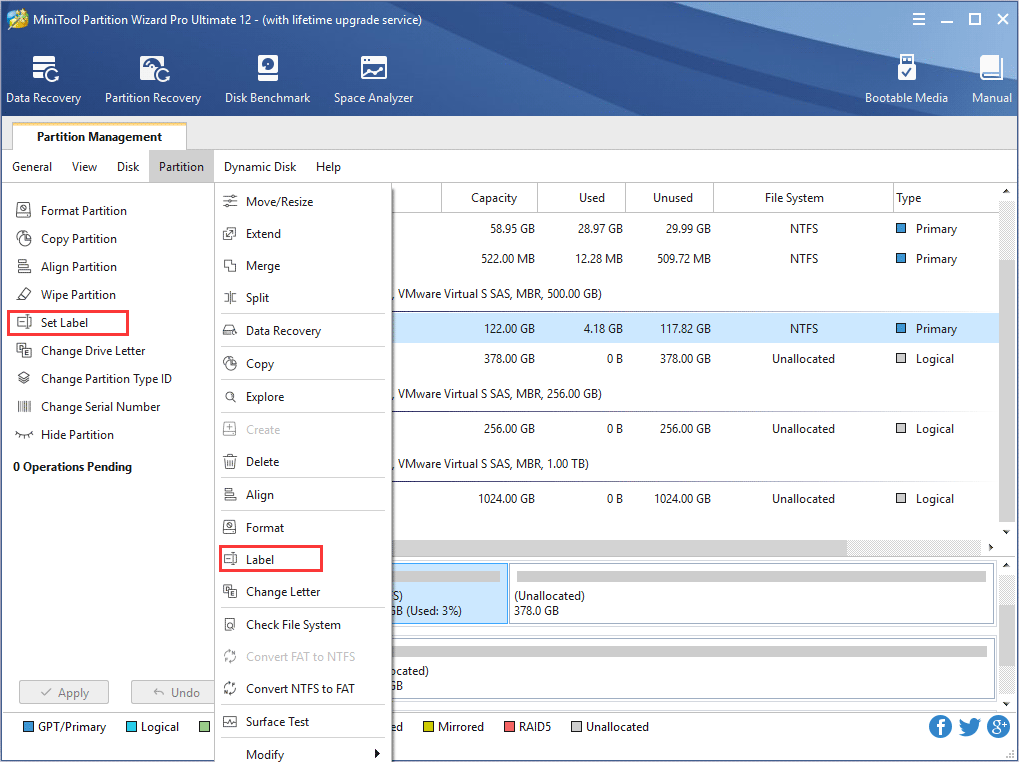
How to label partition and change partition label? Users can set partition label with best partition magic - MiniTool Partition Wizard.
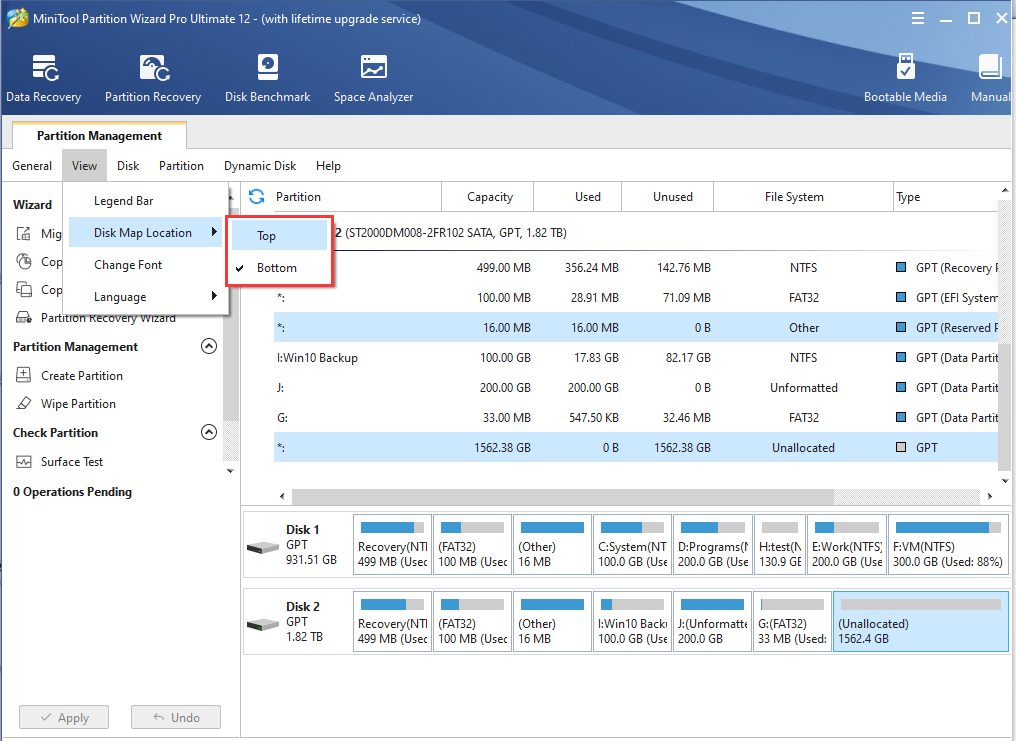
Users can change the disk map location of partition manager - Partition Wizard, making it more suitable for operation.
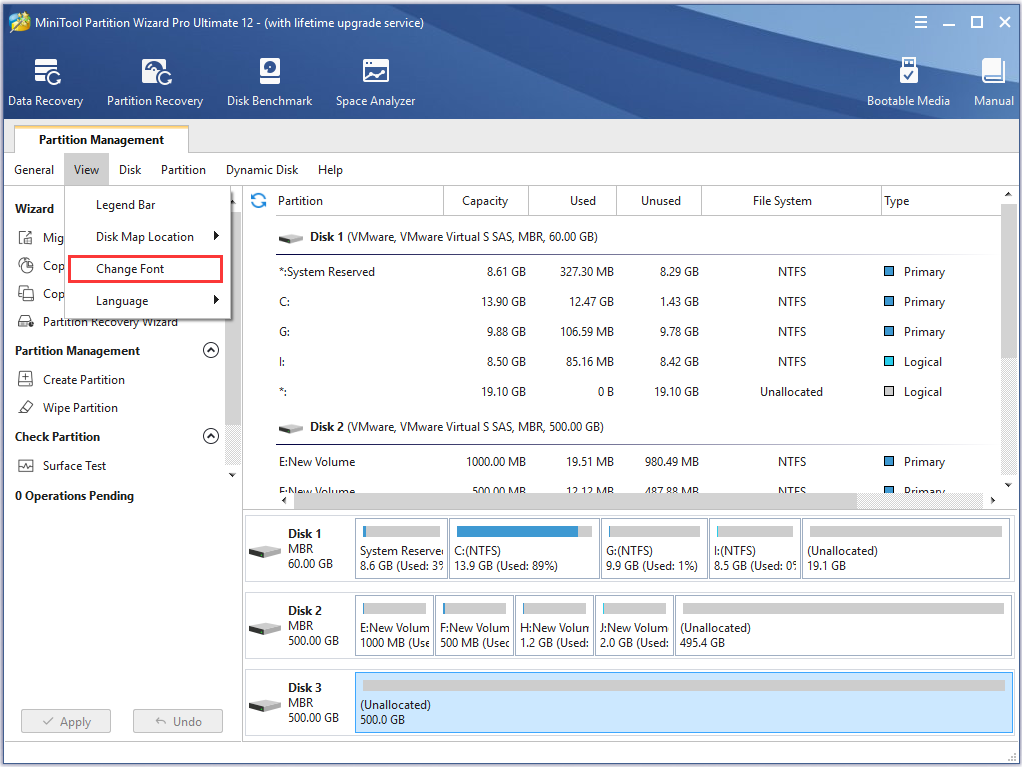
User can change font and font size of MiniTool Partition Wizard freely to get different visual experience.
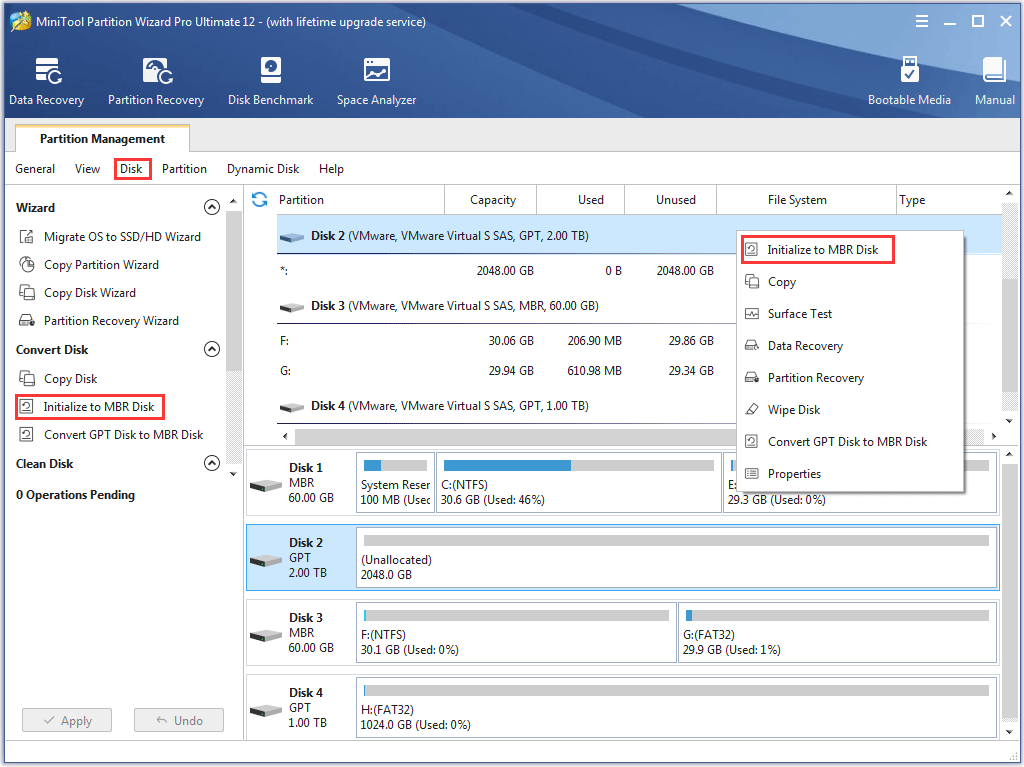
If users have to initialize disk to MBR disk, they will need a third-party tool called MiniTool Partition Wizard.