

How to Do Split Screen and Get Rid of Split Screen on iPad
This post offers you two simple ways to do split screen on iPad. It also shows you how to close split screen and get rid of this feature.
By Linda
This post offers you two simple ways to do split screen on iPad. It also shows you how to close split screen and get rid of this feature.
This post tells you whether Back 4 Blood is split screen and how to play the game with your friends online. Let’s have a look.
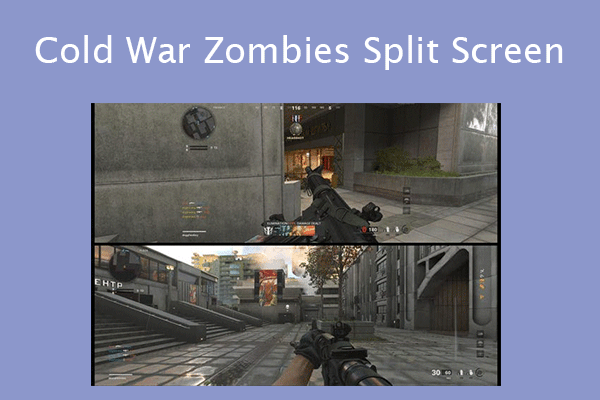
This post shows you how to play split screen Zombies Cold War and how to fix the Cold War Zombies split screen not working issue.
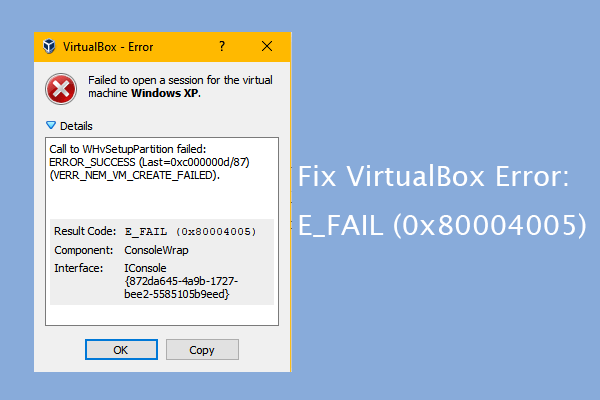
This post offers 3 simple ways to solve the E_FAIL (0x80004005) error that occurs when you start a VirtualBox VM.
This post introduces the KB3200970 update and shows you how to fix the “KB3200970 failed to install” issue.
![How to Use the CurseForge App to Install Modpacks [Minecraft]](https://images.minitool.com/partitionwizard.com/images/uploads/2022/04/curseforge-download-thumbnail.png)
This post introduces CurseForge and shows you how to download this app. It also shows you how to use this app to install mods.

This post introduces the KB5008218 update to Windows and tells you how to get this update. It also tells you how to solve problems caused by this update.

This post shows you how to install Uplay (Ubisoft Connect), how to download games on this game launcher, and how to fix the Uplay download slow issue.
![How to Create a Chrome OS VM Using VMWare [A Step-by-Step Guide]](https://images.minitool.com/partitionwizard.com/images/uploads/2022/04/chrome-os-vm-thumbnail.png)
This post shows you how to use the CloudReady image file to create a Chrome OS VM on VMWare. You can have a try.
This post shows you how to download and install Chrome OS on Windows 10/11 step by step. You can try this guide.
This post introduces Citrix Workspace and shows you how to download and install this app on Windows and Mac PCs.
This post introduces Chrome OS Flex to you and talks about Chrome OS Flex vs Chrome OS and Chrome OS Flex vs CloudReady.