
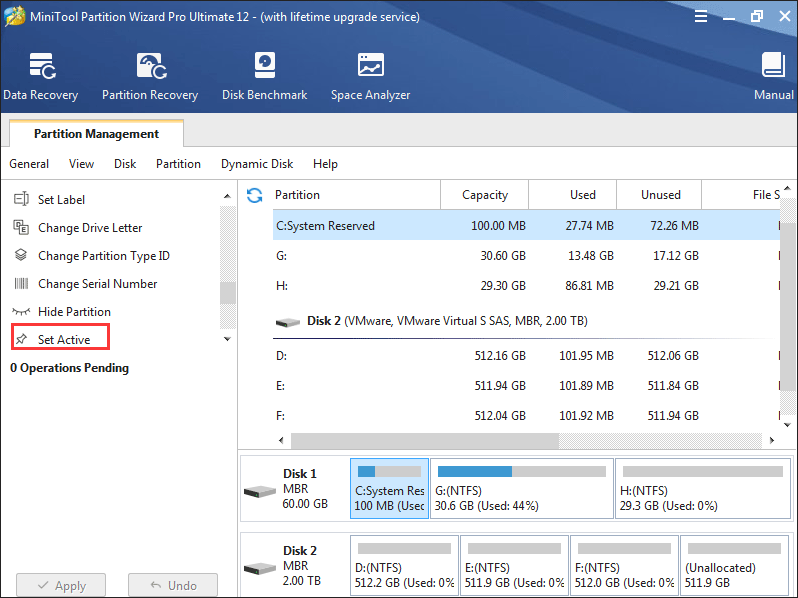
How to Set Active/Inactive | MiniTool Partition Wizard Tutorial
Many users may not know how to set active/inactive partition independently. Now, follow give a step-by-step tutorial.
By Irene / Published
Many users may not know how to set active/inactive partition independently. Now, follow give a step-by-step tutorial.
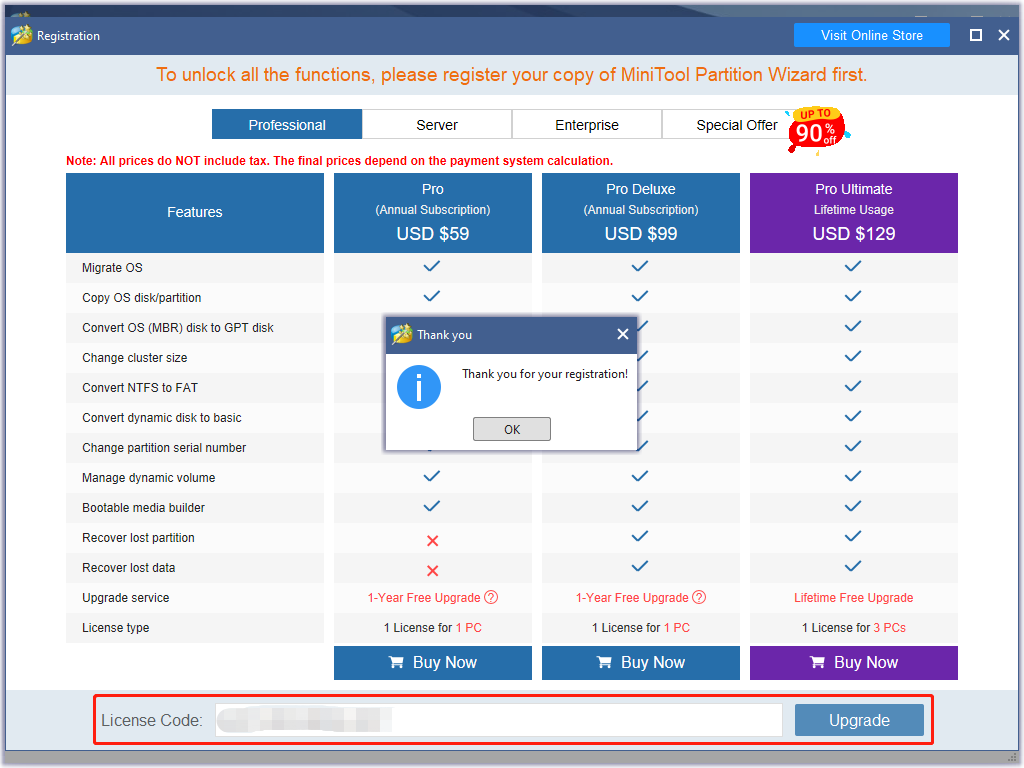
Receive Offline Activation after entering the license key? Here MiniTool Partition Wizard Tutorial shows users how to make offline register.
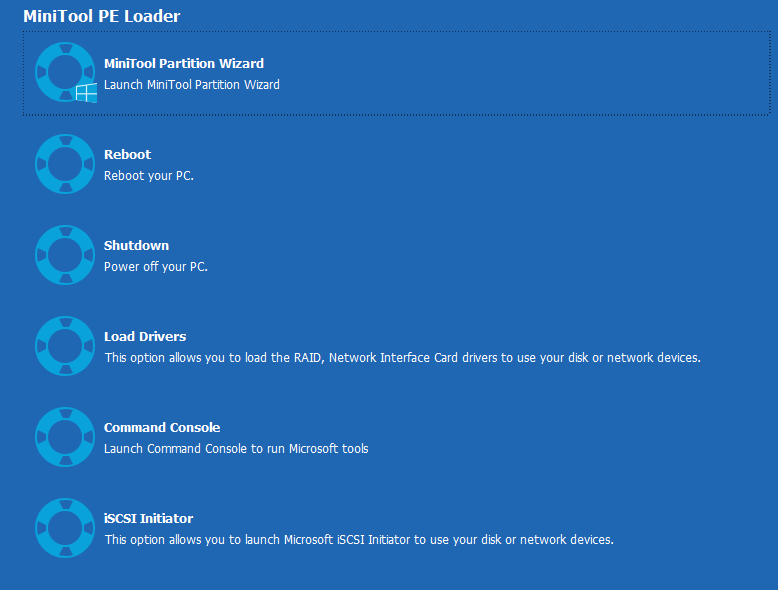
MiniTool Partition Wizard helps rebuild MBR in easy operations even if Windows cannot boot, and the tutorial here shows users detailed operating steps.
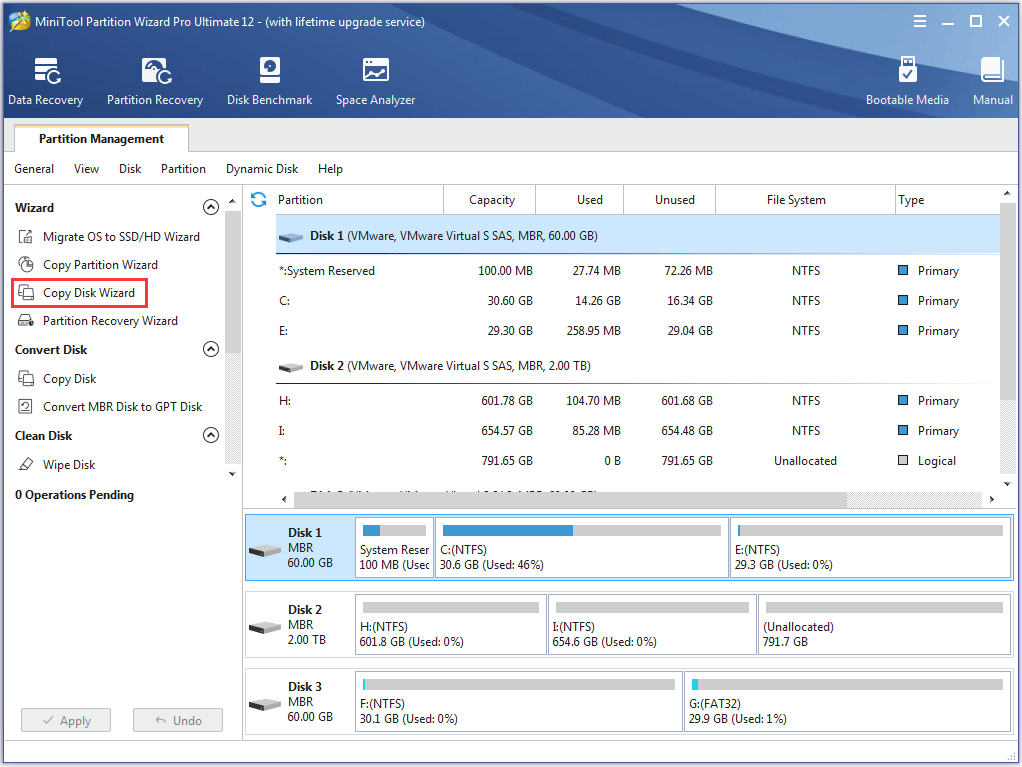
Here is the help on Copy Disk Wizard of MiniTool Partition Wizard. Users can copy all partitions on a disk with simple steps.
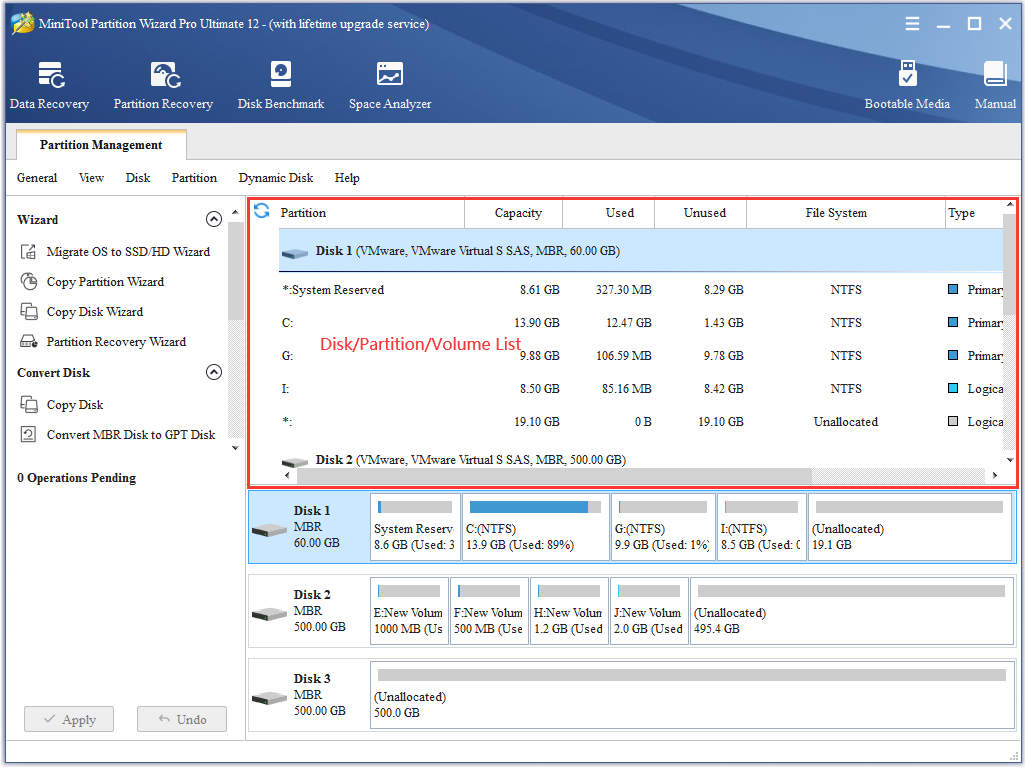
Disk & Partition help for partition software - Partition Wizard. See the disk/partition list in Partition Wizard to know it better.
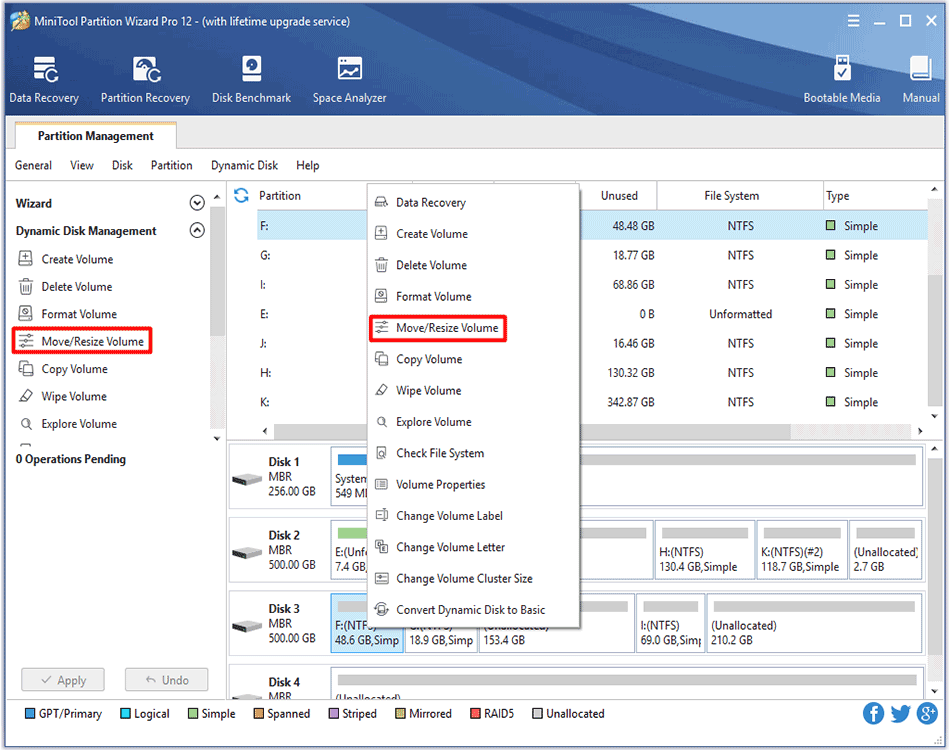
Move/Resize Volume feature in MiniTool Partition Wizard helps extend, shrink or move a dynamic volume with ease. See detailed steps here.
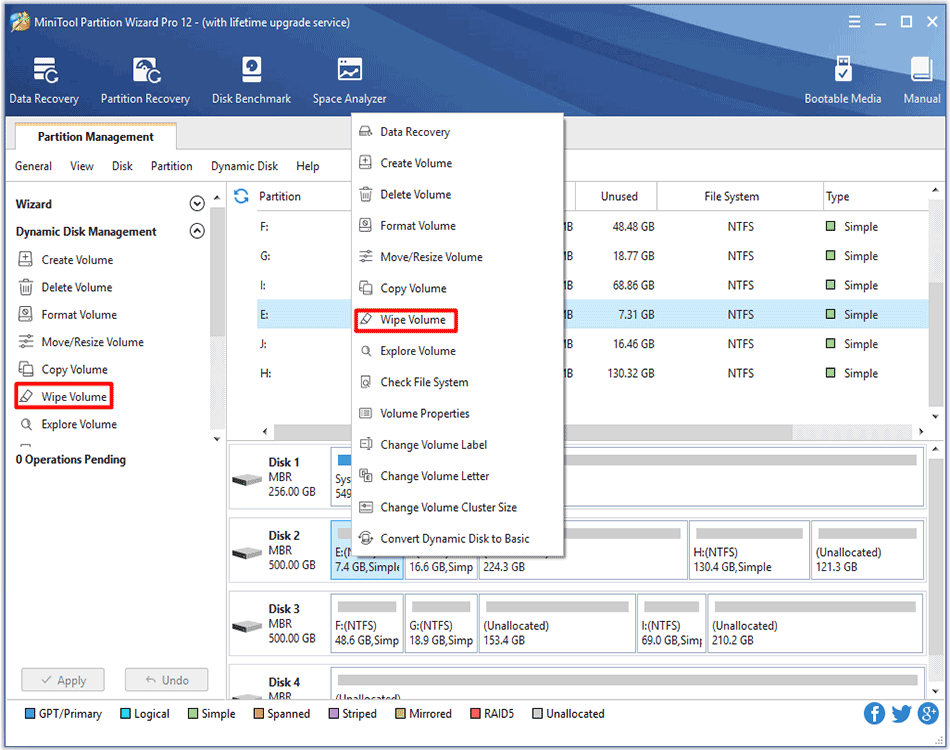
Need to wipe volume so as to erase data permanently? MiniTool Partition Wizard can complete this job with its Wipe Volume feature.
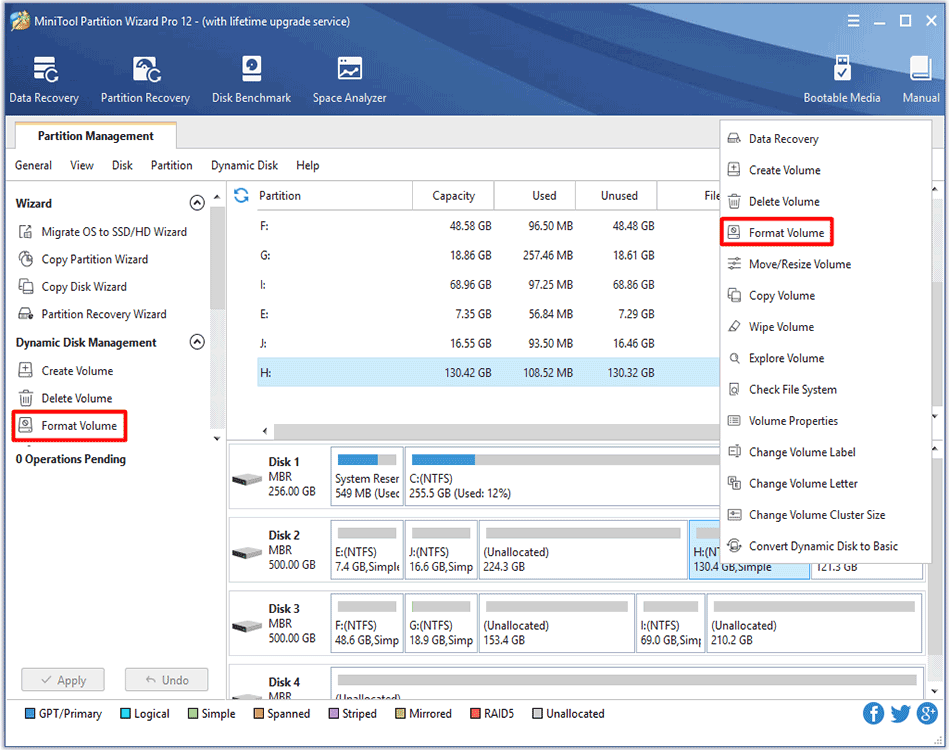
Format Volume feature provided by MiniTool Partition Wizard is very helpful to delete excessively redundant data on the volume.
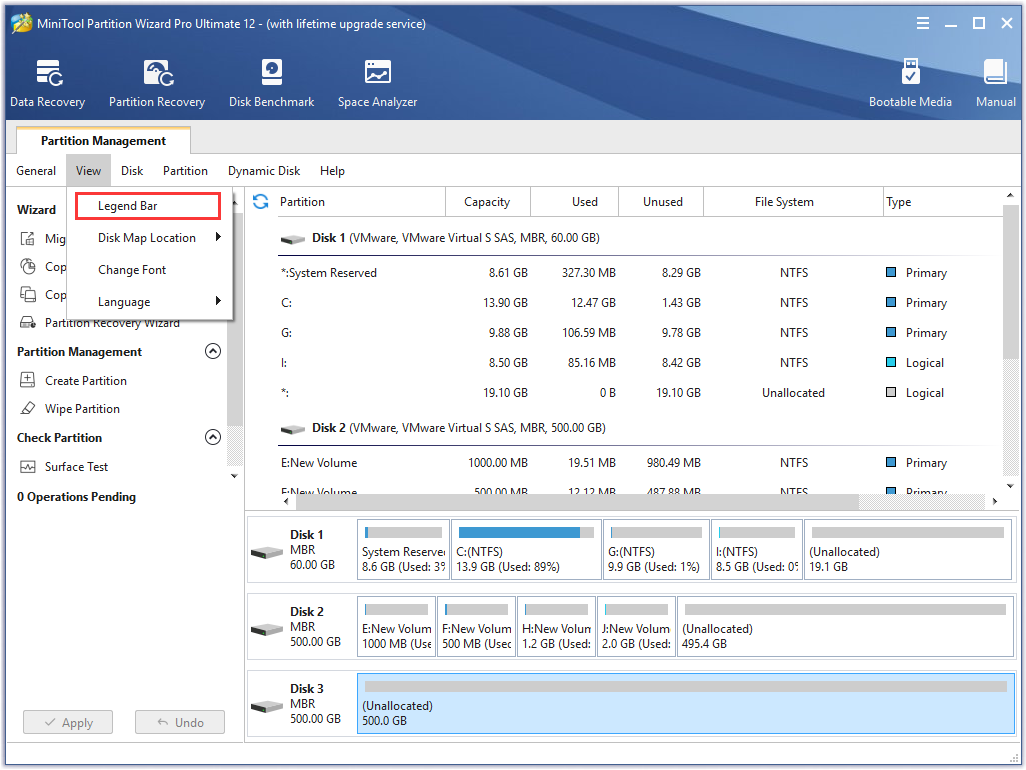
Learn how to hide or show Tool Bar, Legend Bar, Action Panel of partition magic - Partition Wizard.
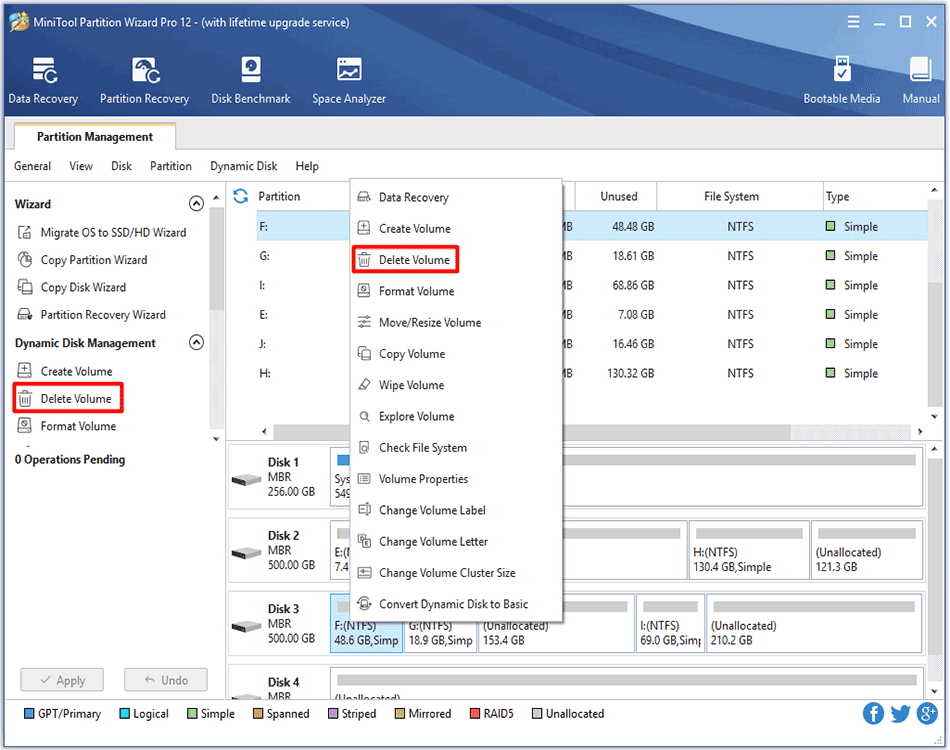
Delete Volume feature provided by MiniTool Partition Wizard can help users to delete dynamic volume so as to gain more unallocated space.