
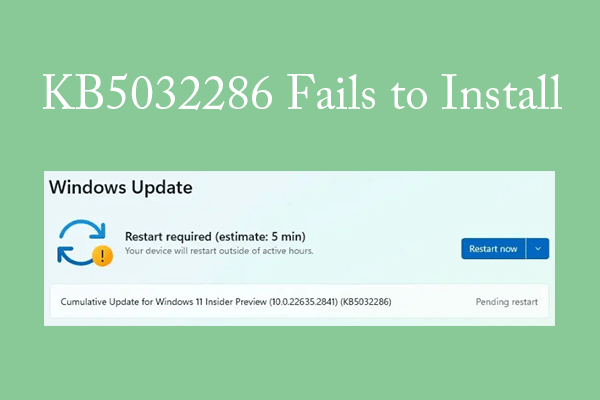
Install KB5032286 | Things to do When KB5032286 Fails to Install
This post introduces the KB5032286, shows you how to install it, and tells you how to fix the KB5032286 not installing issue.
By Linda / Published
Stay informed about the newest versions of Windows, including their enhanced functionalities and performance improvements. Discover useful tips and tricks to optimize your Windows experience, boost productivity, and troubleshoot common issues.
This post introduces the KB5032286, shows you how to install it, and tells you how to fix the KB5032286 not installing issue.
You are likely to experience the SETUP_FAILURE blue screen during a Windows setup. To fix it, this post lists several methods.
![Enable or Disable Device Portal in Windows 11 [Detailed Steps]](https://images.minitool.com/partitionwizard.com/images/uploads/2023/12/enable-disable-device-portal-in-win11-thumbnail.jpg)
This post explains what Device Portal is and tells you how to enable or disable Device Portal in Windows 11.
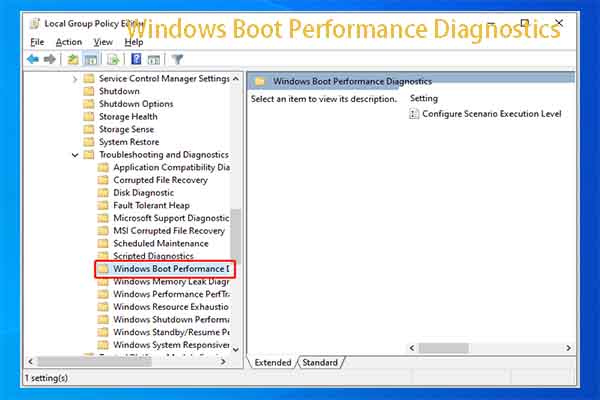
If you want to find reasons for Windows booting slow issue, directly use Windows Boot Performance Diagnostics.
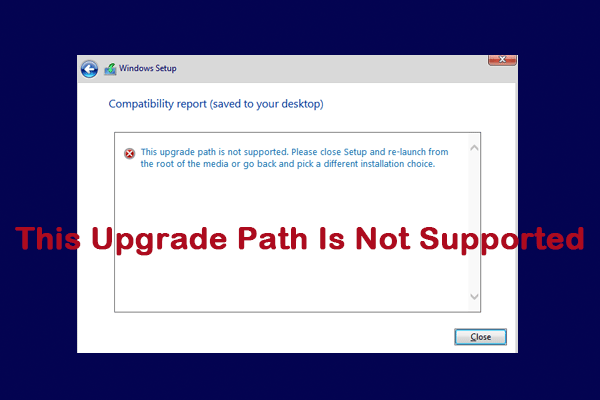
When trying to upgrade to Windows 10/11, you may meet the “this upgrade path is not supported” issue. To fix it, try the ways in this post.
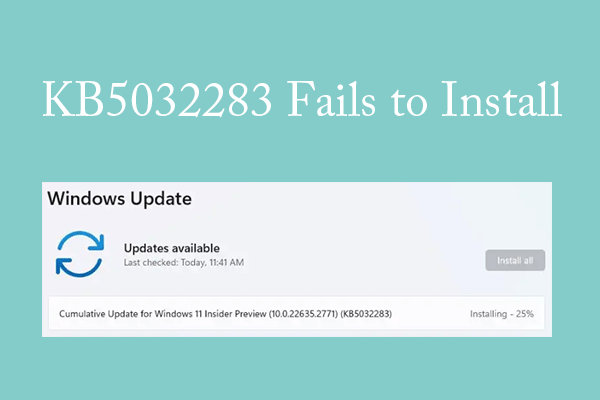
This post shows you how to install the Windows 11 update KB5032283 and fix the KB5032283 not installing issue.
![[Solved] How to Fix DBAN Error No Medium Found](https://images.minitool.com/partitionwizard.com/images/uploads/2023/12/dban-error-no-medium-found-thumbnail.png)
Are you suffering the “DBAN error no medium found” issue? If so, you can read this article to know the solution.
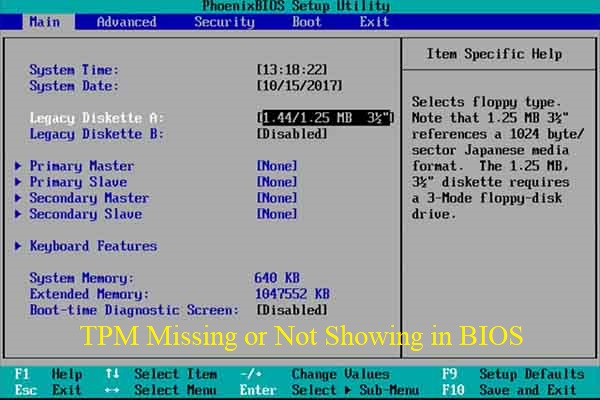
This post shows you how to fix the TPM missing or not showing in BIOS issue in 4 ways. You can pick one method to resolve the issue.
![How to Fix DBAN Finished with Non-Fatal Errors? [3 Ways]](https://images.minitool.com/partitionwizard.com/images/uploads/2023/12/dban-finished-with-non-fatal-errors-thumbnail.jpg)
Have you come across the DBAN finished with non-fatal errors? Don’t worry. This post analyzes the possible causes of the issue and provides some useful fixes.
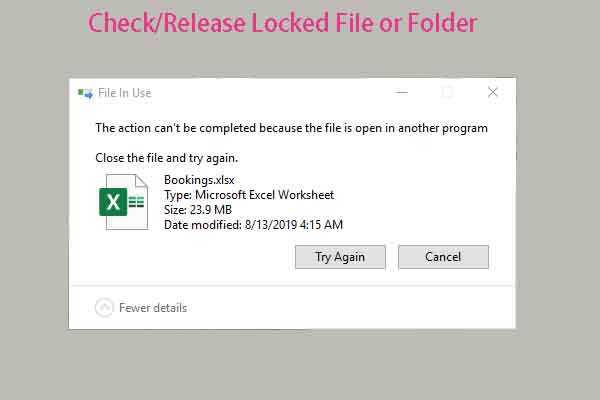
You need to check/release locked file or folder if you want to rename/move/delete it. Here, you can get 3 methods from this post.