
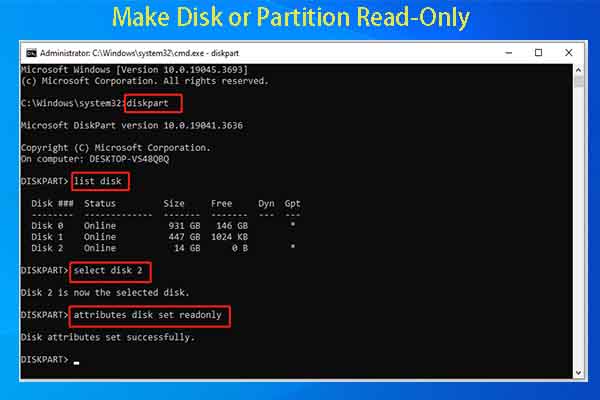
Make Disk or Partition Read-Only | Check Disk Partition Attributes
Why do you need to make disk or partition read-only and how to do that? This post reveals the reasons and offers you detailed steps.
By Amy
Why do you need to make disk or partition read-only and how to do that? This post reveals the reasons and offers you detailed steps.
This post shows you the detailed steps to backup TPM key and some additional information about TPM backup.

This post illustrates how to set Dev Drive as trusted or untrusted. Furthermore, it also offers you steps to check the status of Dev Drive.
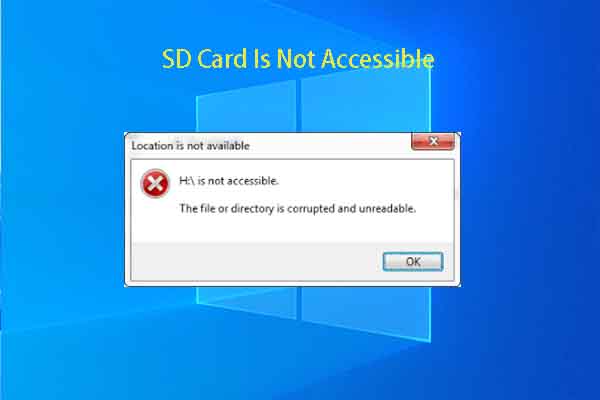
This post collects the scenarios, causes, and fixes for the SD card not accessible issue. It also offers steps to recover the lost data.
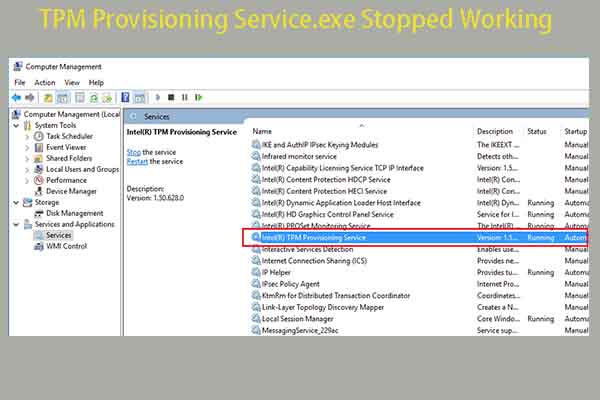
What to do if the TPM provisioning service.exe stopped working issue occurs? Well, this post offers you some clues.

This post explains what Device Portal is and tells you how to enable or disable Device Portal in Windows 11.
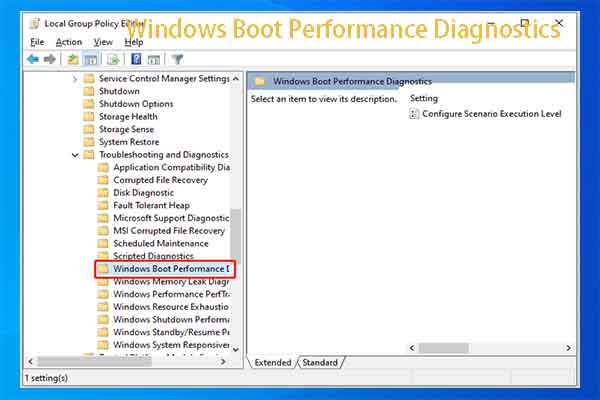
If you want to find reasons for Windows booting slow issue, directly use Windows Boot Performance Diagnostics.
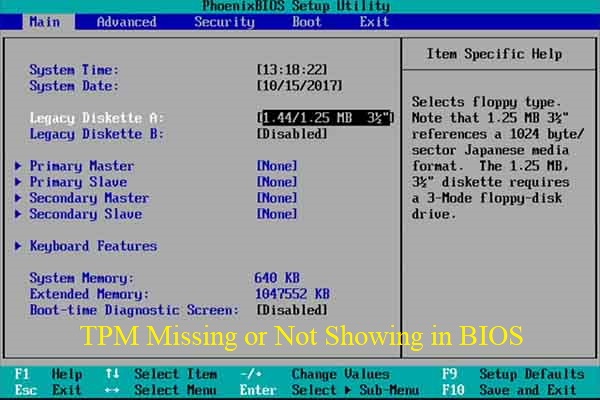
This post shows you how to fix the TPM missing or not showing in BIOS issue in 4 ways. You can pick one method to resolve the issue.
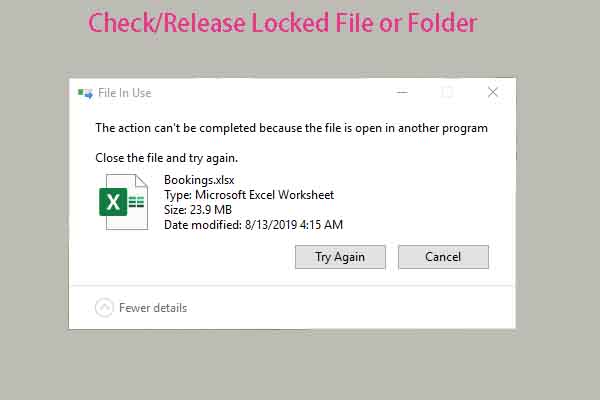
You need to check/release locked file or folder if you want to rename/move/delete it. Here, you can get 3 methods from this post.

Due to some reason, you need to restore File Explorer to default settings. Well, this post tells you how to reset File Explorer in 3 ways.

This post explains what iphlpsvc is and how to fix IPHLPSVC high memory usage. If you are bothered by this issue, read this tutorial now!

Is your PC stuck on “Please wait while we install a system update”? If so, read this post immediately to explore troubleshooting methods.