
Fixed: Windows 10 Update KB4515384 Causes Adapter Failure
Do you know that the latest Windows 10 update KB4515384 causes adapter failure? Are you one of the victims? Here are solutions to fix the failure are provided.
By Amy
Do you know that the latest Windows 10 update KB4515384 causes adapter failure? Are you one of the victims? Here are solutions to fix the failure are provided.
Do you know the origin error code 14-1 & error code 14-7? Do you know how to fix it? This post will show you several solutions to fix the error.
Gmail connection failure often happens, and thus many Gmail users are bothered by it. Don’t worry! This post will offer you several solutions to this issue.
How to permanently delete files is often asked by people who would like to clear the trace of private files. Several methods are talked about in this post.
Do you know what ETL file is and why it occupies much space on your SSD hard drive? This post will show you the answers and corresponding solutions.
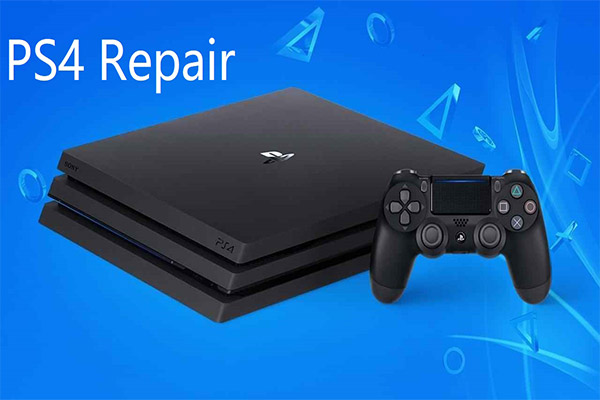
Do you often play PS4 game? Have you ever encountered some problems? This post will show you four frequently encountered problems and responding fixes.
High CPU usage is a common problem that happens to PCs. The latest Windows 10 KB4512941 update also leads to this issue, but you can find solutions to fix it.

exFAT the successor of NTFS and it has some advantages over NTFS. This post will analyze the event that Microsoft announced exFAT specs to the Linux kernel.
Windows 10 now is a mainstream operating system. It often has some updates and upgrades. This post will introduce you its new tablet experience.
Windows 10 is a popular operating system, but it also has some flaws actually. Some features are useless to users, and this post will introduce you this topic.
Windows XP is an old operating system and its support has ended. So, what would it look like if it had launched in 2019? This post will tell you answer.
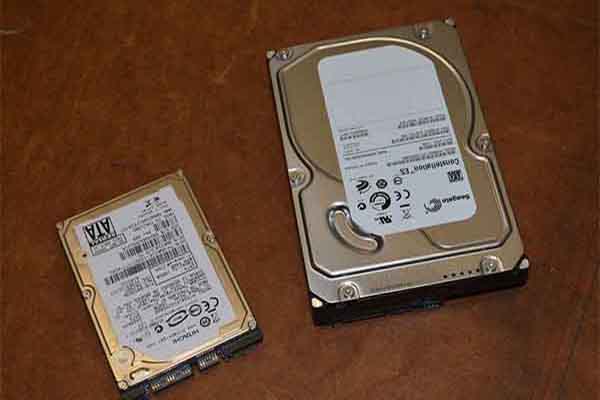
SMART plays a role in checking the reliability of your computer’s drive. This post will tell you how to check if a hard drive is failing using SMART.