
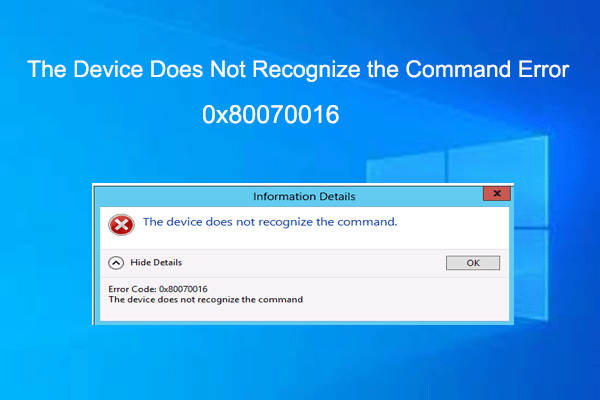
How to Fix 0x80070016 Device Does Not Recognize the Command Error
In this post, we will show you how to fix the “0x80070016 the device does not recognize the command” error. If you are suffering from this issue, read this post.
By Vega
In this post, we will show you how to fix the “0x80070016 the device does not recognize the command” error. If you are suffering from this issue, read this post.
![[Solved] Windows Boot Manager Is the Only Option in BIOS](https://images.minitool.com/partitionwizard.com/images/uploads/2023/09/windows-boot-manager-is-the-only-option-in-bios-thumbnail.png)
Are you troubled by the “Windows Boot Manager is the only option in BIOS” issue? This post will provide several ways to help you fix the error.
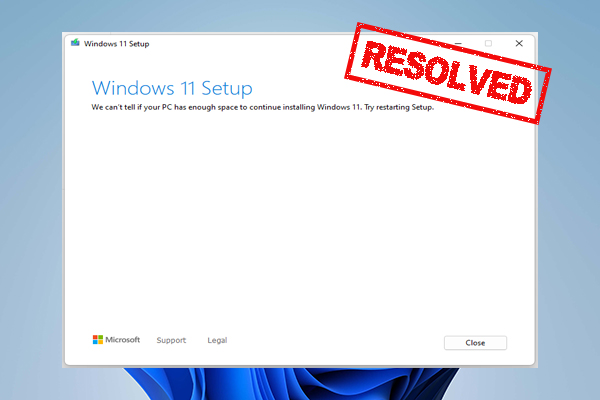
Are you vexed by the “we can't tell if your PC has enough space to continue installing Windows 11” error? This post provides several fixes to the error.

If you don’t know how to format an external hard drive that is not visible, don’t worry. This post provides a step-by-step guide on how to do that.
Are you getting stuck in a “no bootable partition in table” message when booting up Windows 10/11? Find solutions in this post to remove this error.
Are you troubled by the operating system not found Sony Vaio? Now find the possible causes and several feasible solutions to fix this problem.
![[Solved] Windows Does Not Boot After Compressing System Drive](https://images.minitool.com/partitionwizard.com/images/uploads/2023/09/windows-does-not-boot-after-compressing-system-drive-thumbnail.png)
What to do if Windows does not boot after compressing system drive? Don’t worry, this post will provide you with several effective ways to fix this problem.
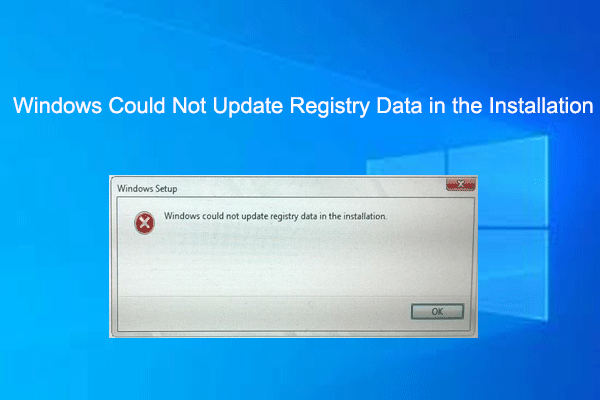
If you have received the error message “Windows could not update registry data in the installation”, this post offers you several ways to solve this error.
Are you troubled by the 0x0000000f blue screen error on your computer? If yes, you can read this post to learn how to fix this problem.

Have you encountered the unsupported processor blue screen error on your computer? If yes, you can read this post to learn how to fix this problem.
What if you encounter the boot menu not opening in Lenovo issue? Don’t worry. This post will show you the possible reasons and feasible ways.
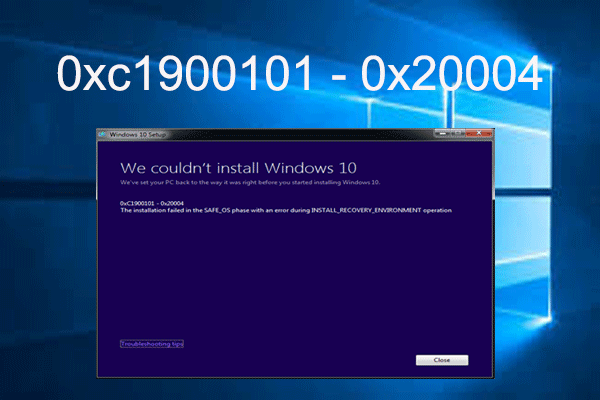
Have you suffered the error 0xc1900101 - 0x20004 the installation failed in the SAFE_OS phase? If yes, this post is what you need, which provides several ways.