

How to Speed up Windows 10? Here Are 9 Useful Tips
This post offers effective approaches to speed up a Windows 10 computer, such as optimizing your software and settings, and upgrading your hardware.
By Linda
This post offers effective approaches to speed up a Windows 10 computer, such as optimizing your software and settings, and upgrading your hardware.
This article introduces Microsoft Compatibility Telemetry. This post also teaches you how to disable it and how to solve high disk problem caused by it.
This article gives advises on how to fix driver power state failure. It includes not only preparatory work but also 6 different solutions.
![How to Delete Everything on Windows 7 and Start Over [Work Fast]](https://images.minitool.com/partitionwizard.com/images/uploads/2019/07/how-to-delete-everything-on-windows-7-thumbnail.jpg)
This article shows you how to delete everything on Windows 7 and Windows 10 with 3 ways step by step. You can choose one of them according to your condition.
This post gives you an introduction to Windows versions. It tells you how to find Windows version in your computer and how to switch Windows versions safely.
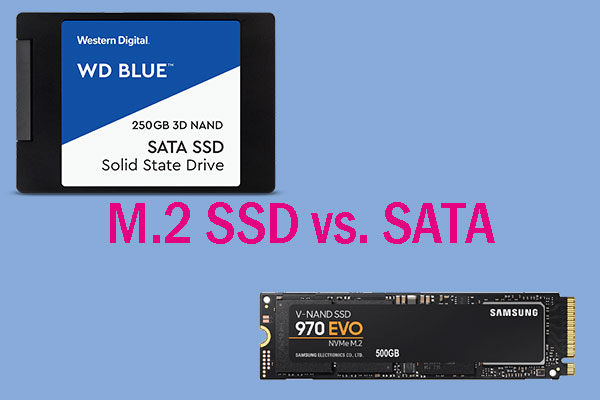
This article explains deeply what SATA SSD and M.2 SSD are. It touches upon SATA Bus standard, PCI-E Bus standard, AHCI protocol, and NVMe protocol.
![Windows 10 High Memory Usage [Causes and Solutions]](https://images.minitool.com/partitionwizard.com/images/uploads/2019/06/windows-10-high-memory-usage-thumbnail.jpg)
This article explains what high memory usage is and how to check it. It also gives 11 methods to fix Windows 10 high memory usage caused by most common reasons.
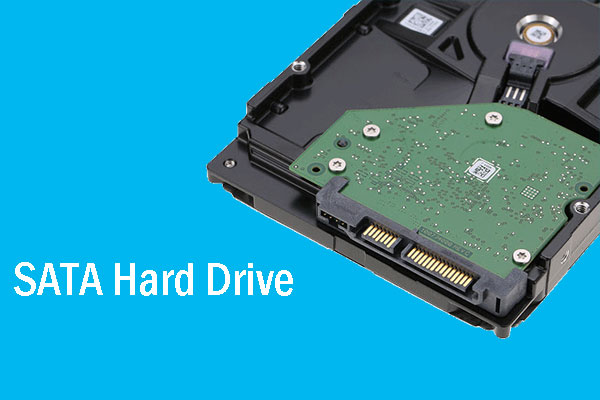
This article explains what SATA hard drive is and provides guide to SATA hard drive recovery with MiniTool Partition Wizard.
![How to Measure Disk Performance Easily [Step-By-Step Guide]](https://images.minitool.com/partitionwizard.com/images/uploads/2019/06/disk-performance-test-thumbnail.jpg)
This article explains how to measure disk performance and how to interpret the disk performance test result.
This article explains no writable WD SmartWare partition found problem and offers solutions to it.
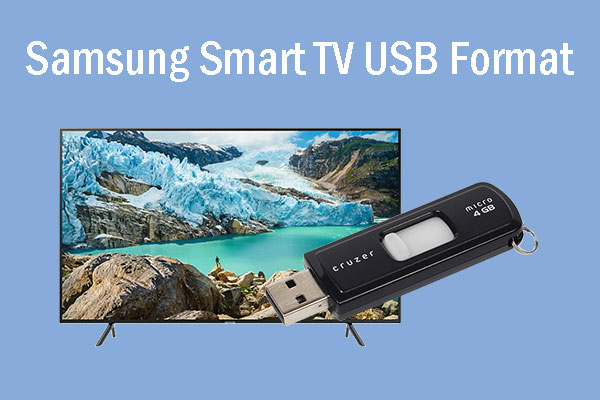
This post tells you what the supported Samsung smart TV USB formats are and tells you how to solve the format problem with 5 methods.
This article tells you how to restore USB drive to original state. Thus, you can restore bootable USB to normal or restore USB drive back to full capacity.