Home -> Products -> Partition Wizard -> Partition Manager -> Explore partition

Partition Manager

Explore partition

  • MiniTool Partition Wizard, the free partition magic software, is potent enough to explore partition after recovering lost partition.
    Partition is extremely familiar to every computer users as we inevitably employ disk partition at any time when using computer. Partition helps manage files, but it is quite difficult for us to explore partition information. For instance, we can not even see partition when it lacks drive letter, let alone explore partition. If we really want to explore partition in this situation, third-party partition magic software must be utilized. Additionally, partition magic software not only helps explore partition, but performs a host of other disk management operations. MiniTool Partition Wizard could be the very best partition magic software for you.

    MiniTool Partition Wizard
    1. MiniTool Partition Wizard bears excellent safety performance, guaranteeing partition safety and data safety even in the event of abrupt power supply failure.
    2. MiniTool Partition Wizard is dedicatedly developed by the professional software manufacturer, MiniTool Solution Ltd., who has released MiniTool Partition Wizard, MiniTool Drive Wipe, MiniTool Drive Copy, MiniTool Partition Recovery, MiniTool Power Data Recovery and MiniTool Mac Data Recovery in succession.
    3. MiniTool Partition Wizard supports an awful number of operating system including Windows Server 2000, Windows XP, Windows Server 2003, Windows Vista, Windows 7, Windows Server 2008, Linux, etc.
    4. MiniTool Partition Wizard could perfectly increase partition, extend partition, wipe partition, resize partition, merge partition, create partition, delete partition, format partition, convert partition format, copy partition, hide partition, explore partition, change drive letter without data loss.

    Explore partition amid lost partition recovery operation
    Download MiniTool Partition Wizard at MiniTool Partition Wizard Download Center for free and then install it to computer.
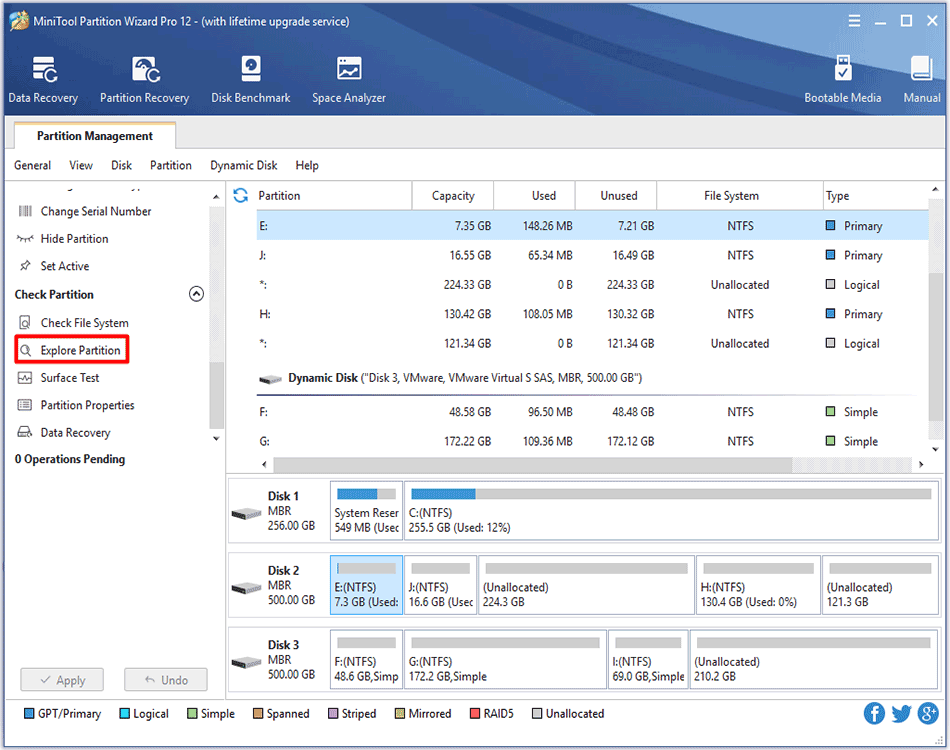
    Launch MiniTool Partition Wizard to meet the following interface:


    Select and right click the disk suffering partition loss and then click "Partition Recovery".


    Select a scanning range and click "Next" to enter next interface.


    Select "Quick Scan" in this interface for scanning method selection and then click "Next".


    This window shows all partitions found on this disk and user could double click desired partition to explore and preview the partition information.


    This window displays the partition information and click "Close" to return last interface.
    Then please check all partitions, not only the lost partition but partitions that you need and then click "Finish".


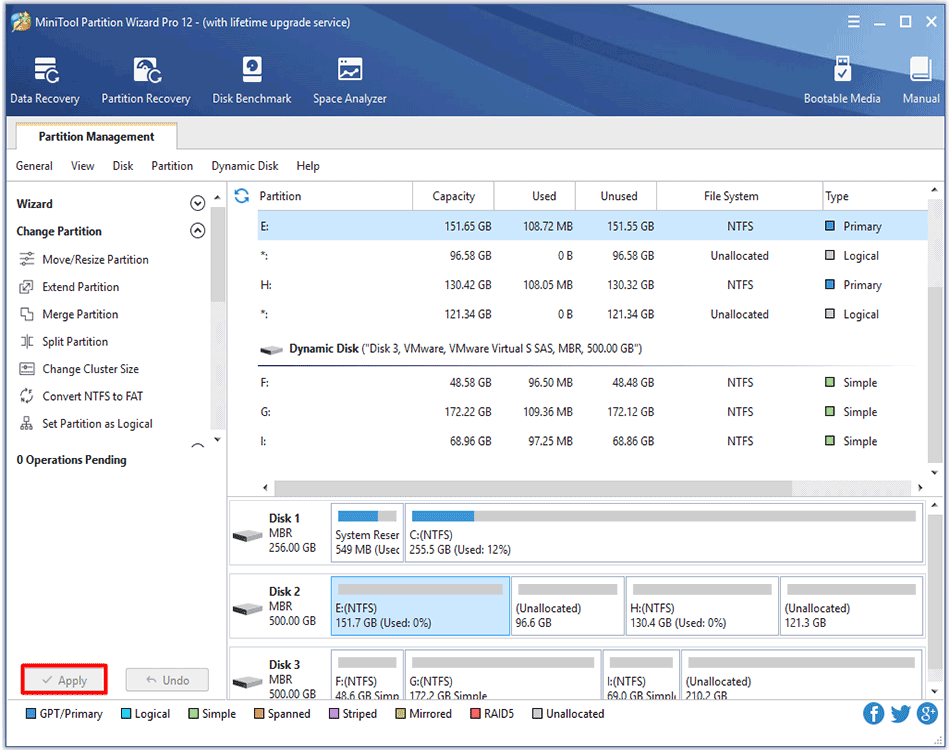
    Last, click "Apply" to execute pending operations to recover lost partition and then employ "Change Letter" function to specify a letter for this lost partition and make it visible.


    Free Partition Manager Free Partition Magic
    Partition Manager Server Partition Magic Server