
Some users have little concept about disk partitioning. They may ask "what is disk partitioning?", "why partition a hard drive", or "how to partition a hard drive". This article will give them answers.
What Is Disk Partitioning
Disk partitioning is one step of disk formatting. It is the process of dividing a disk into one or more regions, the so called partitions. If a partition is created, the disk will store the information about thelocation and size of partitions in partition table that is usually located in the first sector of a disk.
With the partition table, each partition can appear to the operating system as a logical disk and users can read and write dataon disk. And each partition can be managed separately.
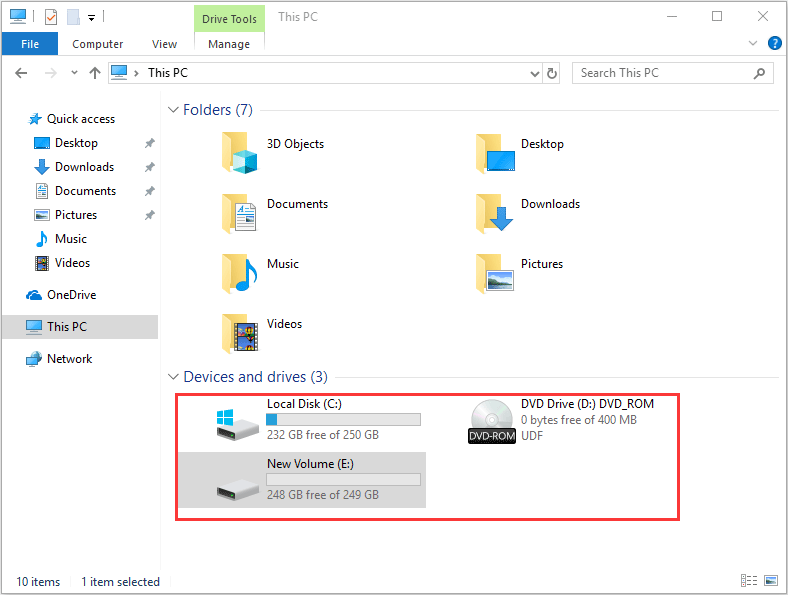
Partitions are categorized as primary partition and extended partition. As we all know, a MBR disk can be at most divided into 4 primary partitions or 3 primary partitions plus 1 extended partition. And the extended partition can be divided into a number of logical partitions. As for a GPT disk, it can be at most divided into 128 primary partitions without extended partition.
What’s the Purpose of Partitioning a Hard Drive
Some users may ask why partition a hard drive. Actually, there are many advantages of disk partitioning as follows.
1. Use of New Hard Disk
A newly bought hard disk can’t be used to save data unless users partition it. To be specific, users should initialize the disk (MBR or GPT) and create one or more partitions with capacity, file system, cluster size, drive letter, etc.
2. Ease of Windows Reinstallation
It’ s better to have two or more partitions in a computer. One partition is used as system partition to store operating system boot files that can boot Windows. The rest partitions can be used to store apps’ installation packages and other personal files.
If you want to reinstall Windows someday, all you have to do is to format the system partition and reinstall the OS. The installed programs and personal files will stay where you left them.
3. Better Organization
Some users like to place their data into a certain place according data types. Partitions make it easier. You can create partitions for games, music, or other documents.
4. Easier Backup
If you know on which partition the data you want to backup is stored, but you don’t know the exact file path, you can back up the whole partition. Backing up partition is better than backing up whole hard drive or finding out the exact files in a huge number of files.
5. Simpler Data Recovery
If the data is deleted mistakenly, and you know where it is stored on, scanning a partition for data recovery is faster and more convenient than scanning the whole hard drive.
How to Partition a Hard Drive
Partitioning a hard drive needs partitioning tool. The simplest one is Windows Disk Management. You can press “windows + R” and then type “diskmgmt.msc” to call out it. And then, you can right click the free space or unallocated space to create partitions.
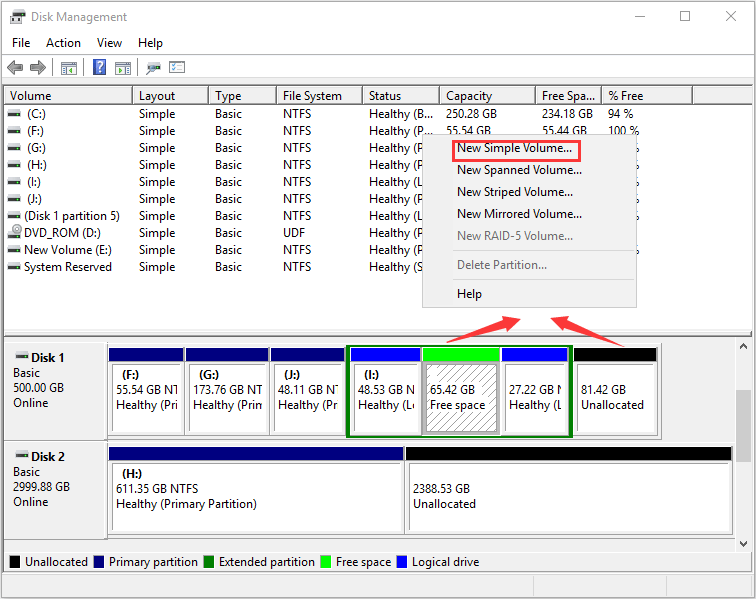
And you can use the other features to solve other problems. For example, extending partition can solve low disk space problem of partition (especially the system partition). And shrinking partition can solve the problem that there is no unallocated or free space available for creation of new partition.
However, Windows Disk Management tool is so rough that some operations on partitions are inflexible and have many limitations. So, we recommend MiniTool Partition Wizard, a professional partition management software.
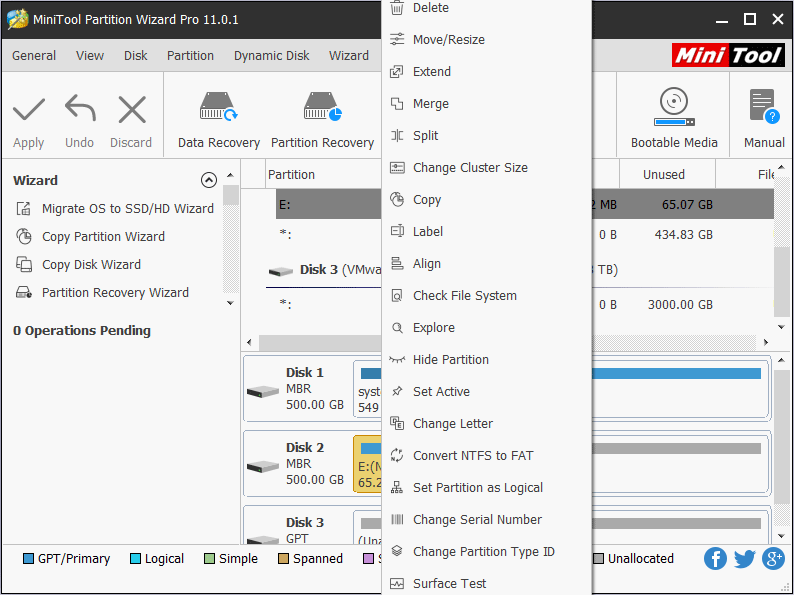
You can use it to create partition, delete partition, format partition, rebuild MBR, convert MBR to GPT, move partition, extend partition, convert file system, change drive letter, set partition label, merge partition, and so forth.
About The Author

Position: Columnist
Linda has been working as an editor at MiniTool for 5 years. She is always curious about computer knowledge and learns it crazily. Her articles are simple and easy to understand. Even people who do not understand computer can gain something. By the way, her special focuses are disk management, data recovery and PDF editing.