
If users want to backup disk or replace the old disk with a new one, they will need to copy disk. And MiniTool Partition Wizard can help you copy disk in just a few clicks.
Copy Disk Wizard
The copy disk wizard function helps to copy all partitions and data from one disk to another. All partition data on the target disk can be used normally. Users even can boot the computer from the copy of the source disk.
MiniTool Partition Wizard FreeClick to Download100%Clean & Safe
Here is a quick video guide:
How to Copy Disk
Step 1. Run MiniTool Partition Wizard to get its main interface, directly choose the Copy Disk Wizard from the toolbar.
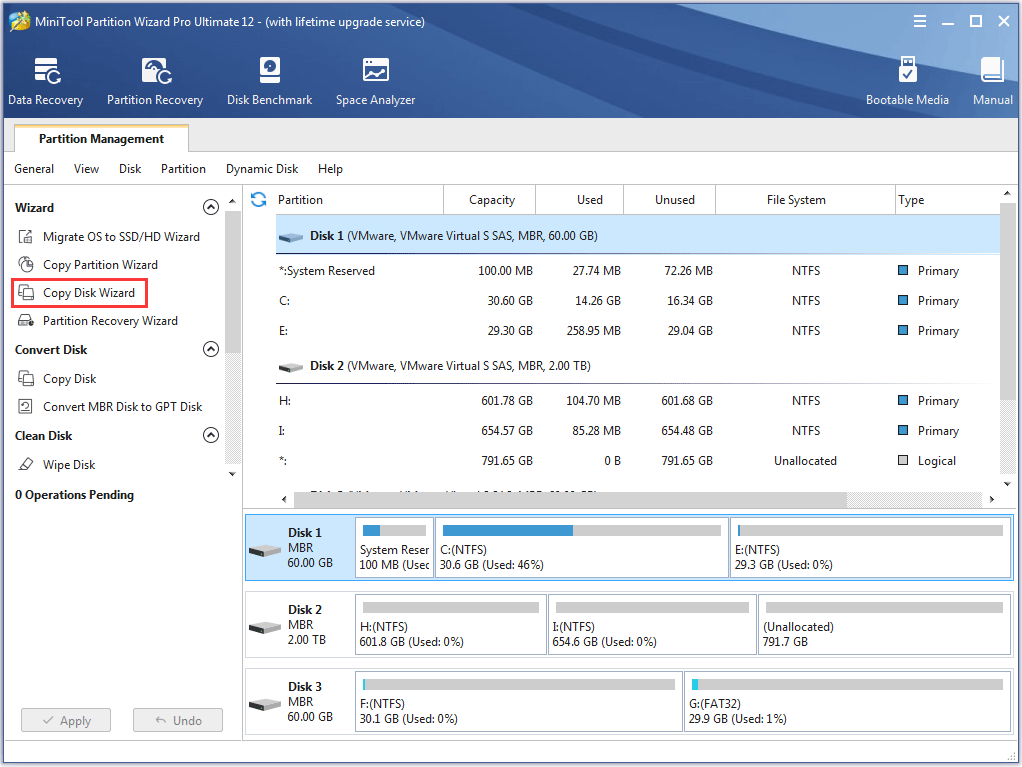
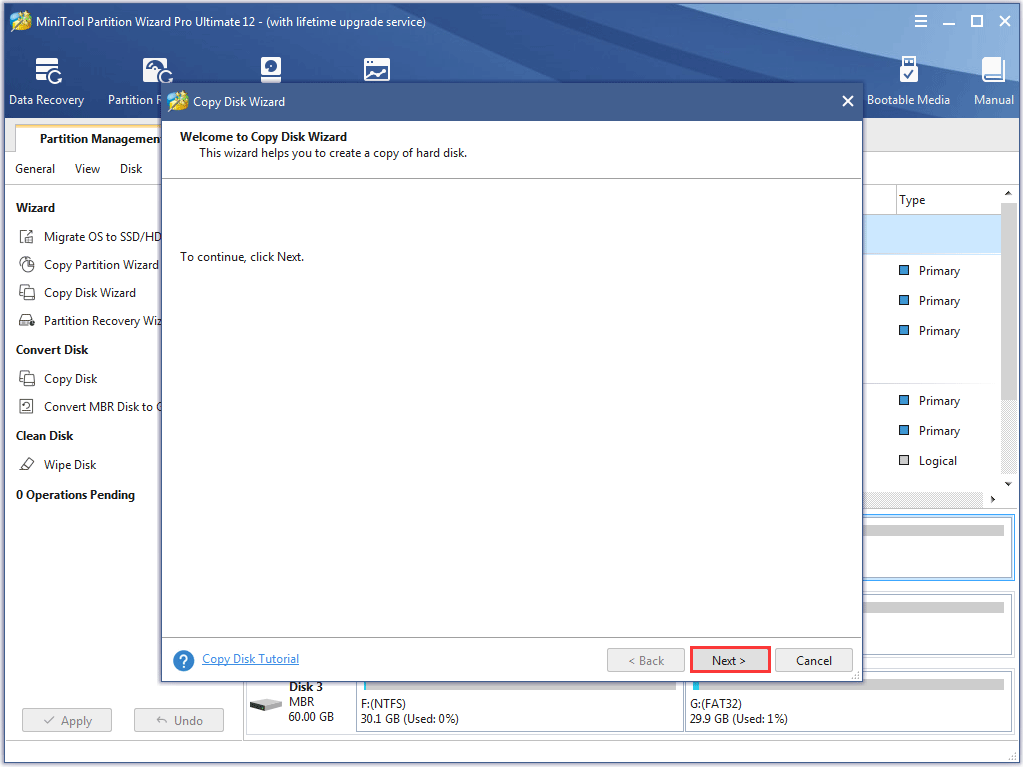
Step 2. Click Next to continue.
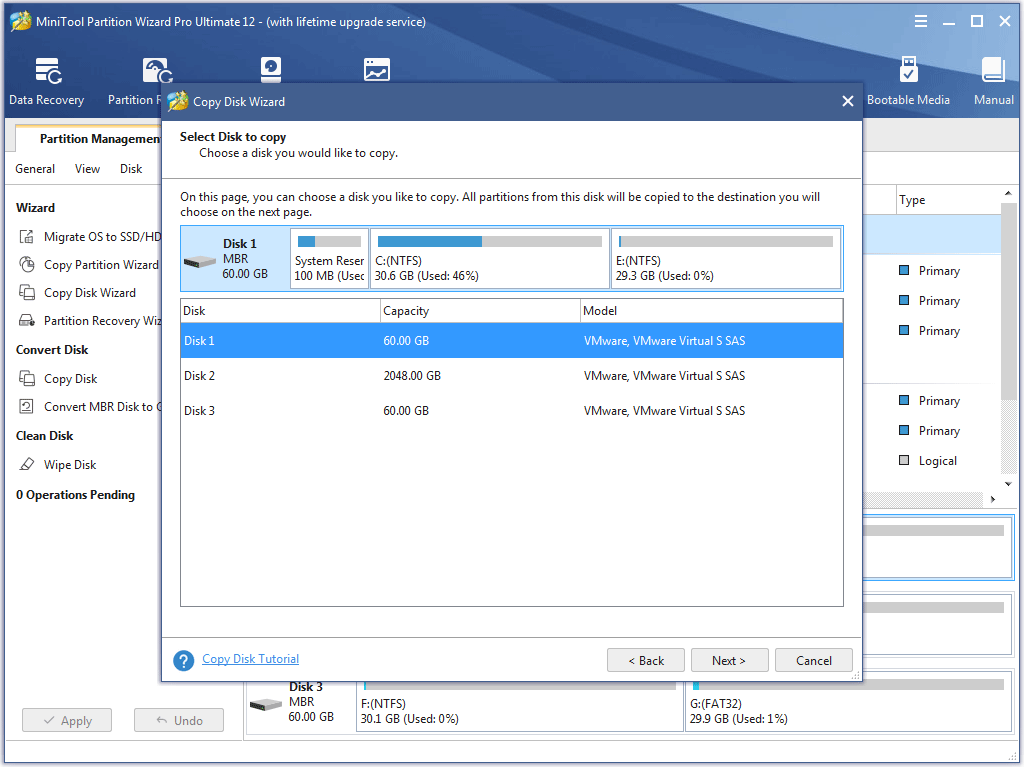
Step 3. Select the disk users would like to copy and click Next.
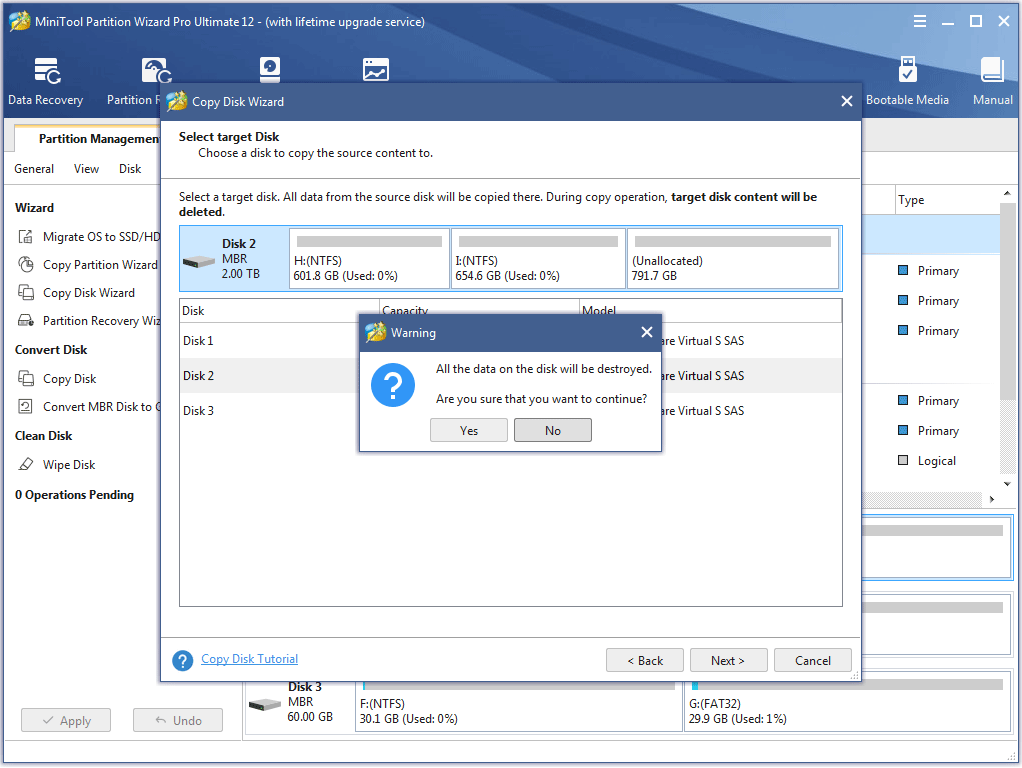
Step 4. Choose a target disk where the copy will be stored and click Next to continue. Then click Yes to continue.
Step 5. Choose a copy method and click Next.
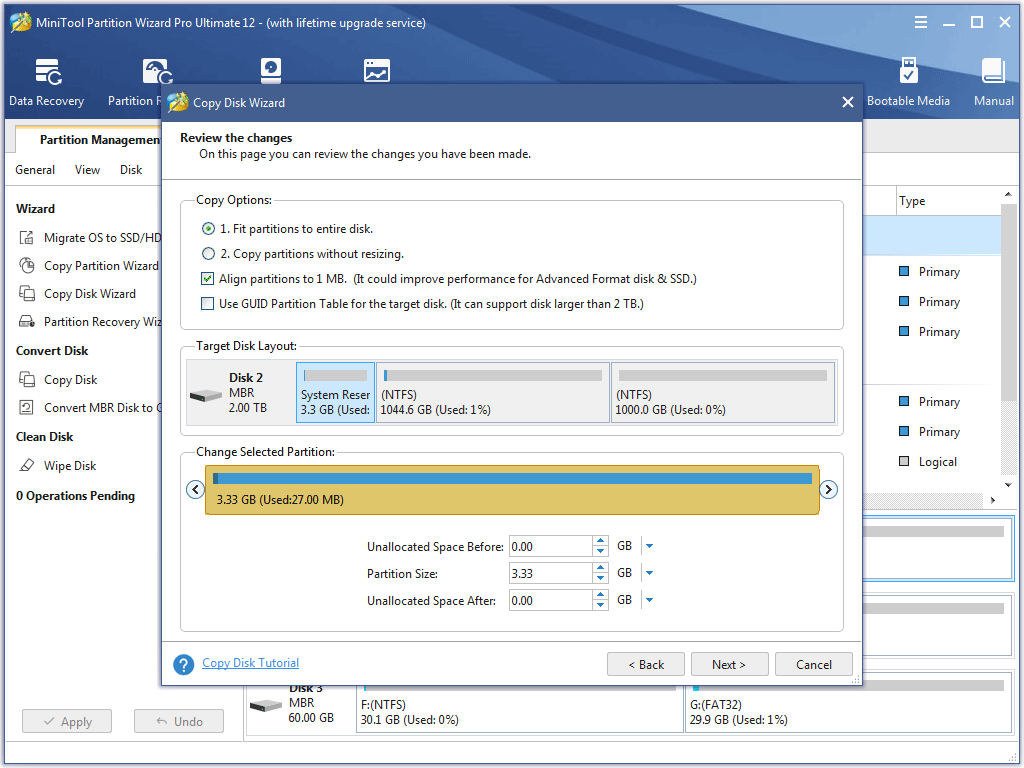
Attention:
- For SSD users, it is highly recommended to Align partitions to 1MB option, which can improve disk performance.
- If users want to copy disk to GPT disk, Use GUID Partition Table for the target disk option is limited in Free Edition of MiniTool Partition Wizard, but the Professional Edition or an advanced one is available.
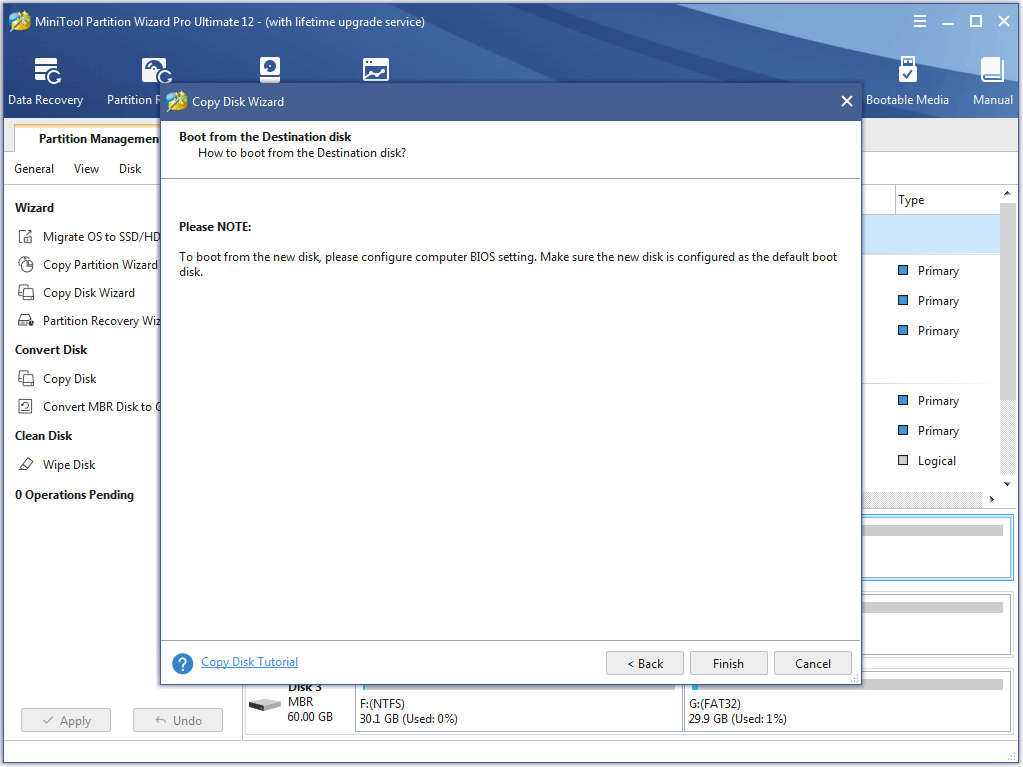
Step 6. Read the note carefully which shows how to boot from the target disk, and click Finish to go back to the main interface.
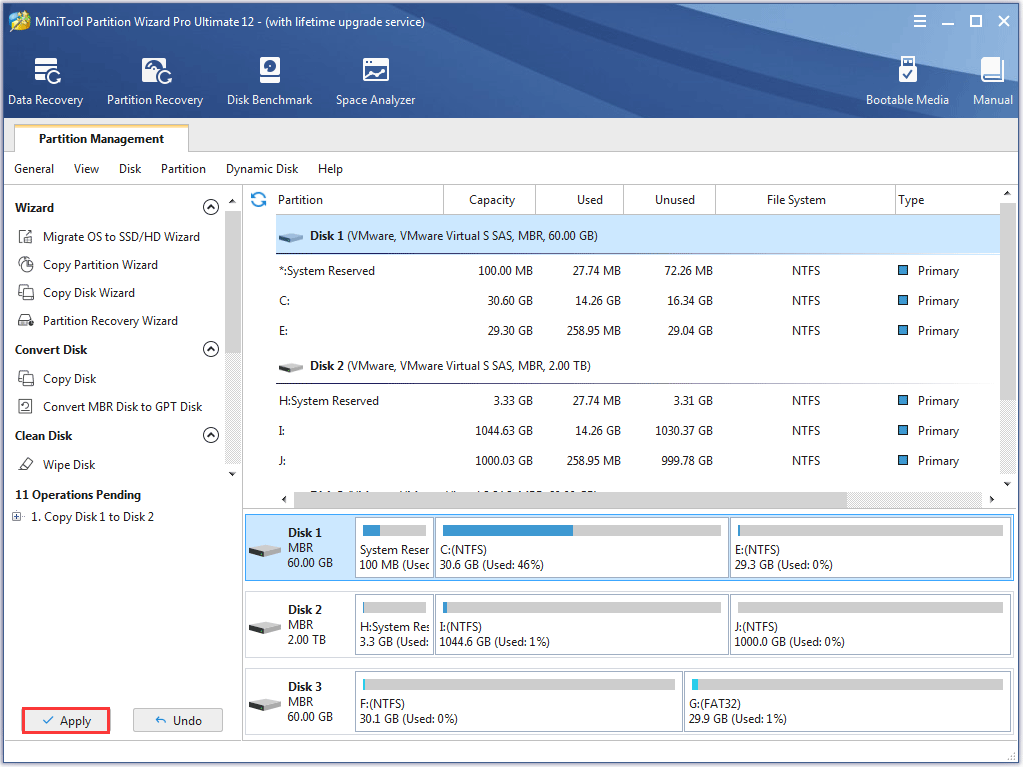
Step 7. Click Apply to execute all changes.
User Comments :